
Is your Mac slow or saturated when you open several applications? Our independent workshop for Apple devices will increase the RAM of your iMac, MacBook Pro or Mac mini. Free diagnosis, installation in 30 minutes.

15 years of expertise
on living memories
The diagnosis is
100% free within 24 hours
Only
by appointment only!
Parts coverage
and workforce


Choose the fastest option to boost your computer's performance.
Express installation in 30 minutes by appointment in Berchem-Sainte-Agathe. Method recommended.
Installation possible for iMac and Mac mini directly at your home.
Collection and return by courier in Brussels or by secure bpost anywhere in Belgium.
Physical access to the equipment required to install the strips.

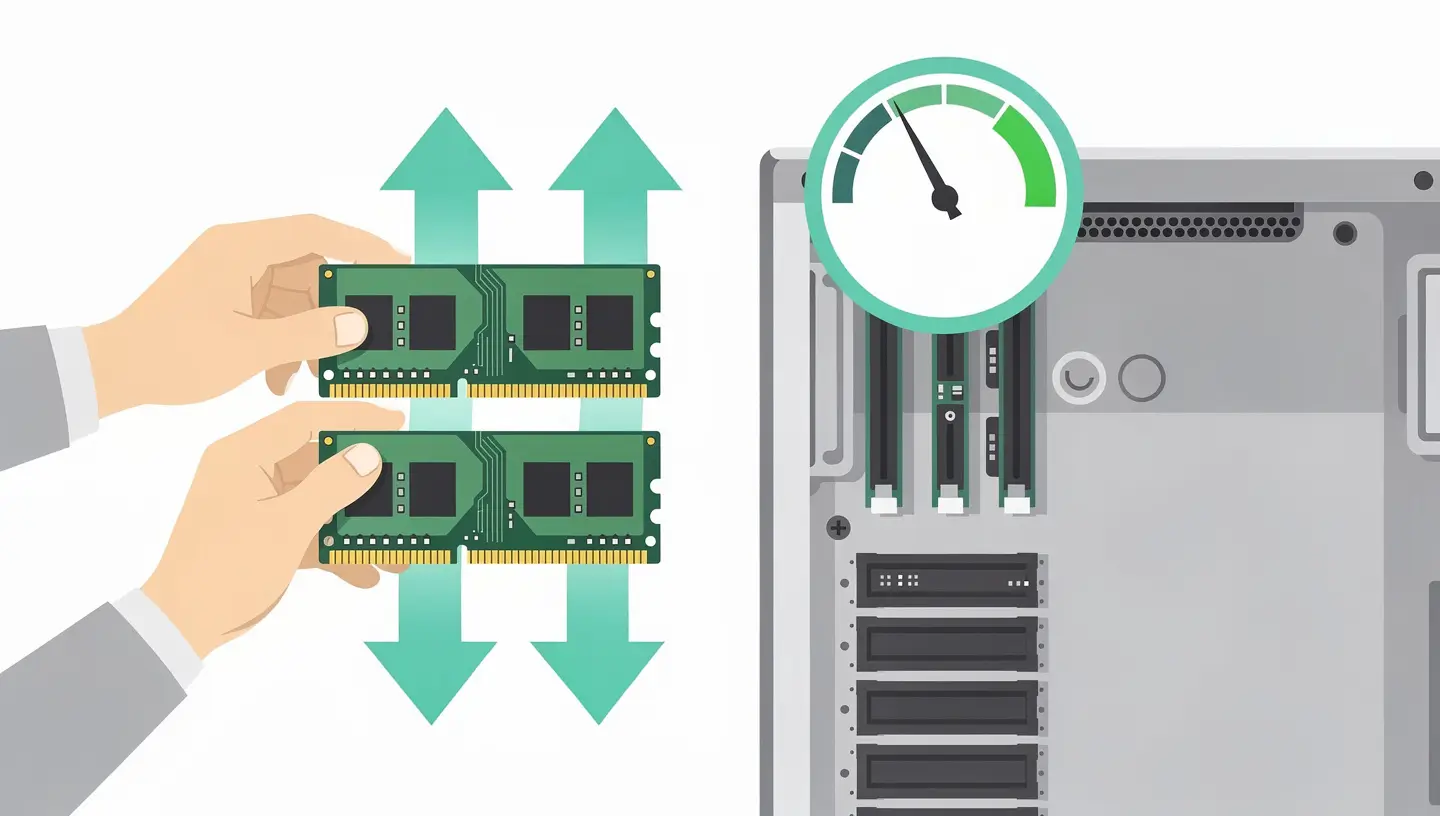
A professional 4-step upgrade, often completed in 30 to 60 minutes.
Check the model, the type of RAM (DDR3, DDR4 or DDR5) and the maximum capacity authorised by your machine.
Choice of memory sticks to suit your needs: 8, 16, 32 GB or more. We install recognised and tested brands for total compatibility.
Opening of the box, removal of the existing strips and installation of the new ones by a specialist technician. Free internal cleaning.
MemTest stability test, detection check and optimal system configuration. Mac returned with 180-day warranty.
15 years' experience and quality equipment for every installation.
Memory and labour covered. If a problem arises after installation, we will intervene free of charge.
Brand-new, individually tested before installation. Guaranteed compatibility with your Mac model.
Installation by a professional with 15 years' experience on the entire range: iMac, MacBook Pro, Mac mini and Mac Pro.
Screenshot "About this Mac" before and after the upgrade to confirm the new memory configuration.
Increase RAM instead of replacing the computer: extend the life of your Mac for a fraction of the cost of a new device.
RAM upgrade is one of the fastest interventions. Your Mac is ready in 30 to 60 minutes in most cases.
Memory, installation and diagnostics included in all prices.
| RAM capacity (including installation) | Price incl. VAT |
|---|---|
|
Diagnosis of compatibility
Verification of type and max. capacity within 24 hours
|
Free |
|
Upgrade to 8 GB
DDR3, office automation and fluid multitasking
|
89€ - 120€ |
|
Upgrade to 16 GB
DDR3 or DDR4, creative and professional use
|
119€ - 180€ |
|
Upgrade to 32 GB
DDR4, intensive use (Video, MAO, Virtualisation)
|
169€ - 350€ |
|
Upgrade to 64 GB or more
DDR4 / DDR5, iMac 27" 5K and Mac Pro
|
On request |
|
Mac Pro (64 GB ECC)
ECC-compliant memory (2013-2019 models)
|
From €450 |
| Included in each package | Status |
|---|---|
|
MemTest stability test
Checking the integrity of new strips
|
Included |
|
Complete internal cleaning
Dust removal and thermal optimisation
|
Included |
|
Express Service Supplement
Priority installation in 30-60 minutes
|
+15 % |
|
180-day guarantee
On new parts and labour
|
Included |
| Models with upgradable RAM | |
|---|---|
|
MacBook Pro 13" and 15" Unibody (2008-2012)
2 DDR3 slots, max 8 GB or 16 GB depending on model
|
Available at |
|
iMac 21.5" and 27" (2009-2020)
2 or 4 DDR3/DDR4 slots, max 32 to 128 GB
|
Available at |
|
Intel Mac mini (2010-2018)
2 DDR3 or DDR4 slots, max 16 to 64 GB
|
Available at |
|
Mac Pro (2010-2019)
4 to 12 DDR3/DDR4 ECC slots, max 64 to 1.5 TB
|
Available at |
| Models with soldered RAM | |
|---|---|
|
MacBook Air (all models)
RAM welded since the first generation
|
Not eligible |
|
MacBook Pro Retina (2012+)
RAM integrated into the upper casing
|
Not eligible |
|
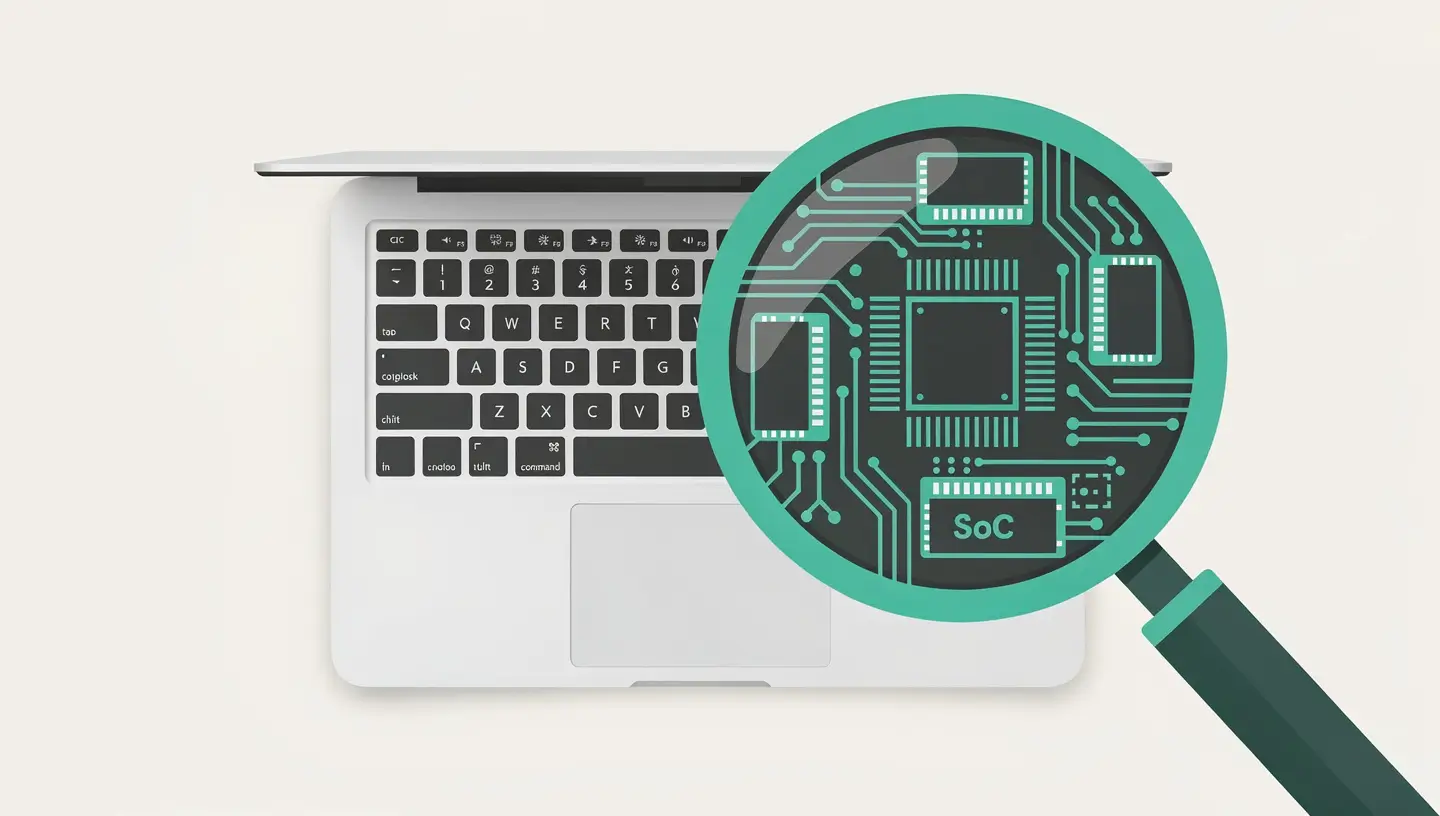
MacBook Pro / Air Apple Silicon (M1-M4)
Unified memory merged into the SoC
|
Welded |
|
Alternative: Upgrade SSD
Boost a Mac with soldered RAM
|
SSD Upgrade |
The essentials on cost, compatible models and installation.
From €89 incl. VAT for an upgrade to 8 GB to €350 for 32 GB. Configurations of 64 GB and more (Mac Pro ECC) are subject to quotation. Price includes new memory, installation and service. free diagnosis.
The MacBook Pro Unibody (2008-2012), iMac (2009-2020), Mac mini Intel (2010-2018) and Mac Pro accept the addition of RAM. However, the MacBook Air, MacBook Pro Retina (2012+) and all Apple Silicon models (M1 to M4) have the RAM soldered to the logic board and cannot be upgraded.
Absolutely, and it's the most effective combination for giving your Mac a second lease of life. RAM + SSD offer a spectacular boost: fast start-up, fluid multitasking and instant applications. We offer a preferential pack rate.
Feedback from satisfied customers.
"My MacBook had a memory problem due to incorrect handling. In just a few minutes, Réparation Mac found the problem and solved it. Efficient, very professional and top service! I recommend them!"

"Extremely satisfied with their service. They are quick and very efficient! They give great advice too! I would highly recommend!"

"I had my device repaired at Réparation Mac; I was more than satisfied with the welcome, the expertise and the advice given. The service is fast and affordable; I highly recommend it."

"Efficiency, speed, honesty, excellent value for money!!!"

"Impeccable service: Fast and efficient. A charming gentleman who cares about customer satisfaction. I highly recommend."


DDR3 or DDR4, available slots and compatibility by model: our guides to finding out whether your Mac will accept additional RAM and what impact it can have.
By appointment only!

Whatever your model (MacBook Pro Unibody, iMac, Mac mini or Mac Pro), we install the new RAM adapted to your computer to improve its performance and responsiveness.
We operate in 19 municipalities: Anderlecht, Auderghem, Berchem-Sainte-Agathe, Brussels City, Etterbeek, Evere, Forest, Ganshoren, Ixelles, Jette, Koekelberg, Molenbeek-Saint-Jean, Saint-Gilles, Saint-Josse-ten-Noode, Schaerbeek, Uccle, Watermael-Boitsfort, Woluwe-Saint-Lambert and Woluwe-Saint-Pierre.
To find out whether your Mac accepts additional memory, consult our guide to adding RAM memory which gives details of compatibility by model and type of array (DDR3, DDR4). If your RAM is soldered, a SSD upgrade remains the best alternative for improving performance.
Exclusive specialisation
Our workshop is entirely dedicated to repairing Apple computers, for a made-to-measure service. We do not handle mobile devices or Windows PCs.