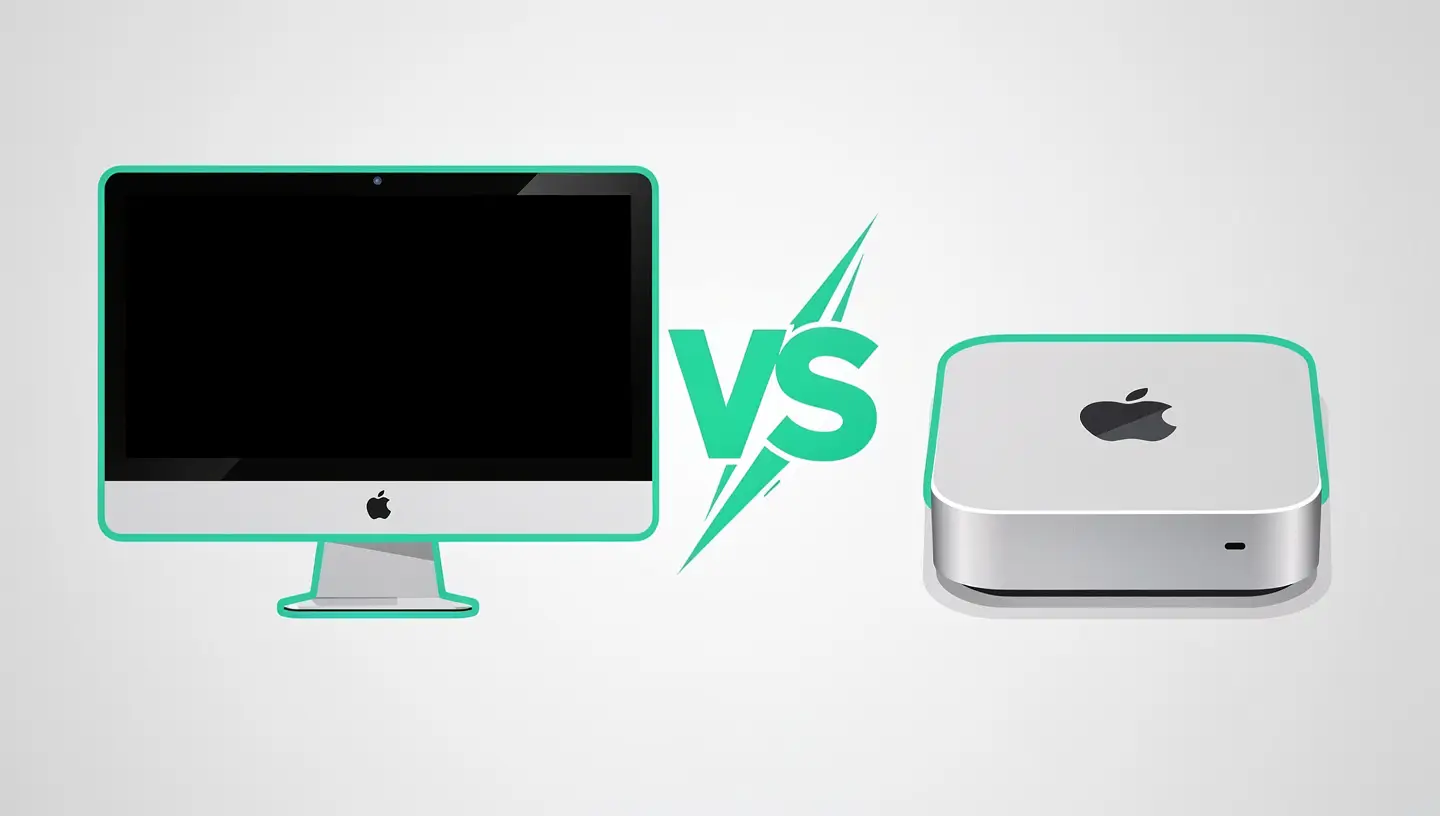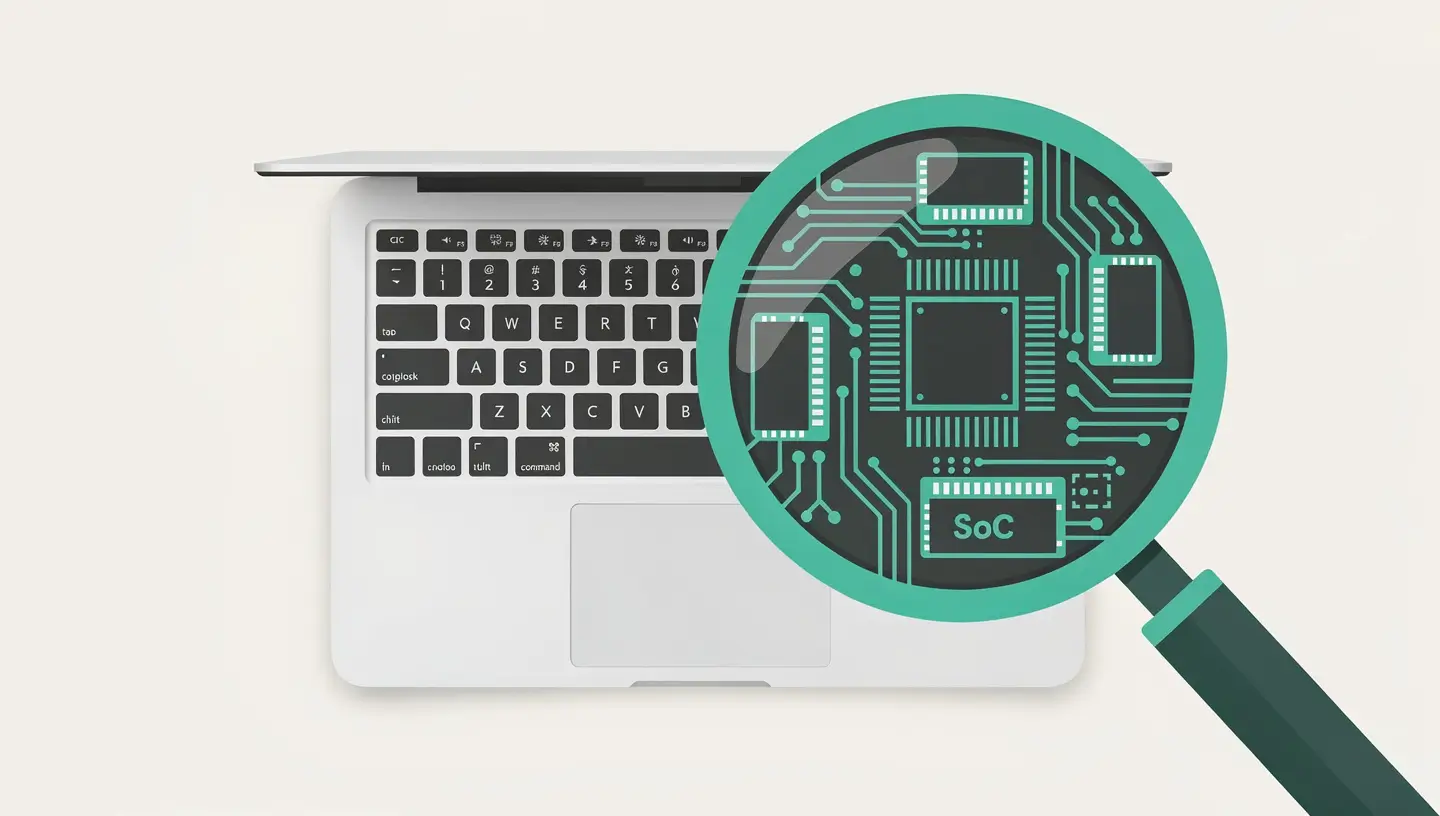
To understand the issues surrounding the repairability of recent Macs, we first need to understand what Apple Silicon has fundamentally changed in the architecture of Macs. On a traditional Intel Mac, the main components - processor, RAM, storage, GPU - were separate elements, sometimes individually replaceable. On an Apple Silicon Mac, Apple has adopted a radically different approach: the System on a Chip (SoC).
The Apple Silicon chip (M1, M2, M3, M4 and their Pro, Max and Ultra variants) integrates the processor, GPU, Neural Engine, unified memory (RAM) and, on certain models, the storage controller on a single substrate. This extreme integration is the reason for the exceptional performance of these chips - memory bandwidth is considerably higher, latency is lower and energy efficiency is remarkable.
The downside is that this integration makes certain components inseparable. Memory, which is physically linked to the SoC, cannot be replaced or upgraded after purchase. On most portable and desktop models, the SSD storage is also soldered to the motherboard.
Despite the high level of integration, many repairs are still perfectly feasible on Apple Silicon Macs. Fortunately, the most frequently damaged components are among those that can still be replaced.
| Component | Repairable | Complexity | Remarks |
|---|---|---|---|
| Screen / panel | Yes | Moderate to high | Complete replaceable module, calibration required |
| Battery | Yes | Moderate | Glued but accessible, requires specialised tools |
| Keyboard | Yes | High | Integrated into the top case on recent MacBooks |
| Trackpad | Yes | Moderate | Replaceable independent module |
| Speakers | Yes | Moderate | Individual replaceable modules |
| USB-C / MagSafe ports | Yes (partial) | Variable | Some ports on daughterboard, others soldered to motherboard |
| Fans | Yes | Low to moderate | Replaceable standard part (absent on MacBook Air) |
| Charging connector | Yes | Moderate | Independent MagSafe module on recent models |
Screen and battery repairs account for the vast majority of MacBook repairs. For a broken screen, see our Mac screen replacement. For a faulty battery, our guide MacBook battery explains when and how to replace it.

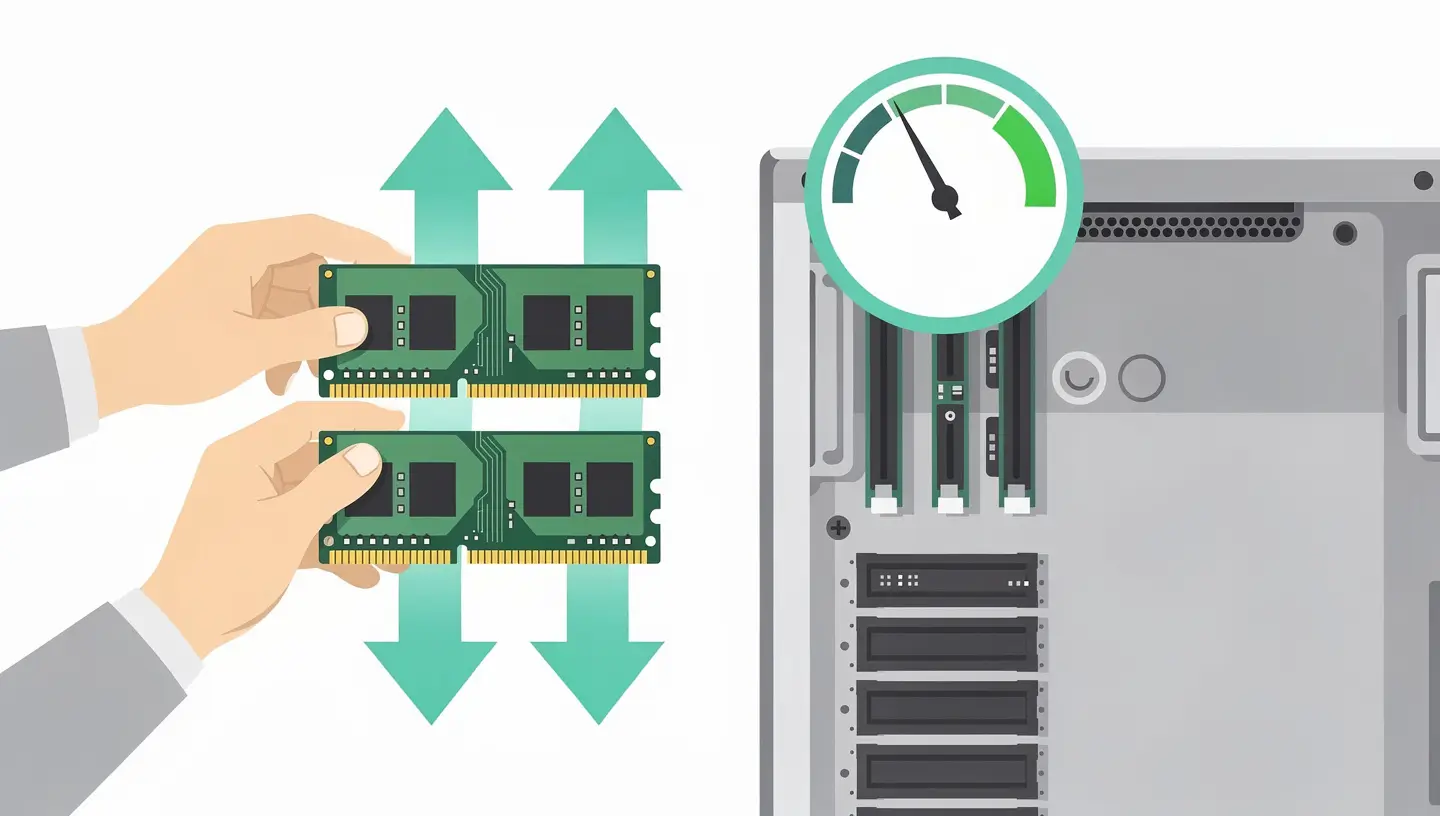
The unified memory is integrated into the SoC package. It is physically impossible to add or replace it. A Mac bought with 8GB will have 8GB for the rest of its life. This is the most significant change compared to Intel Macs, where upgrading RAM was often the first recommended upgrade. To understand the implications and the models compatible with an upgrade, consult our Mac RAM upgrade guide.
On Apple Silicon MacBook Air and MacBook Pro models, the SSD is soldered to the motherboard. On Mac mini M1 and M2, the SSD is also soldered. The Mac Pro (M2 Ultra) and Mac Studio are the exception, with SSD modules that are theoretically replaceable, but Apple has locked them down with a software pairing that requires an Apple diagnostic procedure to validate the replacement.
The CPU, GPU, Neural Engine and controllers are all on the same die. If one fails, the entire SoC module has to be replaced - which in practice means replacing the entire motherboard. This is the most expensive repair on an Apple Silicon Mac.
| Model | Repairability score | Positive points | Negative points |
|---|---|---|---|
| MacBook Air (M1-M4) | 3/10 | Accessible battery, no fan to replace | Soldered RAM and SSD, integrated top case (keyboard + battery), very slim design |
| MacBook Pro 14″/16″ (M1 Pro-M4 Max) | 4/10 | Replaceable pull-out battery, modular screen, accessible speakers | RAM and SSDs soldered, some layers fragile |
| Mac mini (M1-M4) | 2/10 | Replaceable fan | Soldered RAM and SSD, very compact format, few replaceable parts |
| iMac 24″ (M1-M4) | 2/10 | Low risk of damage (fixed machine) | Soldered RAM and SSD, glued screen, very difficult internal access |
| Mac Studio (M1 Max-M4 Ultra) | 4/10 | Technically modular SSD, accessible fans | Soldered RAM, software-locked SSD |
| Mac Pro (M2 Ultra+) | 6/10 | PCIe slots, modular SSD, easy internal access, replaceable fans | RAM soldered to SoC, SSD locked by pairing |
Under pressure from regulators and right-to-repair advocates, Apple launched the Self Service Repair which allows individual users to order official parts and access Apple repair manuals.
The programme covers a growing number of Mac models and repairs, but with constraints. Some repairs require software validation via the Apple System Configuration tool, which involves an Internet connection and a matching process with Apple servers. Parts are relatively expensive individually, and specialist tools on hire are not cheap. For a non-technical user, the complexity of the procedures makes intervention risky without prior experience.
For most users, using a qualified independent repairer remains the most pragmatic solution - combining technical expertise, professional-quality parts and a service guarantee. Our article Apple Store vs independent repairer compares the advantages of each option.

Since hardware upgrades are limited, extending the life of an Apple Silicon Mac is above all a question of prevention and maintenance.
Activate the optimised battery management (System Settings → Battery). This function learns your charging habits and avoids keeping the battery at 100 % all the time, significantly extending its life. Avoid extreme temperatures and repeated full discharges. Consult our guide optimising the MacBook battery for detailed advice.
MacOS updates constantly optimise resource management and correct bugs that can affect performance and battery life. Apple generally maintains each version of macOS for three years after its release. An Apple Silicon Mac can reasonably expect to receive updates for 6 to 8 years or more.
A hard case for your MacBook, a protective film for the screen and a carrying case cost just a few dozen euros, but can save you hundreds of euros in screen repairs. Keep liquids away from your Mac - liquid damage to an Apple Silicon Mac is often fatal for the motherboard.
With a non-upgradeable SSD, disk space management is crucial. Use iCloud to automatically unload little-used files, clean up caches and temporary files regularly, and archive old projects on an external drive. Our guide cleaning your Mac details the best methods.
Since an Apple Silicon Mac cannot be upgraded after purchase, the choice of initial configuration is a strategic decision that should not be overlooked.
Memory is the most critical component to size correctly. 8 GB is enough for light office use, but quickly shows its limits with multitasking. 16 GB is the recommended all-rounder for most users. 32 GB is justified for creative professionals (video, photo, development). The memory upgrade is the best long-term investment you can make in an Apple Silicon Mac.
256 GB is not enough for everyday use, as soon as you install a few applications and store photos. 512 GB is the recommended minimum. 1TB offers considerable peace of mind. Beyond that, the cost of the Apple upgrade is high - a good-quality Thunderbolt external SSD often costs less and offers greater flexibility. See our test of the best SSDs for Mac for the best options.
No. Unified memory is physically integrated into the SoC (System on a Chip) and cannot be added, replaced or modified. The amount of RAM is permanently fixed when the Mac is manufactured. This is why the choice of memory configuration at the time of purchase is a critical decision.
On Apple Silicon MacBook Air and MacBook Pro, the SSD is soldered to the motherboard and cannot be replaced by the user. The Mac Studio and Mac Pro have modular SSDs, but they are locked by an Apple software pairing that requires a specific diagnostic procedure to validate replacement.
The cost depends on the exact model and type of screen (LCD, Mini-LED, OLED). With an independent repairer like Réparation MAC, the price is generally lower than Apple's, with professional-quality parts and a 180-day guarantee. Visit our rates or request a free diagnosis for a precise quote.
In most cases, yes. Apple Silicon Macs are powerful machines with a long lifespan. Replacing a screen or battery costs a fraction of the price of a new Mac and gives the machine several years of life. The decision depends on the cost of the repair compared with the residual value of the Mac.
On the whole, yes. The high level of component integration reduces the number of physical connections likely to fail. The thermal efficiency of Apple Silicon chips reduces the thermal stress on components. The main causes of failure remain accidents (drops, liquid damage) rather than spontaneous hardware failure.
With proper maintenance, an Apple Silicon Mac can reasonably last 7 to 10 years. Apple provides macOS updates for around 6 to 8 years. The battery will start to show signs of wear after 3 to 5 years of intensive use (1000 charge cycles), but it is replaceable.
Apple is gradually extending its Self Service Repair programme to more and more European countries. Check current availability on the official Apple website. Independently of the programme, independent repairers qualified as MAC Repair have access to professional quality parts and the necessary technical expertise.
Even a Mac with a faulty motherboard retains its value: the screen, battery, keyboard, trackpad and chassis are salvageable for repairs on other units. Our Mac buyback takes back Macs even when they break down, and we take care of the responsible recycling of the components.
Integrating the memory into the SoC provides superior memory bandwidth and reduced latency, which contributes directly to the exceptional performance of Apple Silicon Macs. The soldered SSD offers a slimmer design and greater reliability (fewer connectors). It's a compromise between maximum performance and modularity - a controversial but technically justified choice.
Yes, with over 15 years' experience since 2010, our team is trained in Apple Silicon Mac repairs: screen replacement, battery replacement, keyboard replacement, trackpad replacement, speaker replacement and motherboard diagnostics. We use professional quality parts and offer a 180-day guarantee. Take appointment for a free diagnosis.


Over 15 years of Apple expertise in Brussels. Free, no-obligation quote and 180-day guarantee on repairs.