
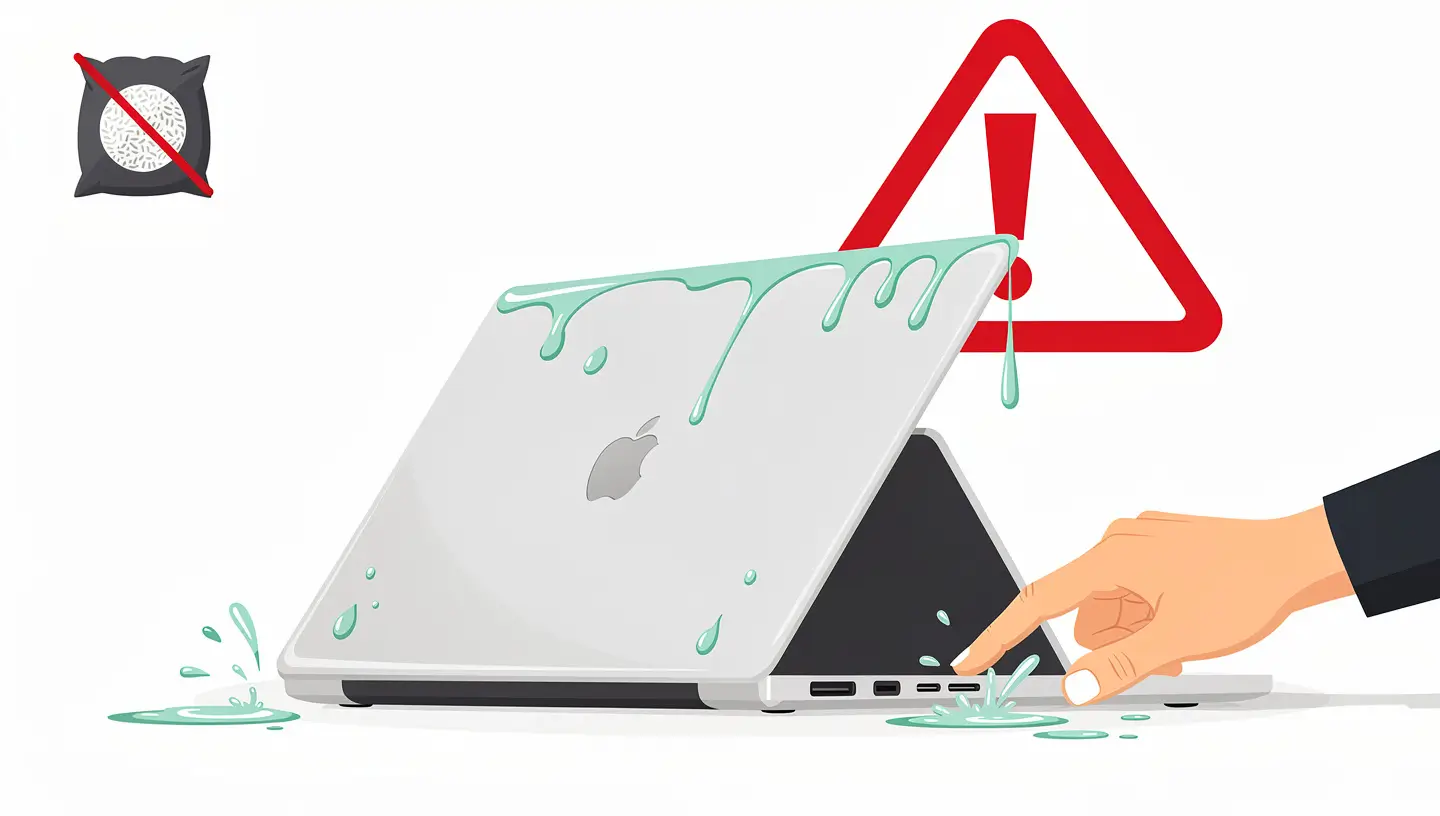
The first few minutes after a liquid spill are crucial. Here's exactly what you need to do, in order:
1. Switch off the Mac immediately. Hold down the power button for 5 seconds until the power is completely off. Don't take the time to back up your files or close your applications: every second that current flows through a wet circuit worsens the damage.
2. Disconnect everything. Remove the charger, USB cables, external screens and any connected peripherals. On a MacBook, do not attempt to remove the battery (it is not removable on recent models).
3. Turn the MacBook over. Position it in the shape of a tent (screen open, upside down over the keyboard) over an absorbent towel. This position allows the liquid to flow outwards rather than penetrating deeper into the motherboard.
4. Mop up any visible liquid. Use an absorbent cloth or paper towels to soak up any liquid on the surface. Don't rub, just dab gently. Pay particular attention to the ports (USB-C, headphone socket) and ventilation grilles.
5. Do not turn the Mac back on. This is the most important rule. Resist the temptation to check whether the Mac is still working. A wet Mac that's working just after the accident may break down permanently a few hours later because of corrosion that's progressing.
| Current error | Why it's dangerous |
|---|---|
| Put the Mac in rice | Rice does not absorb the liquid inside the Mac. The starch particles can get lodged in the ports and worsen the damage. No studies have confirmed its effectiveness. |
| Using a hairdryer | The heat evaporates the water but pushes the liquid deeper into the circuits. It can also deform plastic components and melt solder joints. |
| Turn on the Mac «just to see» | The current in a wet circuit causes short circuits, electrolysis and accelerates corrosion. A Mac that works after being submerged can die permanently within a few hours. |
| Waiting for it to dry out on its own« | Natural drying takes days, during which corrosion progresses continuously. Minerals and liquid residues remain on the circuits even after evaporation. |
| Shake or tilt the Mac sharply | The liquid spreads to areas that were not initially affected, multiplying the potential damage. |
| Connecting the Mac for charging | The charging current flows through potentially wet circuits, causing short circuits and further damage to the USB-C port and charge controller. |
The type of liquid has a direct influence on the severity of the damage and the complexity of the repair. Acidic, sweet or salty liquids are much more corrosive than pure water.
| Liquid | Gravity | Corrosion speed | Repair complexity |
|---|---|---|---|
| Clear water | Moderate | Slow (hours) | Average |
| Sugar-free black coffee | Average | Moderate | Average |
| Coffee with sugar and milk | High | Fast (minutes) | Complex |
| Soda (Coca, Fanta, etc.) | Very high | Very fast | Very complex |
| Wine, beer, fruit juice | High | Fast | Complex |
| Sea water, swimming pool water | Very high | Very fast | Very complex |
When a liquid enters a Mac, several phenomena occur simultaneously:
Immediate short circuit : The liquid creates conductive bridges between circuit tracks that should not be connected. If the Mac is switched on or plugged in, these short circuits can fry components in a fraction of a second.
Corrosion : Even when Mac is switched off, the liquid triggers oxidation reactions on metal components (connectors, soldering, copper tracks). Corrosion starts in a few hours with water, and in a few minutes with acidic or sweet liquids.
Residues : After evaporation, minerals and substances dissolved in the liquid (sugar, salt, acid, limescale) remain deposited on the circuits. These residues are conductive and continue to cause malfunctions even on a «dry» Mac.
That's why a Mac that «still works» after liquid damage isn't out of the woods. Corrosion is an ongoing process that can cause failure days, weeks or even months after the initial incident.
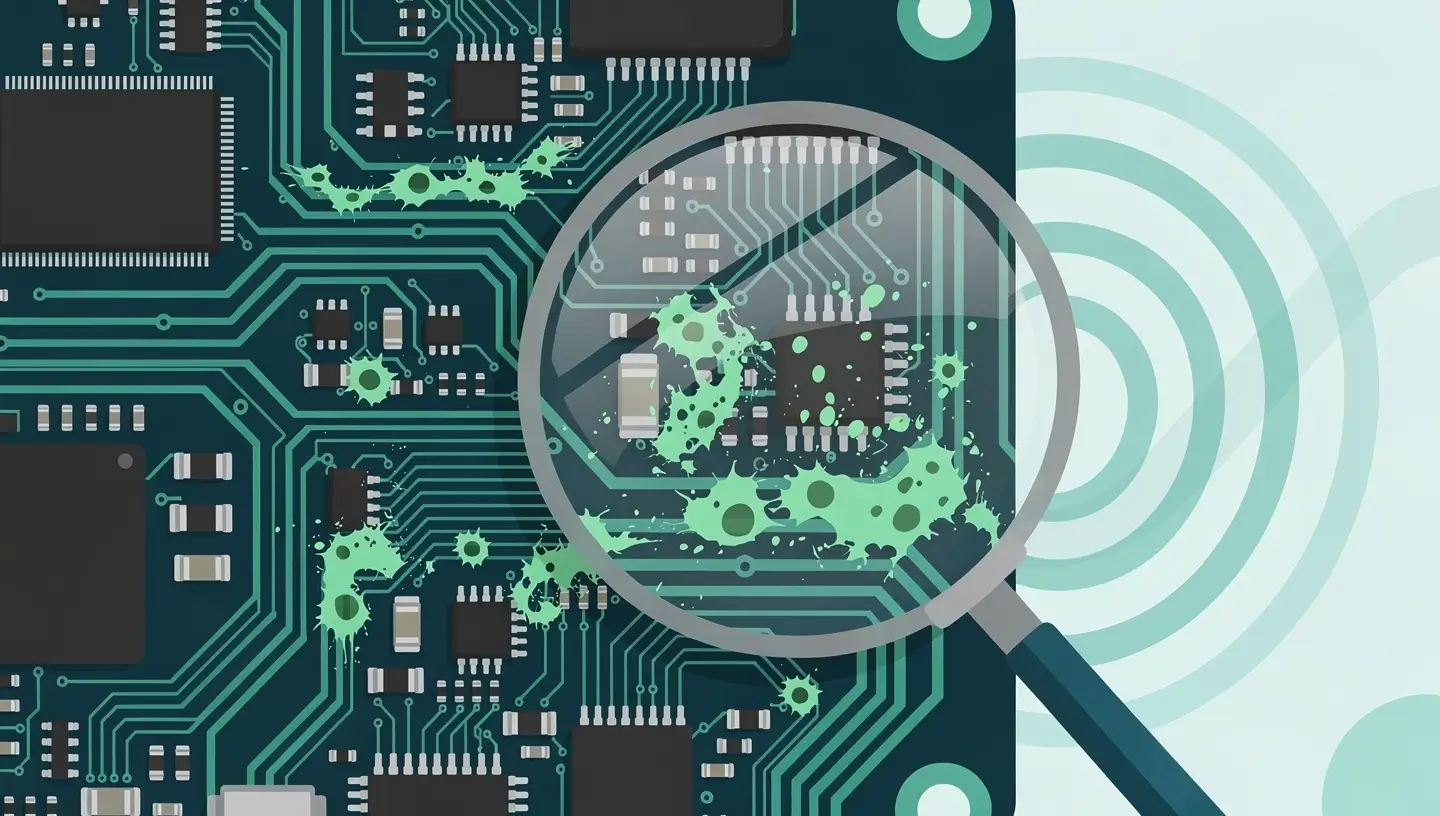
Here is the process we follow at Réparation MAC to treat a liquid spill:
Step 1 - Complete dismantling. Removal of all components: battery, motherboard, SSD, screen, keyboard, speakers, fans. Each component is inspected individually.
Step 2 - Ultrasonic cleaning. The motherboard and affected components are immersed in an ultrasonic bath with a cleaning solution specifically for electronics. The ultrasound removes corrosion residues, sugar, salt and minerals that manual cleaning cannot reach.
Stage 3 - Microscopic inspection. Under a binocular microscope, we examine every area of the motherboard for corroded components, broken tracks and damaged solder joints.
Stage 4 - Micro-weld repair. Damaged components are replaced by micro-soldering. Interrupted tracks are rebuilt with jumper wire.
Stage 5 - Testing and reassembly. The motherboard is tested outside the case before reassembly. All ports, sensors and functions are checked. The Mac is then reassembled and tested for 24 hours to ensure stability.
Consult our page dedicated to repairing liquid damage to find out more about our procedure, or ask for a free diagnosis.
| Scenario | Success rate | Key factors |
|---|---|---|
| Mac switched off immediately, brought to workshop within 24 hours | 80 to 95 % | Maximum reactivity, limited damage |
| Mac switched off immediately, workshop after 2-3 days | 60 to 80 % | Corrosion in progress but controllable |
| Mac back on after liquid damage | 40 to 60 % | Short circuits possible, widespread damage |
| Mac left to «dry» for a week or more | 30 to 50 % | Advanced corrosion, encrusted residues |
| Sweet or salty liquid damage not treated quickly | 20 to 40 % | Aggressive corrosion, multiple components affected |
The cost depends on the extent of the damage, which can only be determined once the diagnosis has been made:
| Intervention | Description |
|---|---|
| Diagnosis | Free at Réparation MAC - full damage assessment before quotation |
| Ultrasonic cleaning only | If no components are damaged, cleaning is sufficient |
| Cleaning and micro-welding | Replacing corroded components on the motherboard |
| Keyboard and battery replacement | Necessary if the liquid has reached the keyboard and battery (a frequent occurrence) |
Consult our detailed rates or take appointment for a free diagnosis. All our repairs are covered by a 180-day guarantee.
| Protection | Efficiency |
|---|---|
| Keeping drinks away from the Mac | The best protection: place your cup opposite your dominant hand, never between you and the keyboard. |
| Use a cup with a lid | Reduces the risk of massive rollovers, especially in coworking spaces or on the move |
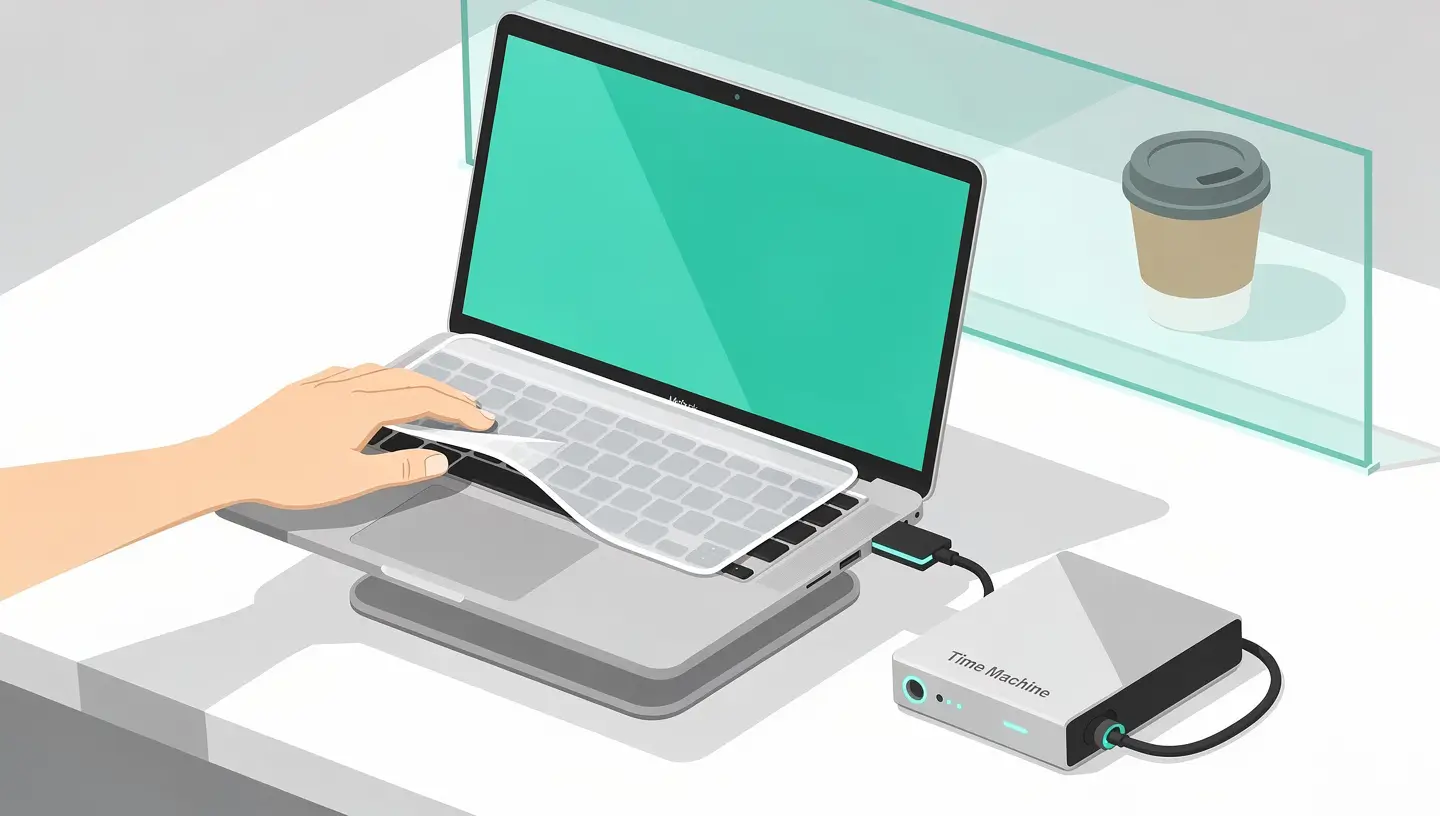
| Silicone keyboard cover | Delays liquid penetration, giving you a few seconds to react |
| Raised stand for MacBook | Places the MacBook above the surface of the table, limiting exposure in the event of a puddle |
| Regular Time Machine backup | Does not protect the Mac, but protects your data in the event of an irreparable breakdown |
No. It's a persistent myth. Rice absorbs ambient humidity very slowly and can't reach the liquid inside the Mac. Worse still, the starch particles and grains can get lodged in the USB-C ports and the headphone socket. The only effective solution is professional cleaning in a workshop.
Yes, absolutely. A Mac that works just after liquid damage can fail within hours, days or weeks. Corrosion is a continuous process that is invisible from the outside. Have your Mac inspected and cleaned promptly to avoid irreversible damage.
With clear water, you have a few days before corrosion becomes severe. With a sweet or acidic liquid (soda, juice), corrosion can cause significant damage within a few hours. In all cases, the sooner the Mac is treated, the better the chances of repair.
No. The standard Apple warranty and AppleCare+ do not cover damage caused by liquids. Apple has liquid exposure indicators (LCIs) inside every Mac that change colour on contact with water. AppleCare+ with accidental damage cover may offer a discounted repair, but it's not free.
In the vast majority of cases, yes. The SSD is often spared as it is located away from the liquid entry areas on most MacBooks. Even if the motherboard is beyond repair, we can usually extract the SSD and recover your data. See our data recovery service.
The cost depends on the extent of the damage. Ultrasonic cleaning alone is much cheaper than repairing a motherboard with micro-soldering. At Réparation MAC, diagnosis is free and you will receive a detailed estimate before any work is carried out.
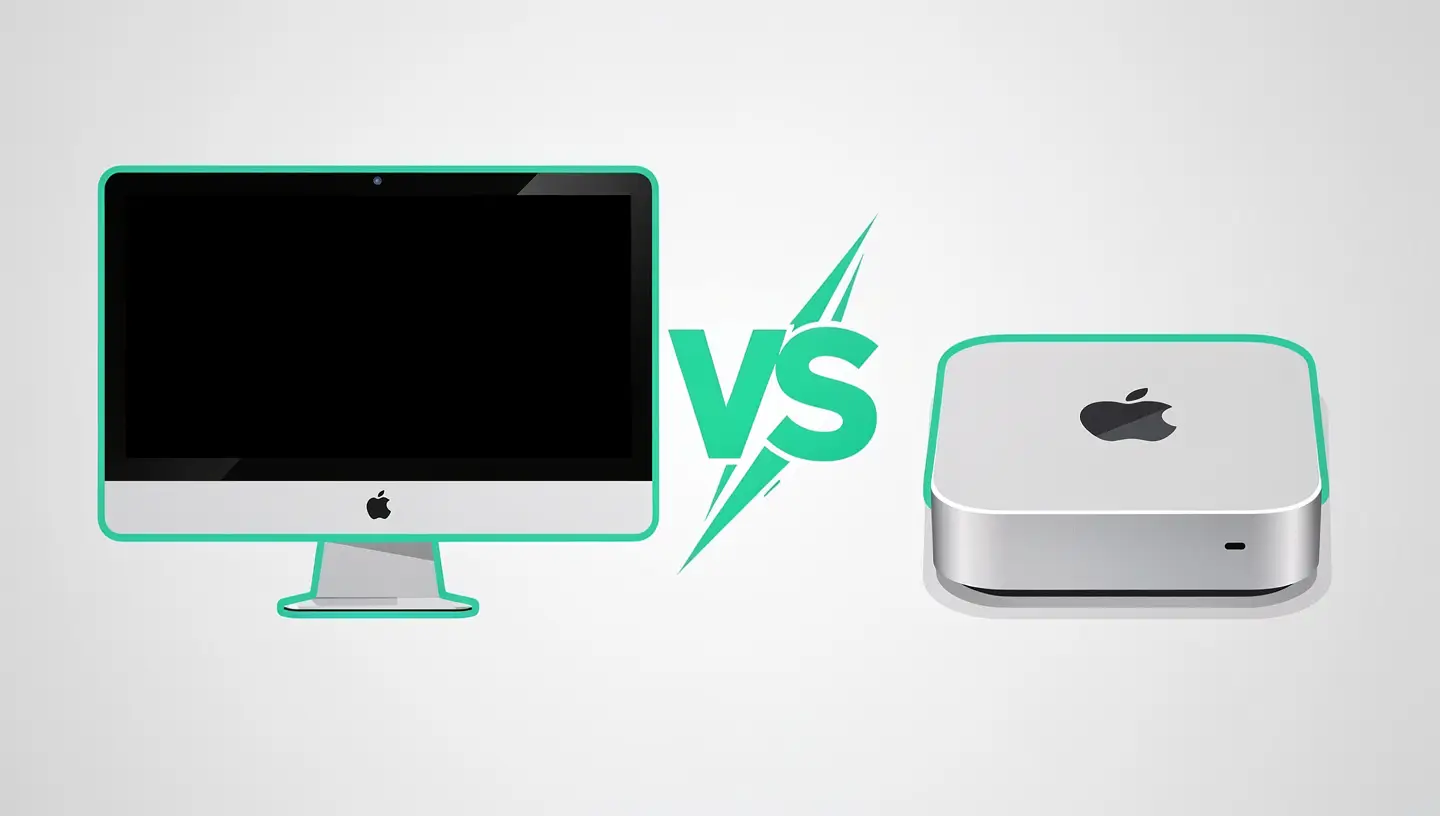
Yes, although this is less common. Glass spilt on an iMac can enter through the air vents. A Mac mini placed near a plant can be watered. The same emergency measures apply: switch off immediately, unplug and take to a workshop.
Not unless you have the skills and tools to do it safely. Opening a MacBook requires a special Pentalobe screwdriver and delicate handling. One wrong move can damage a ribbon cable or a connector. Leave it to a professional.
Even in cold mode, the airflow can push the liquid deeper into the Mac. It's not worth the risk. The best approach is to position the MacBook in a tent and take it to the workshop without attempting active drying.
Yes, a persistent smell of liquid (coffee, soda, etc.) coming from your MacBook indicates that residue is present inside. Even if the Mac is operating normally, this residue is corrosive and will degrade the components over time. Professional cleaning is strongly recommended.


Over 15 years of Apple expertise in Brussels. Free, no-obligation quote and 180-day guarantee on repairs.