

Contents
A MacBook black screen does not necessarily mean that your machine is in serious trouble. The Mac may well be operating normally (fan active, start-up sound) while displaying a completely black screen. There are many causes and the severity varies considerably.
| Cause | Frequency | Gravity |
|---|---|---|
| Faulty backlighting The fuse or LED backlight circuit on the motherboard has blown | ~35 % | Moderate |
| Damaged video layer (flex cable) Wear from repeated opening/closing (Flexgate) | ~25 % | Moderate |
| macOS software bug Failed update, extension conflict, frozen screen | ~20 % | Low |
| Faulty graphics card or GPU chip MacBook Pro 2011-2013 (AMD GPU), or integrated GPU | ~15 % | High |
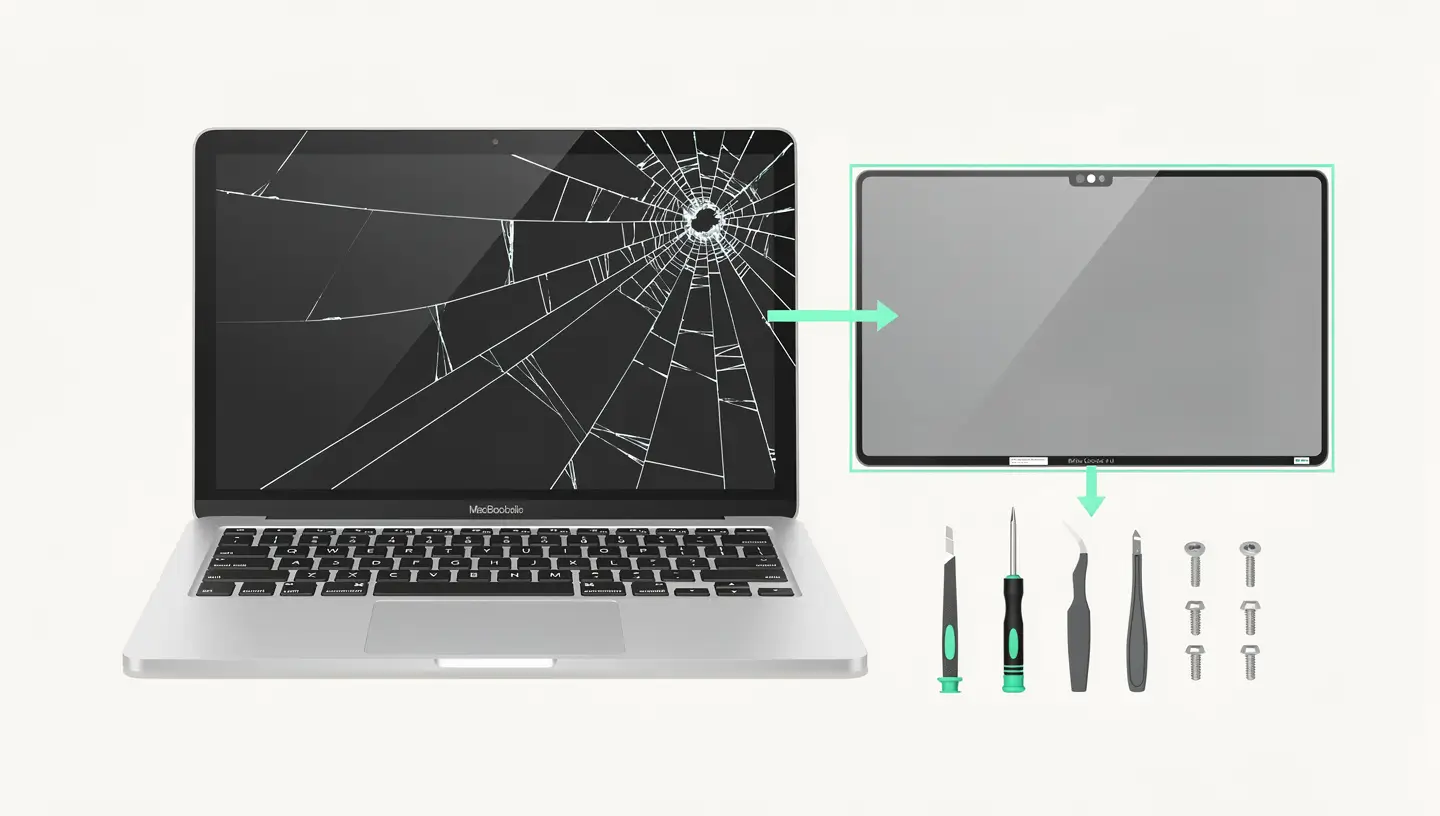
| Broken or defective LCD panel Physical impact, pressure, massive dead pixels | ~5 % | Variable |
A crucial point that many people are unaware of: on the 2016-2018 MacBook Pros, a design flaw in the video panel (nicknamed the Flexgate) causes a «spotlight» effect at the bottom of the screen, which gradually evolves into a MacBook black screen complete. Apple has launched a free replacement programme for 2016 13-inch models, but 15-inch and 2017-2018 models are not covered.
This distinction is fundamental in guiding the diagnosis of a MacBook black screen. The two situations are visually similar but the causes are radically different.
In a dark room, place a torch (the one on your phone will do) against the screen of your MacBook. If you can only make out a faint image (the macOS desktop, the menu bar), the problem lies with the backlight The screen does display an image, but there's no light behind it. This is a motherboard diagnosis (backlight circuit), not a panel diagnosis.
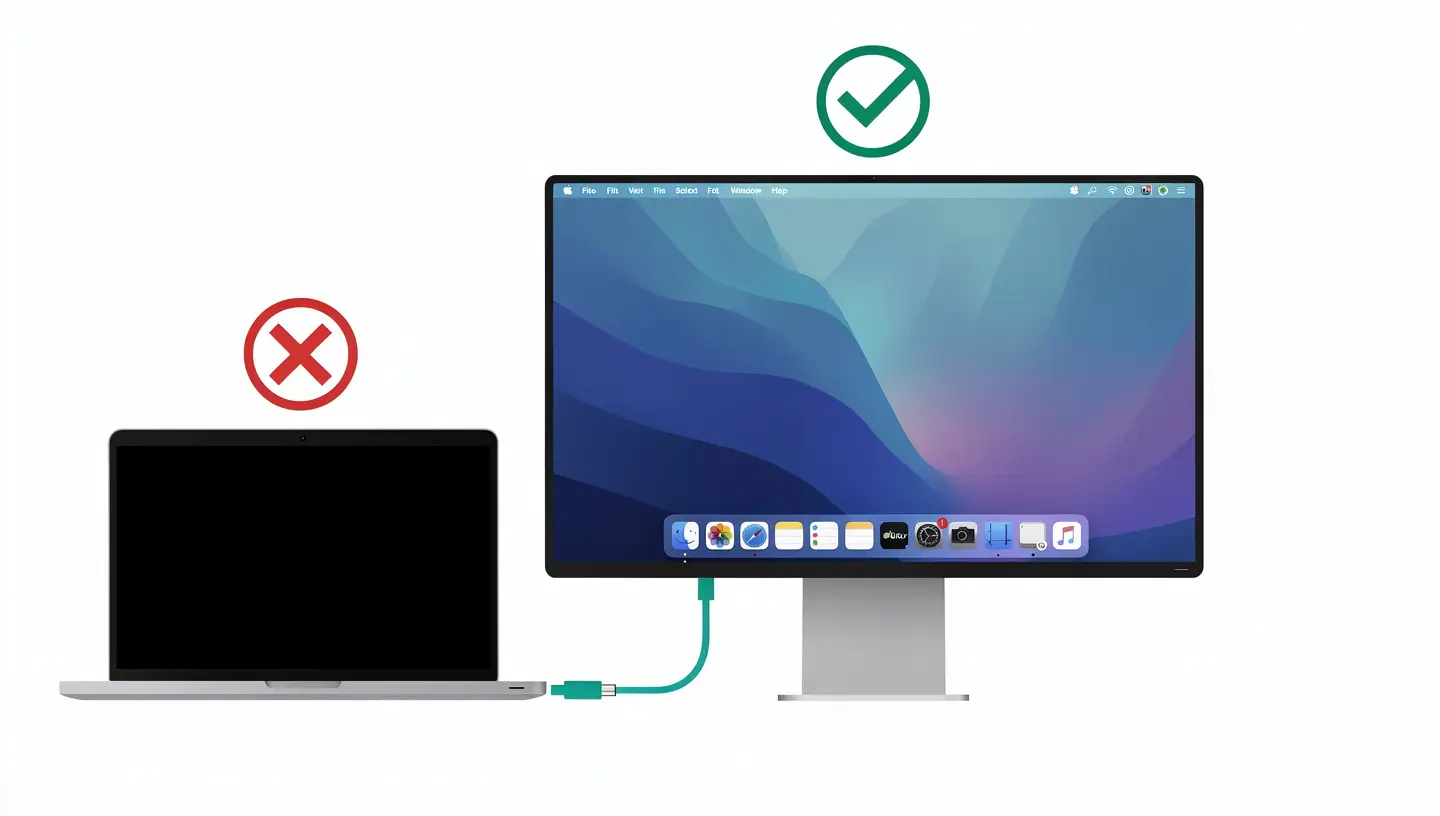
Connect your MacBook to an external monitor via HDMI, USB-C or Thunderbolt. This test is the most reliable:
Press the volume button (increase or decrease). If you hear the notification sound, macOS is running. Press Caps Lock: if the indicator lights up on the keyboard, the system is active. These clues confirm that your MacBook black screen is not a dead Mac, just a display problem.
Test these solutions in order, from the simplest to the most advanced.
This may sound basic, but it's the solution in about 5 % of the cases we receive. Press the F2 (increase brightness) several times. On MacBook Touch Bars, check that the brightness has not been reduced to zero via the touch slider. If an external keyboard is connected, it may have taken control of the brightness.
Hold the Power button for 10 seconds, then release, wait 5 seconds, then switch on again. On Apple Silicon Macs (M1 to M4), this is equivalent to resetting the system controller. If the’MacBook black screen was caused by a software freeze, this method resolves it.
The SMC manages the screen backlighting. Resetting it can resolve a MacBook black screen caused by a problem with the power supply to the panel.
NVRAM stores the screen resolution and display parameters. Corruption may cause a black screen at start-up.
Switch on and hold immediately Option + Cmd + P + R for 20 seconds.
Le safe mode disables third-party extensions that may interfere with the display :
If the screen is running in safe mode, third-party software is to blame. Common culprits: screen management applications (f.lux, Night Owl), external screen drivers or kernel extensions.
If the safe mode does not work, try macOS recovery :
If the screen lights up in Recovery, you can try a reinstalling macOS without data loss.
On models affected by Flexgate (MacBook Pro 2016-2018), open the cover at exactly 90 degrees. If the image appears and then disappears when you open it further, the video stream is disconnected. This diagnosis confirms a mechanical problem, not a software one.
If all the above methods fail but the image appears on an external screen, you can use your MacBook in desktop mode while you organise the repair. Close the cover, plug in a display, keyboard and mouse: the MacBook works like a desktop Mac. Your data remains accessible and your work is not interrupted.
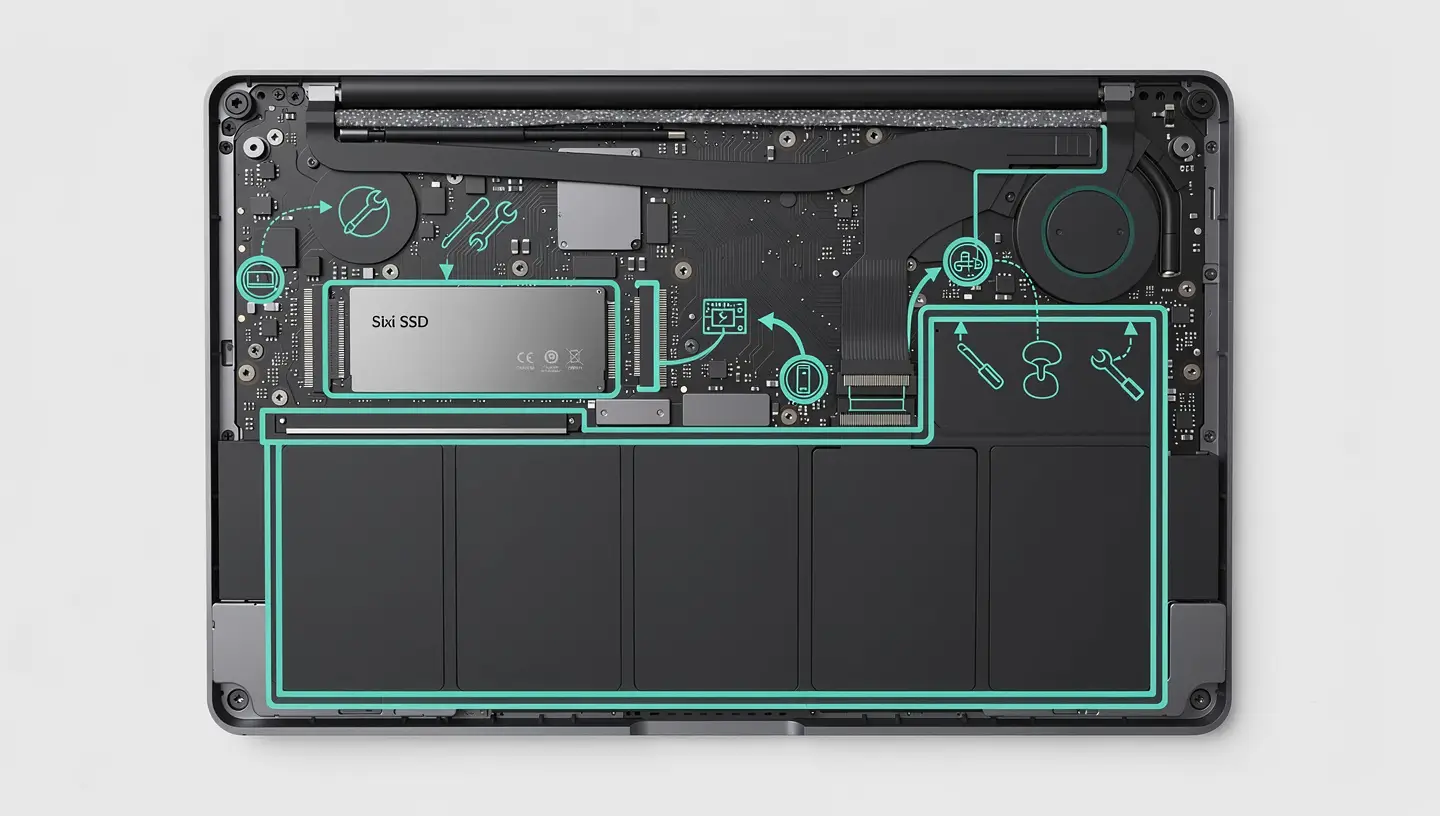
Some MacBook models are more prone to problems with the’black screen than others. Here are the cases we deal with most frequently:
| Model | Frequent problems | Solution |
|---|---|---|
| MacBook Pro 15″ 2011-2013 | AMD Radeon GPU failure | GPU rebuild or replacement |
| MacBook Pro 13″ 2016 | Flexgate (video layer) | Free Apple programme |
| MacBook Pro 15″ 2016-2018 | Flexgate (not covered by Apple) | Complete screen replacement |
| MacBook Air 2018-2019 | Fragile screen connector | Replacement of tablecloth or slab |
| MacBook Pro M1/M2/M3 | Rare, often software | Resetting or reinstalling macOS |
The price depends on the cause identified during the diagnosis. Here are our prices for the most common interventions related to a MacBook black screen :
| Intervention | Price incl. VAT | Deadline |
|---|---|---|
| Full diagnostic | Free | Within 24 hours |
| Backlight repairMicro-soldering backlight fuse motherboard | 190€ - 350€ | 48h - 72h |
| 13″ full screen replacementPanel + tablecloth + frame (Retina or Liquid Retina) | 340€ - 550€ | 24h - 48h |
| 14″ or 16″ screen replacementLiquid Retina XDR ProMotion | 470€ - 985€ | 24h - 72h |
| GPU motherboard repair | 250€ - 690€ | 48h - 72h |
| Reinstalling macOSIf software cause confirmed | 75€ - 140€ | 24h |
All prices include professional-quality parts, labour and service. 180-day guarantee. If after diagnosis your MacBook black screen turns out to be a simple software problem, reinstalling macOS is the most cost-effective solution.
Not necessarily. If the fan is running and the sound is working, the Mac is operational. The problem is limited to the display: backlight, video panel or slab. These are common repairs with a good success rate. Plug in an external display to confirm.
Diagnosis is free. Backlight repairs cost between €190 and €350. A complete screen replacement ranges from €340 (13") to €985 (16" XDR). If the cause is software, a macOS reinstallation costs from €75.
Flexgate is a design flaw in the video tablecloth on MacBook Pros 2016-2018. The tablecloth, which is too short, wears out prematurely as a result of opening and closing the screen. The symptom: a luminous «projector» effect at the bottom of the screen, which evolves into a complete black screen. Apple will cover replacement free of charge on 13-inch 2016 models only.
The most reliable test: plug in an external screen. If the image appears on the external screen, it's the internal screen (panel, slab or backlight). If no image appears anywhere, it's the motherboard or GPU. The torch test can also be used to distinguish a backlight problem from a faulty panel.
This is a frequent and generally benign case. Force restart (Power button for 10 seconds), then try Safe Mode. If that doesn't work, boot into Recovery mode (Cmd + R on Intel, Power button held down on Apple Silicon) and reinstall macOS over it without deleting your data.
Yes, it's an effective temporary solution. Close the MacBook cover, plug in an external display, keyboard and mouse. The MacBook then works like a desktop Mac. Your data and applications are intact, leaving you time to organise the repair.
This is very rare but not impossible. Some malware can interfere with display settings or cause system conflicts. If your MacBook Black Screen has appeared after installing suspicious software, booting into Safe Mode followed by a antivirus cleaning can solve the problem.
No. A black screen doesn't affect the SSD or your files. If the Mac is running (fan, sound), your data is perfectly safe. If you plug in an external monitor, you can even access it immediately. If you prefer not to take any risks, our data recovery can extract your files before any intervention.
Absolutely. In fact, it's our speciality. We work on models that Apple refuses to repair, including 2011-2013 MacBook Pros with faulty GPUs and 2016-2018 models affected by the uncovered Flexgate. Our 180-day guarantee applies to all screen repairs.
It depends on the model and the fault. On Retina MacBooks, the screen is an assembled part (slab + glass + bezel + panel) and can be replaced as a whole. On some older models, you can replace just the panel or the slab separately, which reduces the cost. A free diagnostic will help you determine the most economical solution.


Over 15 years of Apple expertise in Brussels. Free, no-obligation quote and 180-day guarantee on repairs.