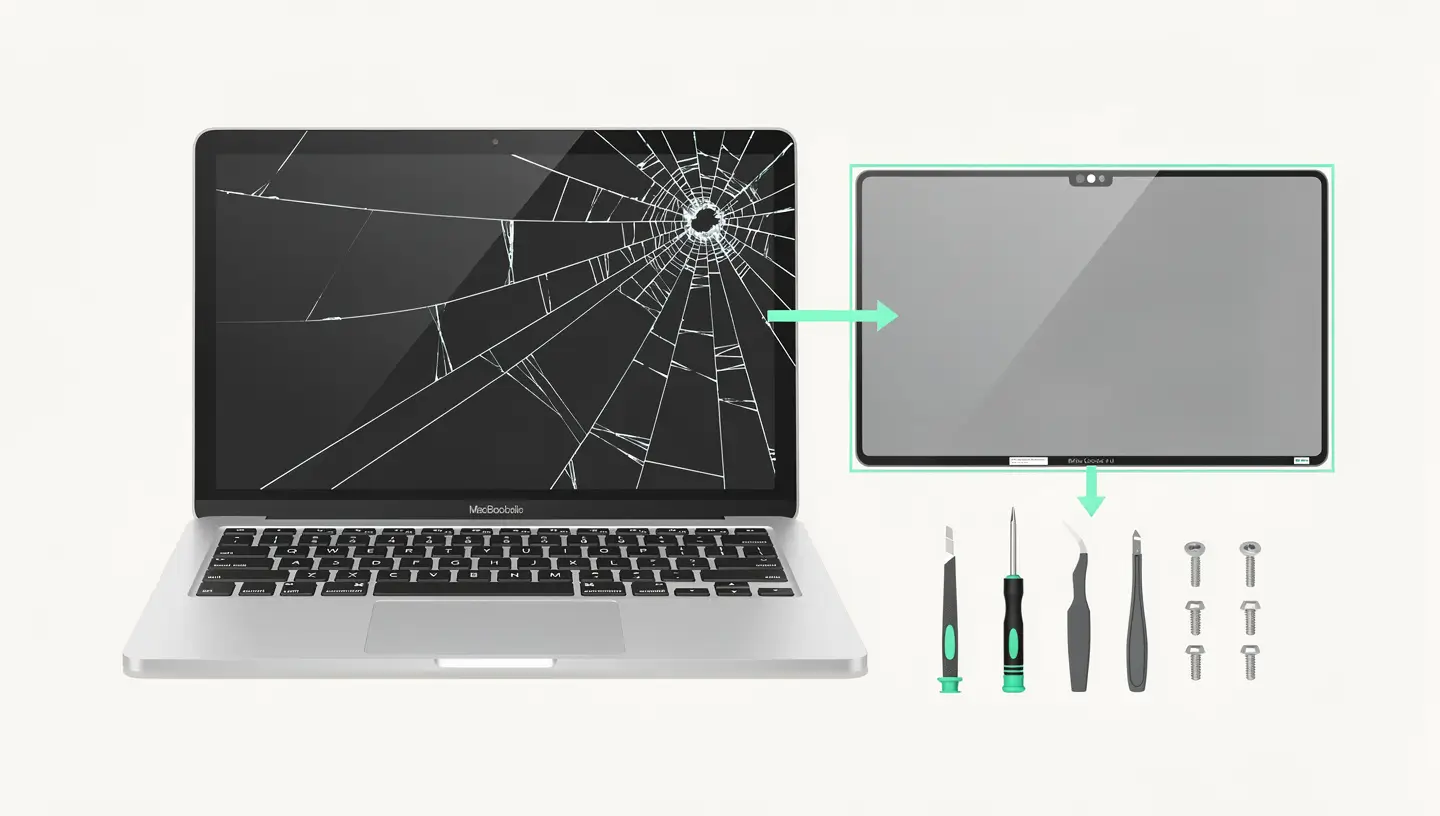
Not all broken screens are created equal. The type of damage determines the complexity of the repair and its cost. Here are the cases we encounter most often in our workshops:
| Type of damage | Visible symptom | Common causes | Distribution |
|---|---|---|---|
| Cracked glass (Retina) | Visible cracks, image still legible underneath | Shock, object jammed on closure | Replacing the slab |
| Damaged LCD/OLED panel | Black ink stain, coloured lines, dead zones | Excessive pressure, falling, bending | Replacing the slab |
| Faulty backlighting | Very dark screen, image visible in strong light | Damaged flex cable, backlight chip | Motherboard repair or replacement |
| Staingate (peeling anti-reflective) | White patches, cloudy appearance, peeling coating | Apple anti-reflective coating fault | Cleaning or replacing tiles |
| Broken hinge | Screen no longer holds position, creaks | Wear, fall, forced opening | Hinge or screen assembly replacement |
| Flexgate (light strip at bottom) | Band of light at the bottom of the screen, worsens when opened | Flex cable too short (MacBook Pro 2016-2017) | Replacement cable or screen assembly |
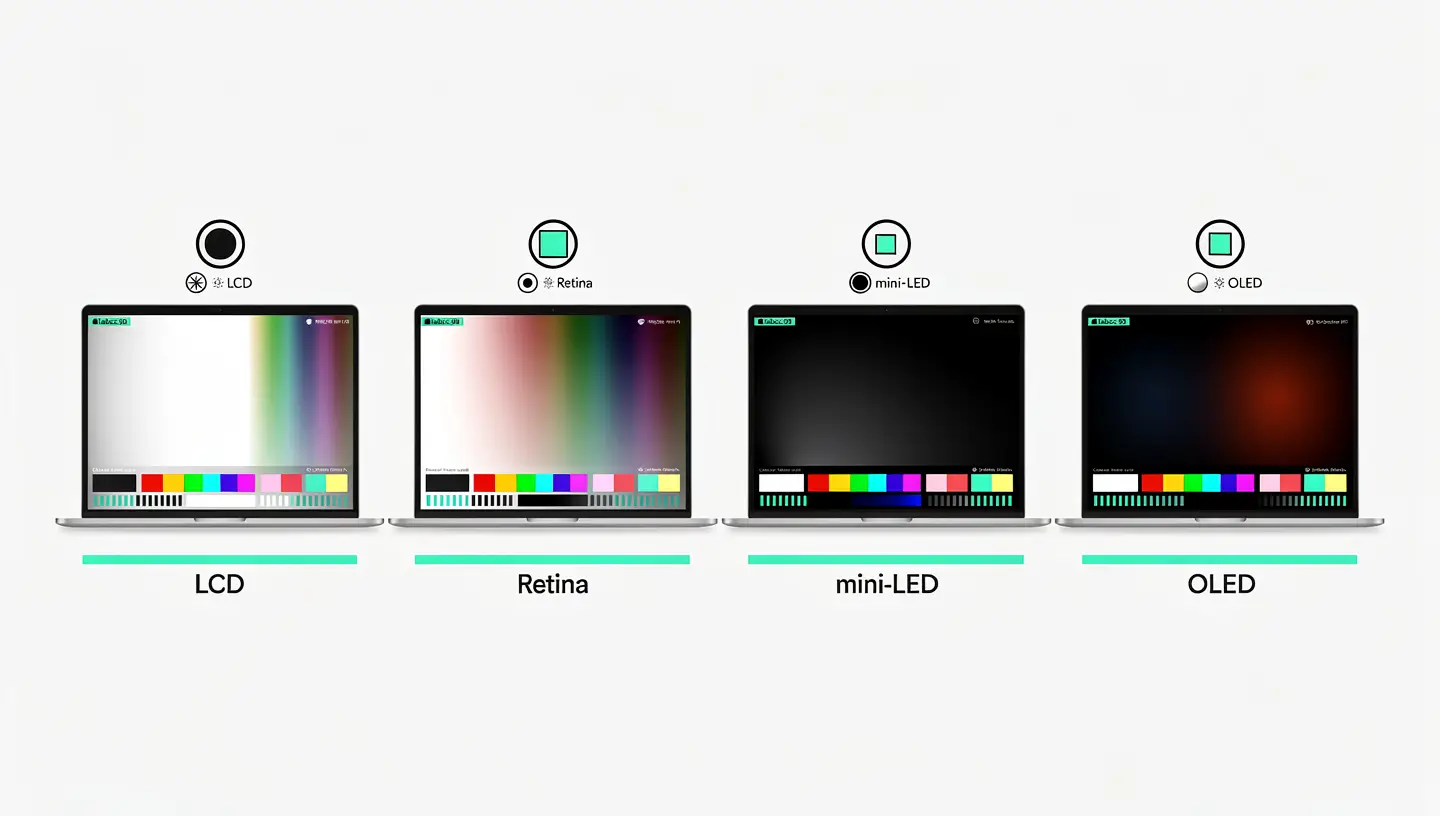
Apple has used several screen technologies over the years. Knowing your screen type helps you understand your repair options and costs:
| Technology | Models concerned | Features |
|---|---|---|
| Retina LCD | MacBook Pro 2012-2023, MacBook Air 2018-2024 | High resolution, good quality, routine repairs |
| Mini-LED (Liquid Retina XDR) | MacBook Pro 14″ and 16″ since 2021 | High contrast, 1600 nits brightness, high replacement cost |
| OLED | MacBook Pro M4 Pro/Max (2024 onwards) | Perfect blacks, recent technology, still rare pieces |
| LCD non-Retina | MacBook Pro pre-2012, MacBook Air pre-2018 | Standard resolution, abundant and affordable parts |
Before deciding on a repair, it's important to determine exactly what's broken. A black screen is not always a broken screen, and a cracked screen may hide a deeper problem.
Connect an external display via USB-C, HDMI or Thunderbolt. If the external image is normal, the GPU (graphics processor) is working and the problem is with the screen or cable.
If the screen seems completely black, shine a torch on it from an angle. If you can only make out a faint image, the backlight has failed but the panel is working. The problem could be a flex cable, a fuse or the backlight chip on the motherboard.
Open and close the screen slowly. If the image flickers, disappears or a light strip appears at certain angles, it's probably a flex cable problem (typical of the Flexgate on MacBook Pros 2016-2017).
If you have any doubts, our free diagnosis enables the exact problem to be identified before any action is taken. See also our guide to MacBook black screens if the screen doesn't light up at all.
Apple offers screen replacement via its Apple Retail Stores and authorised service centres. Here's what's involved:
| Aspect | Details |
|---|---|
| Rate without AppleCare+ | 299 to €849 depending on model (more expensive for mini-LED and OLED) |
| Rate with AppleCare+ (accidental damage) | 99 deductible |
| Deadline | 3 to 7 working days (dispatch to repair centre) |
| Parts | Apple Genuine Parts |
| Repair guarantee | 90 days or remaining duration of original warranty |
Independent repair shops such as Réparation MAC offer a number of advantages for MacBook screen replacements:
Speed : Replacement takes 1 to 3 hours depending on the model. No need to ship the Mac for a week. For professionals who can't do without their work tool, this is a major advantage.
Precise diagnosis : Before replacing a complete screen, we check whether the problem is with the panel, cable, backlight or motherboard. In some cases, a targeted repair (replacement of the flex cable, repair of the backlight chip) costs much less than a complete screen.
Professional quality parts: we use professional-quality tiles with the same characteristics as the original (resolution, colour gamut, brightness). Each room is individually tested before installation.
Consult our page dedicated to Mac screen replacement for details of the procedure, or our rates by model. All our work is covered by a 180-day guarantee.
If you can't get the display fixed straight away, an external display is a very functional temporary solution. All recent MacBooks support at least one external display via USB-C or Thunderbolt.
To use a MacBook with a broken screen in «desktop» mode: connect an external display, keyboard and mouse, then close the MacBook cover. The Mac will automatically switch to the external display (clamshell mode). You'll be back in normal use while you wait for the repair.
If the screen is partially functional (cracks without black spots), you can also adjust the resolution and move the windows to the undamaged areas via System Settings, then Screens.
| Criteria | Apple Store | Independent workshop | External screen (temporary) |
|---|---|---|---|
| Rate | 299 à 849 € | Varies according to model, often less expensive | 100 to 300 € (screen purchase) |
| Deadline | 3 to 7 days | 1 to 3 hours | Immediate |
| Guarantee | 90 days | 180 days | Screen manufacturer's warranty |
| Portability | Found | Found | Lost (office only) |
| Parts | Apple origin | Professional quality | Not applicable |
| Preliminary diagnosis | Yes, but often systematic replacement | Yes, targeted repair if possible | Not applicable |
Prevention is always cheaper than repair. Here are some ways to protect your screen:
| Protection | What it prevents |
|---|---|
| Carrying case or sleeve | Shocks and scratches during transport, the leading cause of cracks |
| Do not place anything on the closed MacBook | Pressure on the panel that can crack the screen (books, bags, etc.) |
| Check that there is nothing on the keyboard before closing. | A pencil, earphone or cable trapped between the keyboard and screen breaks the panel |
| Close the MacBook from the centre, not from a corner | Distributes pressure evenly over the hinges |
| Anti-shock protective film | Absorbs micro-impacts, does not affect image quality when installed properly |
The cost varies according to the model and screen technology. Retina LCD screens are the most affordable, while mini-LED and OLED panels cost more. At MAC Repair, check out our rates by model for an exact price. All our work includes a 180-day guarantee.
Technically, yes, if the panel is still displaying an image. However, a crack may worsen over time, and shards of glass or film may come off. If black liquid (liquid crystals) appears, the damaged area will gradually spread.
Apple systematically replaces the entire screen assembly. In independent workshops, it is sometimes possible to replace only the LCD panel, which reduces the cost. The feasibility of this depends on the exact model and the type of damage.
Flexgate affects 2016 and 2017 MacBook Pros 13″ and 15″. The flex cable that connects the motherboard to the display is too short and deteriorates with repeated opening and closing. Symptoms include a strip of light at the bottom of the screen or a screen that shuts down beyond a certain opening angle.
Staingate is the degradation of the anti-reflective coating on Retina screens. It manifests itself as white spots or a cloudy appearance. Apple used to have a free replacement programme, but this has now expired for most models. Specialist cleaning can remove the damaged coating.
Coloured vertical or horizontal lines generally indicate a damaged tile (impact, bending). Replacing the tile solves the problem. More rarely, lines may be due to a cable or GPU problem, which our free diagnostic service can determine.
No. Replacing the screen does not affect the hard drive, SSD or motherboard. Your data remains intact. As a precaution, we always recommend that you have a Time Machine backup before any work is carried out.
At Réparation MAC, replacement takes between 1 and 3 hours, depending on the model. MacBook Air models are generally quicker, while MacBook Pros with mini-LED screens take a little longer due to the complexity of the screen assembly.
Yes, AppleCare+ with accidental damage cover covers screen breakage with an excess of €99. Without AppleCare+, replacement at Apple costs between €299 and €849, depending on the model.
Yes, but the parts are still new and less available than LCD or mini-LED screens. Replacement is possible, but the lead time may be slightly longer if the panel has to be ordered. Contact us to check availability for your model.


Over 15 years of Apple expertise in Brussels. Free, no-obligation quote and 180-day guarantee on repairs.