Making a new Mac has a considerable environmental cost that the consumer never sees. Apple publishes lifecycle analysis reports for each product, and the figures speak for themselves: a 14-inch MacBook Pro generates around 230-270kg of CO₂ over its entire lifecycle (manufacture, transport, use and end of life). Manufacturing alone accounts for around 75 to 80 % of this footprint - mineral extraction, metal refining, component production and assembly are the most energy-intensive phases.
In practical terms, buying a new Mac when the old one is still functional means wasting most of the energy and resources that went into making it. Extending the life of a Mac by a further 3 to 5 years - by repair, upgrade or simply proper maintenance - is the most effective action that users can take to reduce their digital footprint.
A second-hand Mac can be an excellent bargain, provided you know what to look for. Macs have a longer hardware and software life than most PCs, which makes the second-hand market particularly relevant.
| Source | Guarantee | Prices | Risk |
|---|---|---|---|
| Apple Refurbished (apple.com) | 1 year Apple + AppleCare possible | -15 % vs new | Near zero |
| Back Market | Minimum 1 year | -20 to -40 % vs new | Low (vendors evaluated) |
| 2ememain.be / Facebook Marketplace | None (limited legal guarantee) | -30 to 50 % vs new | Moderate (test before you buy) |
| Independent repairer (reconditioned) | Variable (often 3-12 months) | -25 to -45 % vs new | Low (tested and verified) |
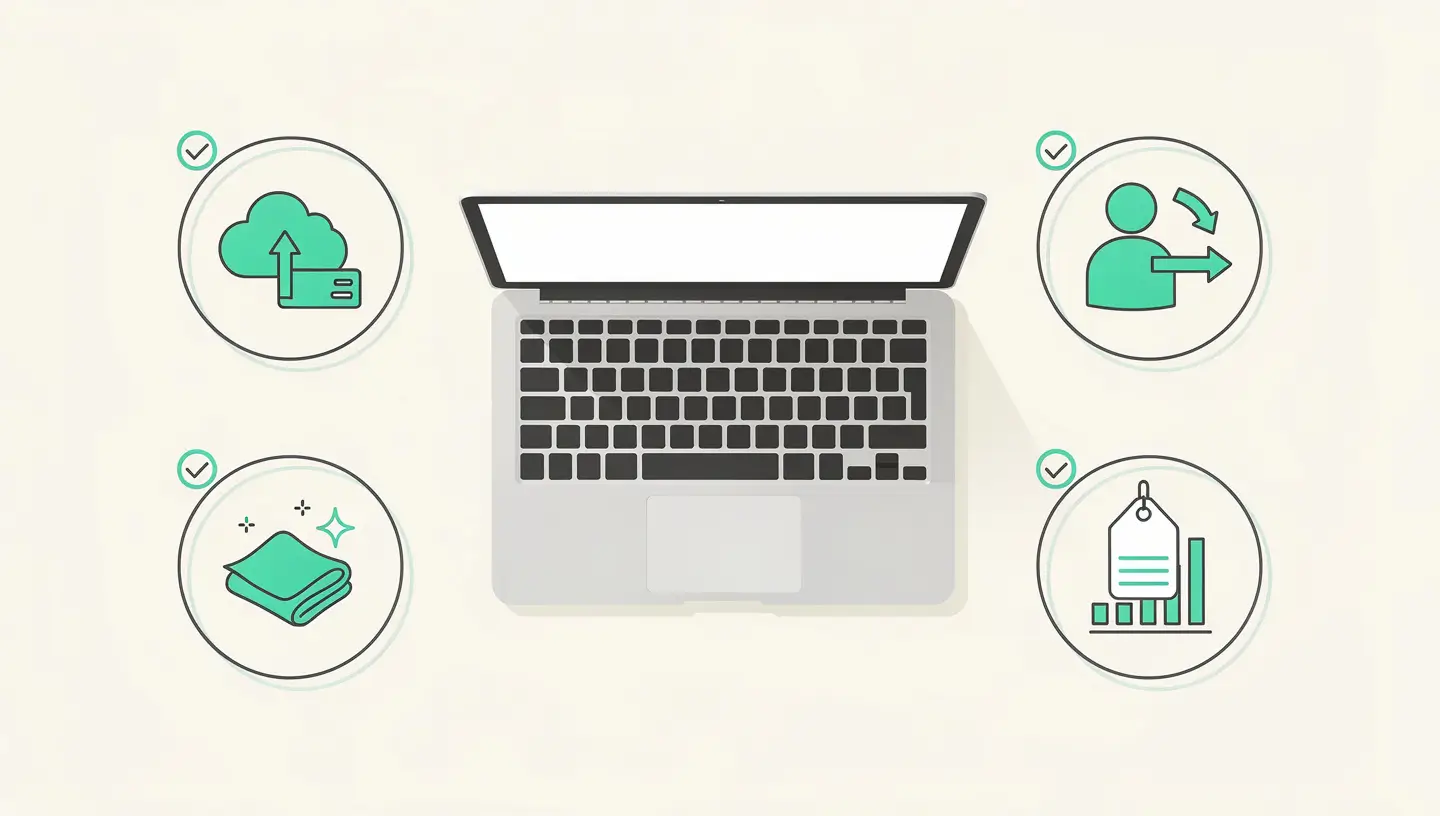
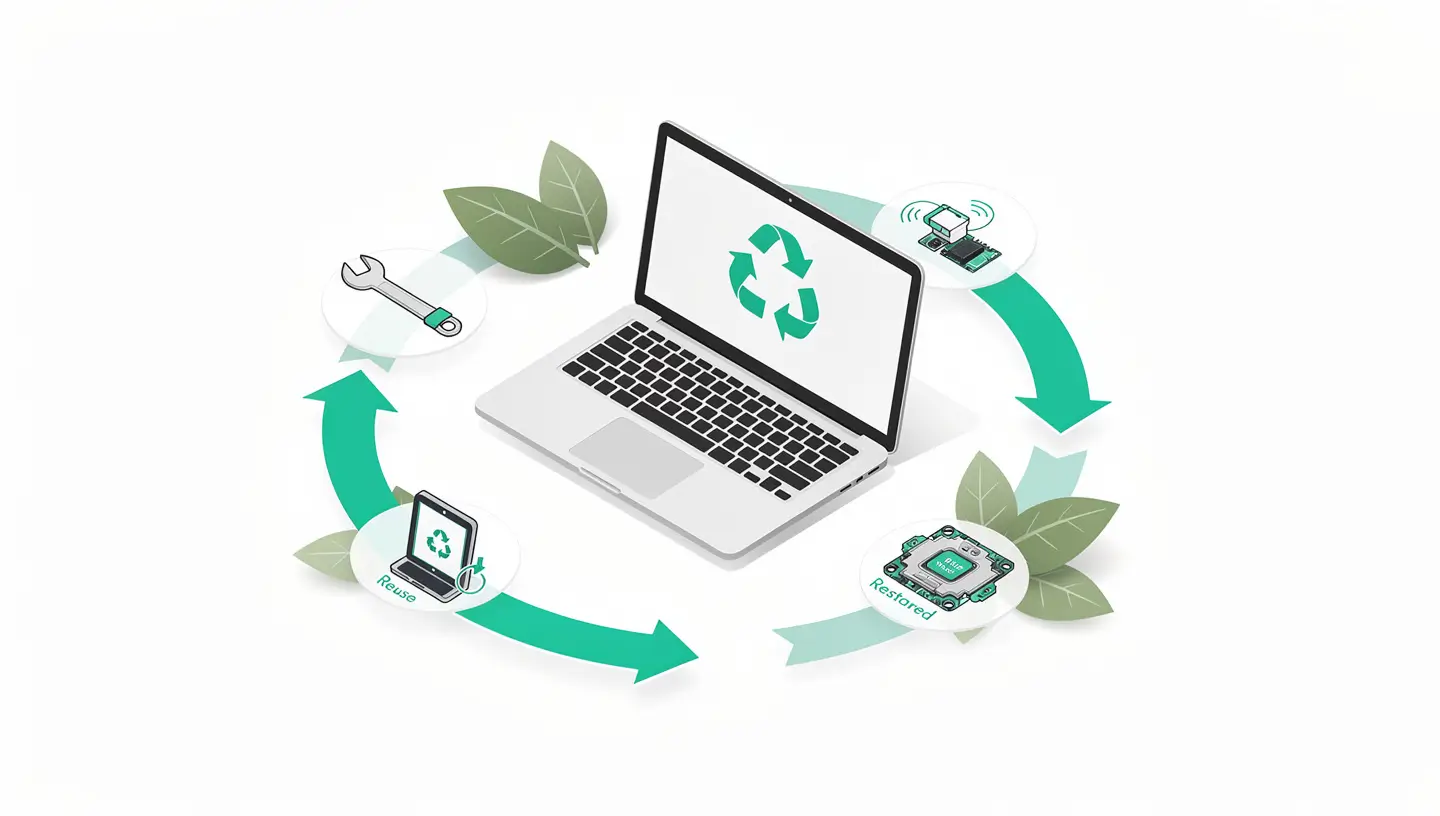
Refurbishing goes beyond simply reselling a second-hand Mac. A refurbished Mac has been inspected, tested, cleaned and refurbished by a professional. Faulty components are replaced, the battery is checked (and replaced if necessary), macOS is reinstalled properly and the device is delivered with a warranty.
Le Refurb Store Apple (accessible from apple.com) sells Apple refurbished Macs at a discount of around 15 %. They come with the standard one-year warranty and the option of subscribing to AppleCare+. This is the safest but least expensive option on the refurbished market.
Independent refurbishers (Back Market, Certideal, and local workshops) offer lower prices but varying levels of quality. Check the warranty policy, the cosmetic grade (A = almost new, B = slight traces, C = visible traces) and the seller's reputation before buying.
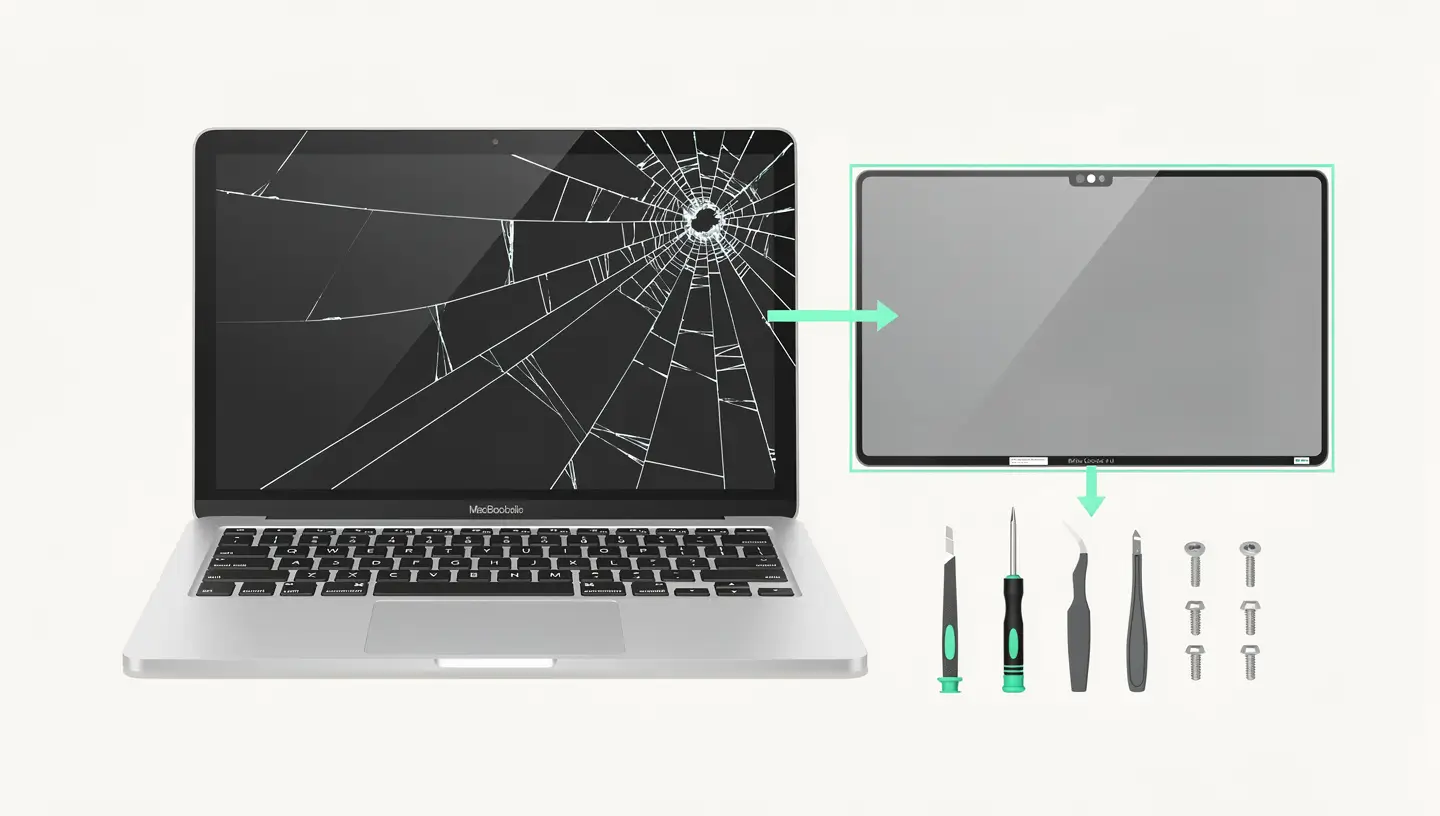
Replacing a working Mac with a new one just because it's «slow» or its battery is getting tired is a waste that's avoidable in most cases. Routine repairs and upgrades cost a fraction of the price of a new Mac and extend the life of a Mac by several years.
| Intervention | Indicative cost | Longer service life | Ecological impact |
|---|---|---|---|
| Battery replacement | 80 - 200 € | +3 to 5 years | Avoids 230+ kg of CO₂ (new Mac manufacturing) |
| SSD upgrade (compatible models) | 100 - 250 € | +3 to 5 years | Radical transformation of performance |
| RAM upgrade (compatible models) | 50 - 150 € | +2 to 4 years | Enables modern multitasking |
| Clean macOS reinstallation | 50 - 80 € | +1 to 3 years | Zero material waste |
| Cleaning and preventive maintenance | 40 - 70 € | +1 to 2 years | Prevents breakdowns caused by dust and heat |
At Réparation MAC, we've been carrying out these repairs since 2010, with over 15 years' experience. Each repair is covered by a 180-day guarantee and uses professional quality parts. See our rates or request a free diagnosis to evaluate the options for your Mac.
As well as repairing your Mac, there are a few simple things you can do to make it last longer - and therefore reduce your environmental impact.
Apple communicates extensively about its environmental commitments, and some of its initiatives are truly significant. The company uses 100 % recycled aluminium for the chassis of its Macs, has achieved carbon neutrality for its direct operations (offices and data centres) and is working to extend this objective to its entire supply chain. The majority of packaging is made from recycled fibres, and plastics are gradually being eliminated.
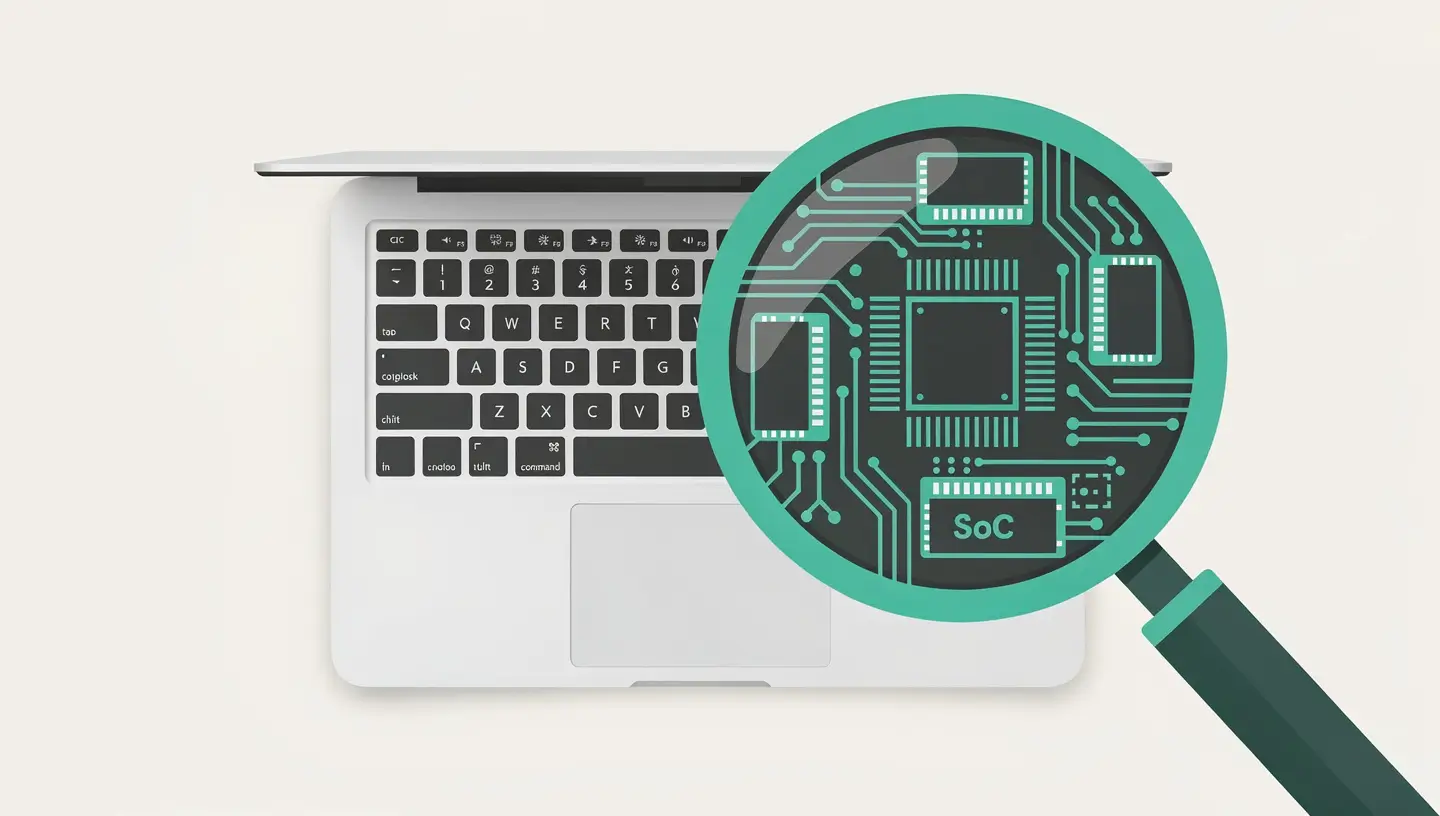
On the other hand, Apple's reparability policy remains at odds with its environmental ambitions. The soldered RAM and SSD, the software matching of components, the design that complicates repairs and the high prices of official repairs encourage replacement rather than repair. The Self Service Repair programme is a step in the right direction, but it remains limited in scope and accessibility. For a detailed analysis of the repairability of recent Macs, see our article analysis of the repairability of Apple Silicon Macs.
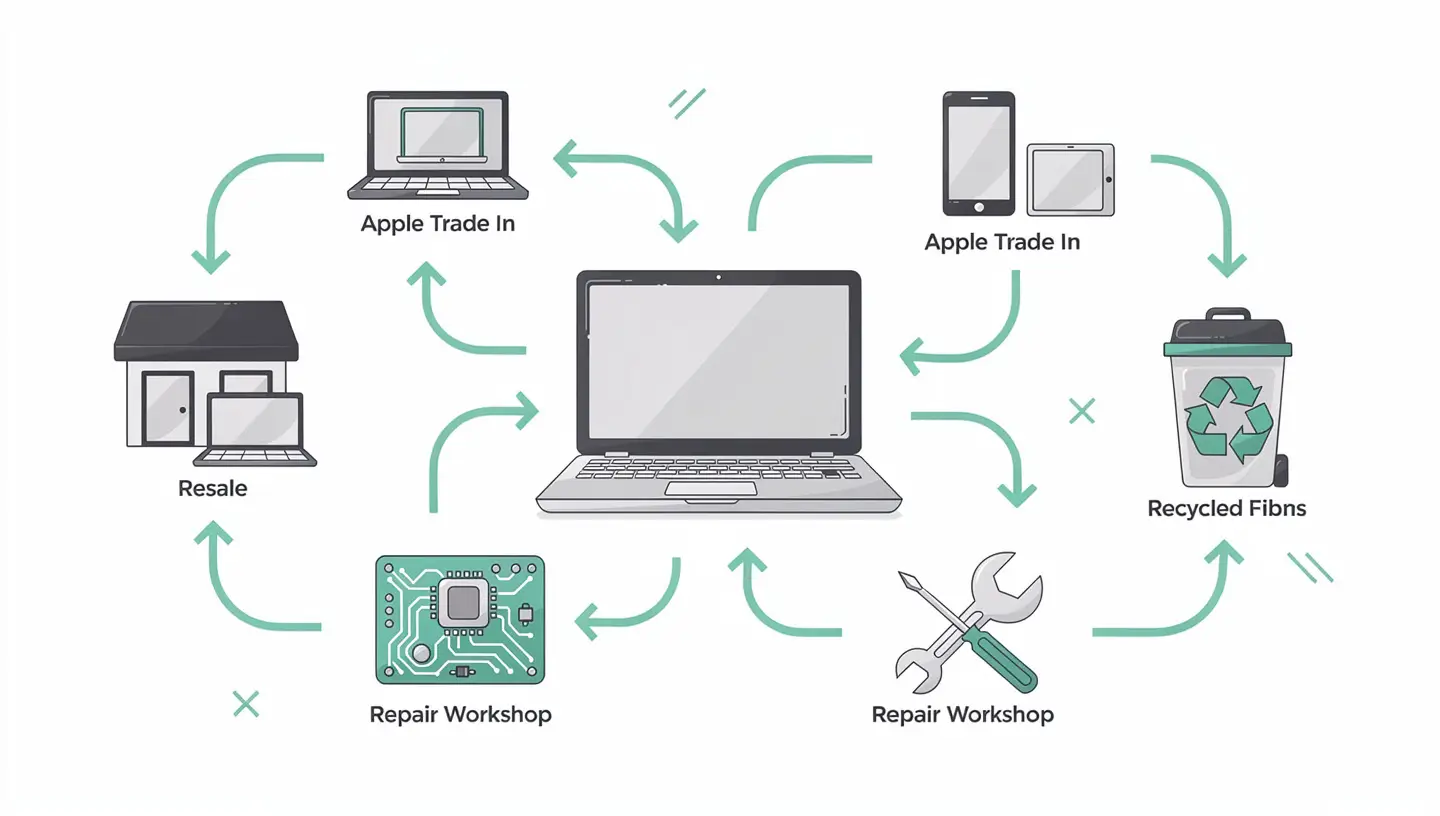
For the environmentally conscious consumer, the best approach remains pragmatic: choose a Mac with the most durable configuration possible when you buy it, maintain it properly, have it repaired when possible, and resell or recycle it responsibly when it's time to move on to something else. Apple publishes its environmental data on its page dedicated to the environment.
Macs are designed to last a long time. A second-hand Mac in good condition, with a reasonable number of battery cycles and with macOS still supported, is completely reliable. The components most likely to cause problems (battery, SSD) can be checked before purchase. A professionally reconditioned Mac offers an additional guarantee.
The best value for money is generally found in first- or second-generation Apple Silicon Macs (M1, M2), which offer excellent performance while becoming very affordable on the second-hand market. A MacBook Air M1 with 16GB of memory remains a remarkably capable machine for most uses.
Macs from the Apple Refurb Store are refurbished by Apple with new parts if necessary, cleaned and tested to the same standards as new products. They come with a new cable and charger, in generic packaging. The warranty is identical to that of a new Mac (1 year, extendable with AppleCare+).
By avoiding the manufacture of a new Mac, you avoid around 75 to 80 % of the product's total carbon footprint. For a MacBook Pro, that's around 170 to 215 kg of CO₂. That's the equivalent of a car journey of around 1,000 to 1,300 km.
In most cases, yes - especially if it's an Apple Silicon Mac. A battery replacement or software clean-up costs a fraction of the price of a new Mac. The question to ask is: can the Mac still run a supported macOS and your essential applications? If so, repair is almost always the best economic and ecological choice.
Yes, via the Apple Trade In programme. You can estimate the trade-in value on apple.com and use it as credit towards a new purchase. The amounts are generally lower than on the second-hand market, but the simplicity of the process and guaranteed recycling make up for it for some users.
It all depends on use and price. A recent Intel Mac (2019-2020) with 16 GB RAM and SSD is still capable of office work, browsing and light development. However, Intel Macs will no longer receive macOS updates in the medium term and do not support Apple Intelligence. For long-term use, a second-hand Apple Silicon Mac is a better investment.
Go to System Settings → Battery → Battery Status. Check the number of cycles (Apple considers a battery to be at the end of its life after 1000 cycles) and the status («Normal» or «Service recommended»). You can also hold down Option and click on the battery icon in the menu bar for a quick summary.
The European Union is gradually strengthening the right to repair with directives on the availability of spare parts, access to repair manuals and the prohibition of practices that prevent repair. Belgium is transposing these directives into national law. Apple has adjusted certain practices accordingly, notably with the Self Service Repair programme.
We focus on repairing and buying back Macs. The Macs we buy back and refurbish may be available for resale - contact us to find out what models are available. With over 15 years' experience since 2010, every Mac refurbished by our team is tested, cleaned and delivered with a 180-day guarantee.


Over 15 years of Apple expertise in Brussels. Free, no-obligation quote and 180-day guarantee on repairs.