
A Mac contains precious materials - aluminium, copper, cobalt, lithium, rare earths - the extraction of which has a considerable environmental cost. Throwing a Mac in the bin wastes these resources and risks contaminating the environment with the chemical components of the lithium-ion battery. In Belgium, it is forbidden to dispose of electronic devices in household waste - this is governed by the Recupel regulation.
Aside from the environmental aspect, an old Mac often has a surprising residual value. Even a MacBook that no longer works can be worth a few dozen euros for its parts (screen, keyboard, battery, chassis). And a Mac that's functional but deemed «too slow» by its owner may be perfectly suitable for a student, pensioner or charity after a refurbishment.
Before you part with your Mac, whatever the method and recipient, follow these essential steps to protect your data and your Apple account.
For a detailed procedure with screenshots, see our guide reset Mac to factory settings. And if you're upgrading to a new Mac, our guide to the’Migration assistant helps you transfer all your data.
If your Mac is functional, reselling it is the best option for you. Macs retain a higher resale value than almost all laptops - a 3-4 year old MacBook Pro will usually resell for between 40 and 60 % of its purchase price.
| Platform | Type | Benefits | Disadvantages |
|---|---|---|---|
| 2ememain.be | Classified ads | Best price, large audience in Belgium | Contact management, risk of scam, negotiation |
| Facebook Marketplace | Classified ads | Rapid local sales, visible buyer profile | Frequent aggressive negotiations |
| Back Market | Buy-back and reconditioned | Simple process, fast payment | Lower buy-back price than direct resale |
| Vinted | Classified ads | Integrated buyer/seller protection | Commission on sales, less tech audience |
To maximise your resale price, consult our complete guide sell your old Mac which covers price estimation, preparation and drafting of advertisements.
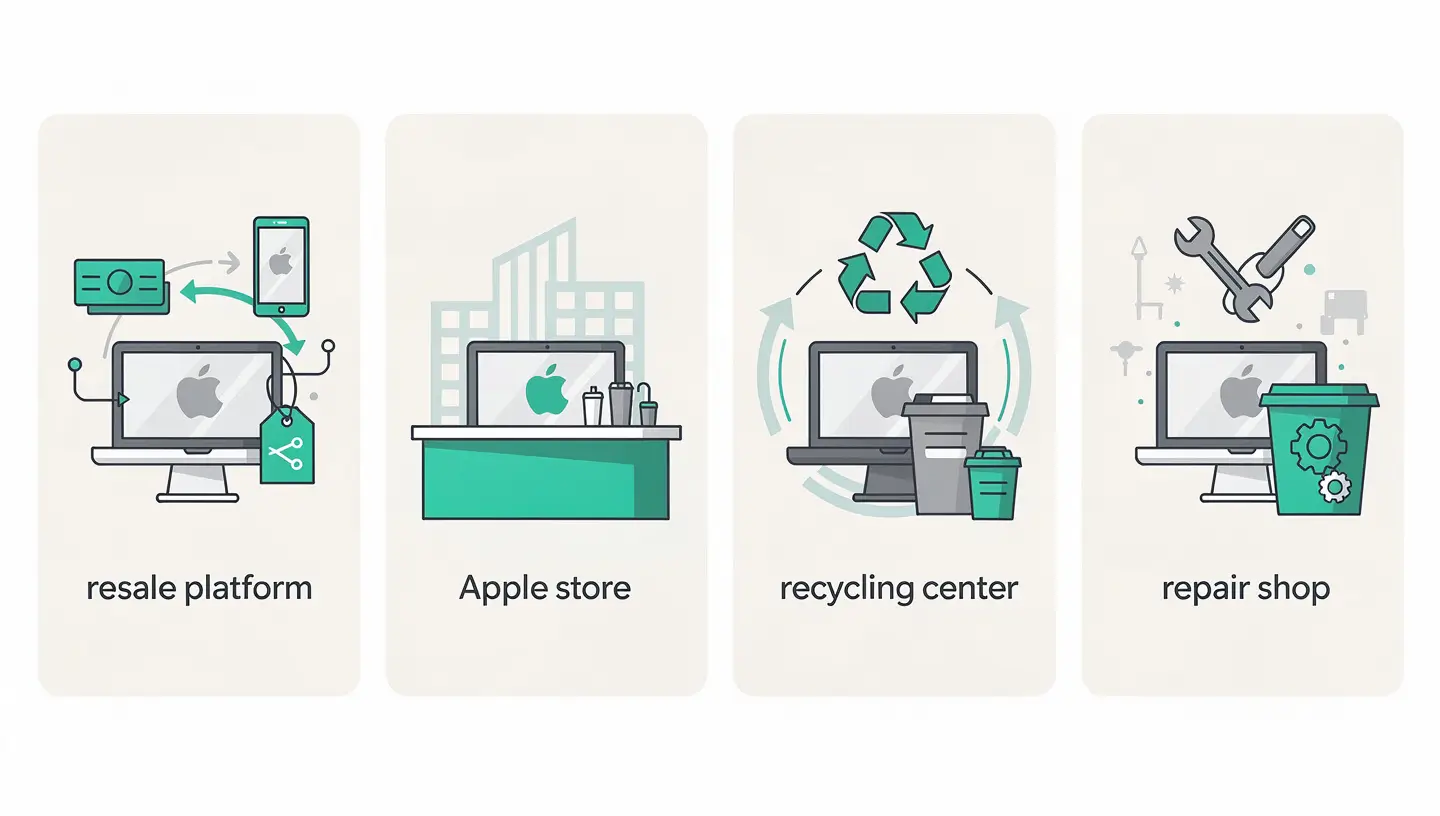
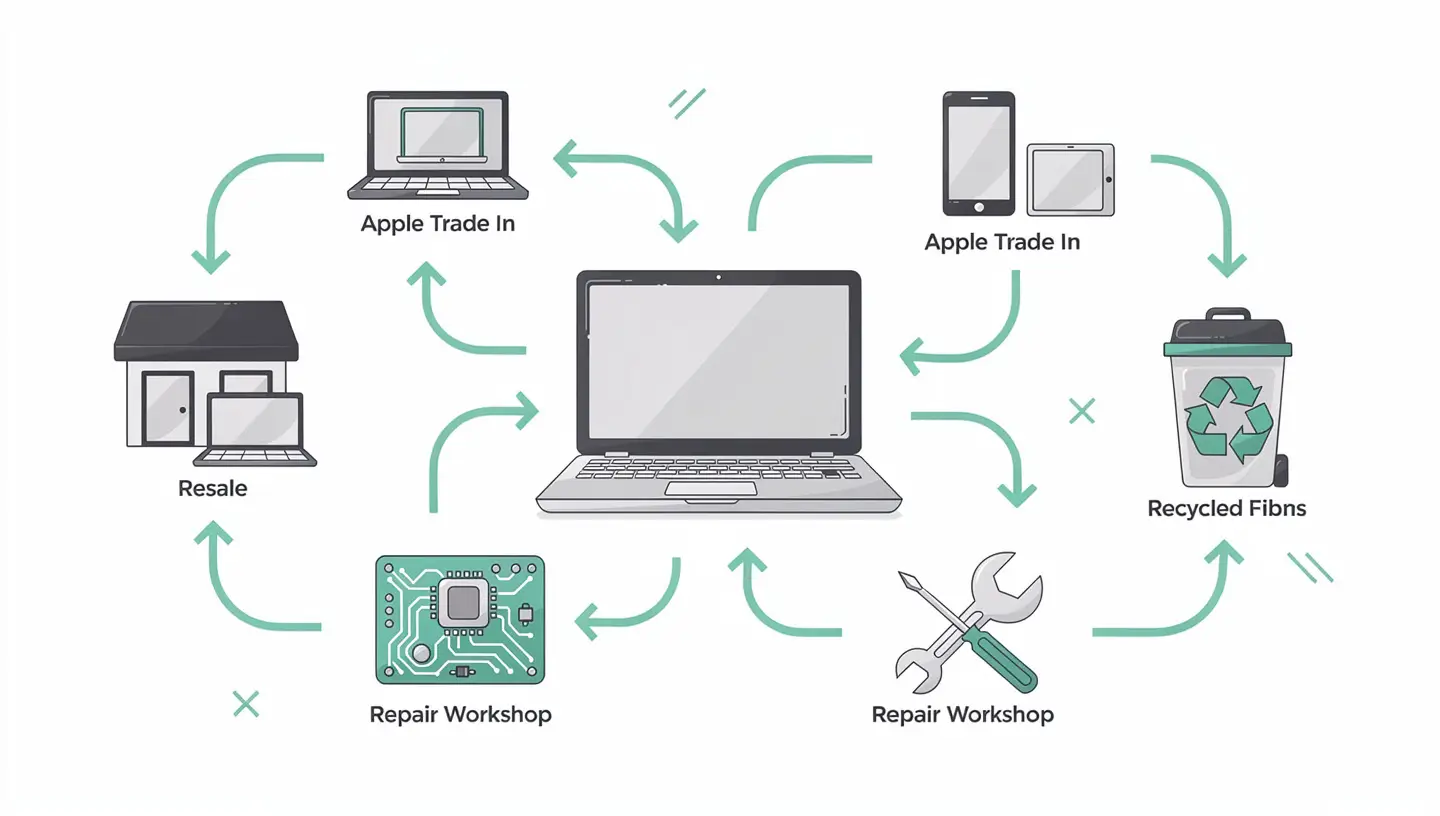
Apple offers its own trade-in programme: Apple Trade In. You can estimate the trade-in value of your Mac on the Apple website or at the Apple Retail Store, then send it by post or drop it off at the shop.
Apple Trade In is still relevant if you value simplicity or if your Mac is in poor cosmetic condition (a very damaged Mac that would be difficult to sell privately may still have a trade-in value with Apple).
In Belgium, the Recupel organises the collection and recycling of electronic equipment. This is the solution for Macs that no longer have any resale value - too old, broken beyond repair or incomplete.
Recupel finances its operations through a contribution included in the purchase price of every new electronic appliance sold in Belgium. Depositing an old appliance is therefore free of charge for the consumer. The components are sorted, the materials recovered (metals, plastics, glass) and the hazardous substances (lithium batteries, mercury from old screens) processed securely. To find your nearest collection point, go to official Recupel website.
An independent Apple repairer like MAC Repair can give your old Mac a second lease of life in a number of ways. If the Mac is functional but slow, a software clean-up, an SSD upgrade (on compatible models) or a clean reinstallation of macOS can make it perfectly usable for a new user. If the Mac breaks down, functional components (screen, battery, keyboard, trackpad, chassis) have value as spare parts.
Our Mac buyback takes back Macs of all generations, working or broken down, with a fair evaluation and immediate payment. We recondition viable machines and responsibly recycle components from irreparable machines.

Recycling a Mac follows a rigorous industrial process. The devices are first sorted: those that can be reconditioned are set aside, while the others are dismantled. The aluminium in the chassis (which accounts for most of the weight) is melted down and reused - Apple claims to use 100 % recycled aluminium for the chassis of its recent Macs. Copper from printed circuits, cobalt and lithium from batteries, and rare earths from speaker magnets are extracted and reintroduced into the production chain.
Lithium-ion batteries are treated in specialised facilities. Under no circumstances should they be disposed of in conventional rubbish bins, nor should they be handled if they are swollen or damaged - there is a real risk of fire.
The value depends on the model, year, configuration (RAM, SSD), cosmetic condition and operation. A 2-3 year old Apple Silicon MacBook Pro in good condition retains 50 to 65 % of its value. A 5-6 year old Intel MacBook Air is worth around €150 to €300. A very old or broken-down Mac can be worth between €20 and €100 for its parts. Our Mac buyback offers a free assessment.
On macOS Monterey and later: System Settings → General → Transfer or reset → Erase content and settings. On earlier versions: boot into Recovery mode (Cmd + R on startup), use Disk Utility to wipe the disk, then reinstall macOS. See our complete reset guide for details.
Yes, Recupel and container parks accept broken-down equipment. Apple Trade In also takes back non-working Macs (for a reduced fee or free recycling). An independent repairer can also recover functional parts. If the Mac no longer powers on but contained sensitive data, consult a technician for secure disk erasure.
Yes, dropping off electronic appliances at Recupel points (container parks, partner shops) is completely free of charge for private individuals. Funding comes from the Recupel fee included in the purchase price of new appliances - you have already paid for recycling at the time of purchase.
No, do not remove the battery yourself. Lithium-ion batteries are dangerous if punctured or damaged (risk of fire and release of toxic gases). Recycling centres and repairers have the necessary equipment and training to handle batteries safely.
Often yes. A «slow» Mac can often be revived by a clean reinstallation of macOS, a software clean-up or an SSD upgrade (on compatible models). The cost of these interventions is much lower than that of a new Mac. Our free diagnosis identify the cause of the slowdown and possible solutions.
Apple states that Macs in good condition are refurbished and resold (Apple Refurbished). Macs that cannot be refurbished are dismantled and their materials recovered. Apple uses the Daisy robot to dismantle iPhones, and similar processes exist for Macs. Recycled aluminium is reused for the chassis of new products.
Absolutely, and it's an excellent option. Many associations in Belgium accept working computers: Les Petits Riens, Oxfam Solidarité, Digital for Youth, and local schools or ASBLs. Make sure you wipe your data and reinstall macOS properly before donating. The Mac must be functional and able to run a version of macOS that is still supported to be really useful.
On a Mac with an SSD (all recent Macs), the «Erase content and settings» function makes data cryptographically inaccessible by deleting the FileVault encryption key. The residual data on the SSD is technically present but unreadable without the key. On a Mac with a mechanical hard disk, secure erasing (several passes) is recommended for greater certainty.
Yes, with over 15 years' experience since 2010, we buy back Macs of all generations, both working and broken down. Viable Macs are reconditioned, while others are dismantled for the recovery of parts and the responsible recycling of components. Free evaluation and immediate payment. Visit our page Mac buyback.


Over 15 years of Apple expertise in Brussels. Free, no-obligation quote and 180-day guarantee on repairs.