
Is your Mac slow, does the operating system freeze or do you need a clean install? Our Apple-independent workshop installs macOS on all Mac models. Free diagnosis, fast response.

15 years of expertise
on all macOS
The diagnosis is
100% free within 24 hours
Only
by appointment only!
Parts coverage
and workforce


Choose the most convenient troubleshooting mode for reinstalling your system.
Express installation in 1 to 4 hours in Berchem-Sainte-Agathe. Recommended method.
Technical support and software installation directly on your premises in Brussels.
Collection and return by courier in Brussels or by secure bpost anywhere in Belgium.
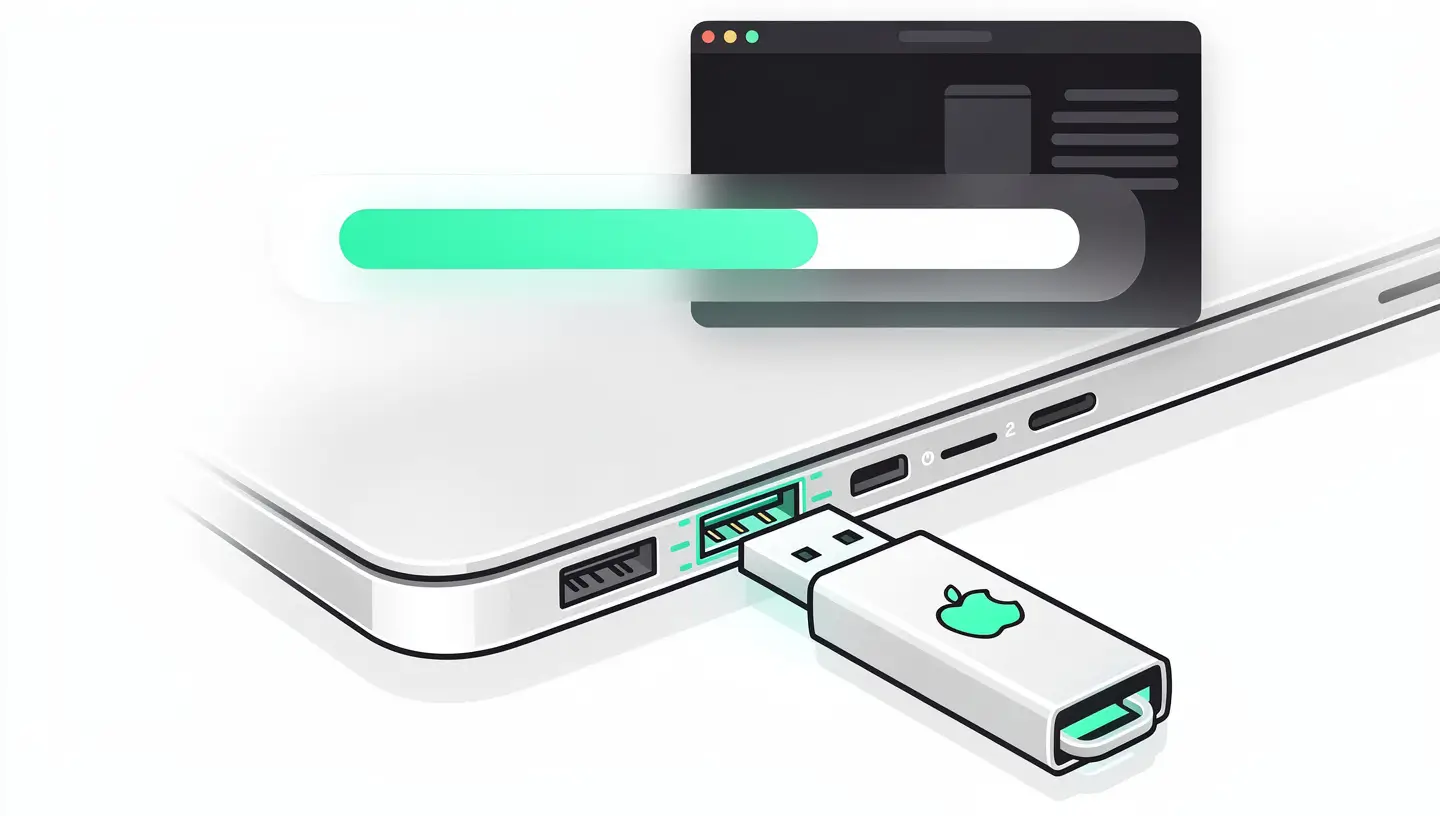
Blank installation requires physical access (bootable USB key). For a simple update, please contact us.

A professional 4-stage process, from backup to custom configuration.
Check the status of your SSD or hard disk. Complete backup of your data via Time Machine or USB key before any manipulation.
Download and install the macOS version appropriate for your model via bootable USB key or Apple server. Trim activation if SSD present.
Set up your system, create user accounts, configure email, iCloud, printers and custom preferences.
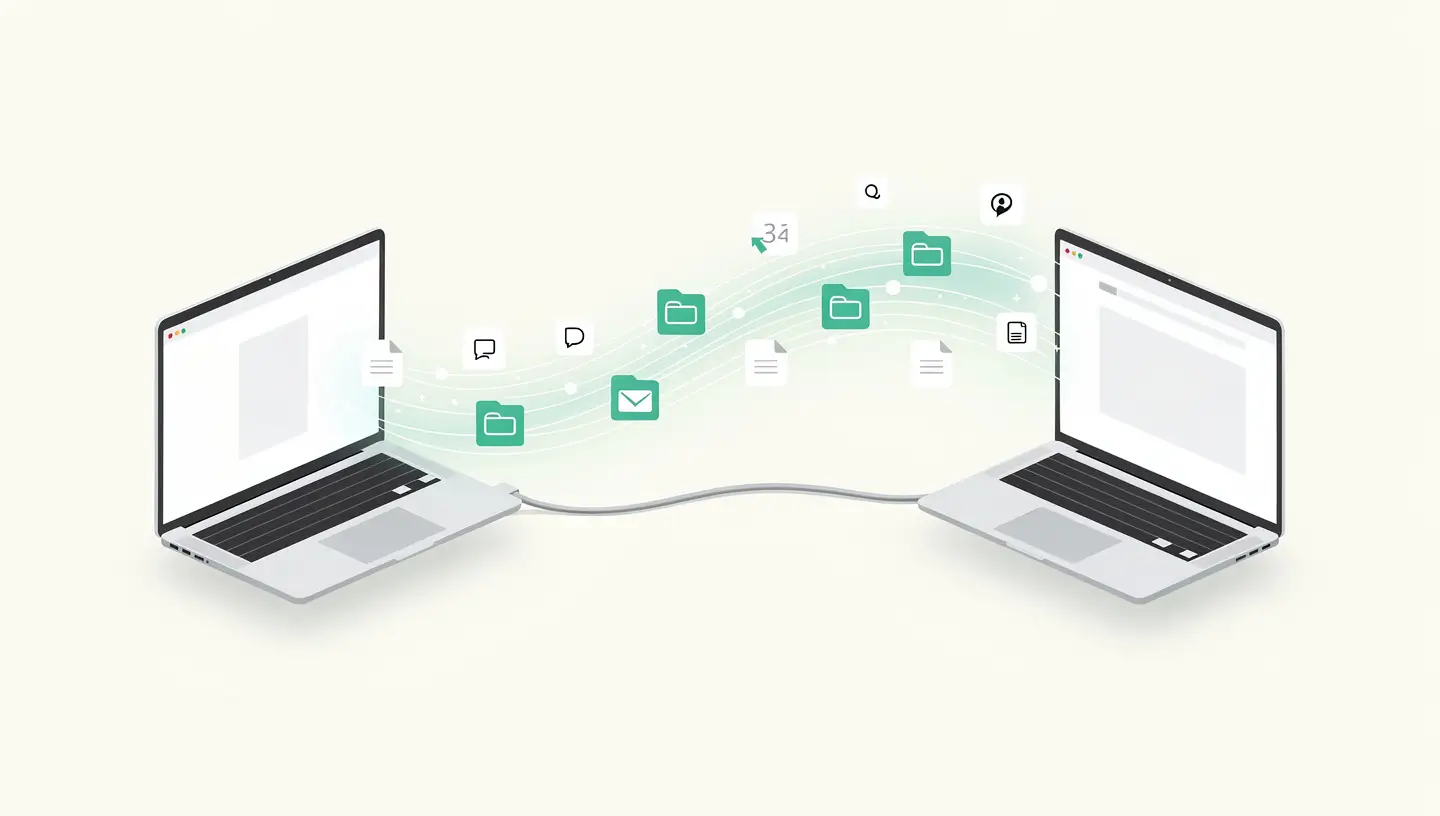
Transfer of your data, applications and settings to the new system. Full stability and recovery test, with advice on use.
15 years' experience, technical support and access to all versions of macOS.
Installation and configuration covered. If there is a problem related to our intervention, we will correct it free of charge.
Complete backup before intervention. Data recovery and transfer to the new system included in the package.
Installation by a professional with 15 years' experience. Each model receives the macOS version best suited to its capabilities.
About this Mac" screenshot before and after installation. System version, memory and storage configuration documented.
A clean installation of macOS combined with preventive maintenance will restore speed and stability to your computer.
MacOS installation in 1 to 4 hours in the workshop, depending on complexity. Same-day express service available (+15%).
Diagnostics, backup and configuration included in all prices.
| macOS installation by type | Price incl. VAT |
|---|---|
|
Diagnosis of compatibility
Verification of model and supported version within 24 hours
|
Free |
|
Blank macOS installation
Complete formatting and clean install of the system
|
75€ - 95€ |
|
Relocation and transfer
Clean installation and recovery and transfer of your data
|
120€ |
|
Tailor-made configuration
System, email, iCloud, printer, apps and user accounts
|
150€ |
|
Upgrade macOS
Upgrade to the latest official Sequoia version (if compatible)
|
75€ - 95€ |
|
Downgrade macOS
Back to a previous stable version for your pro applications
|
95€ |
| Included in each package | Status |
|---|---|
|
Backup
Complete security of your files before any manipulation
|
Included |
|
Optimisation and safety
Latest Apple patches and Firewall checks
|
Included |
|
Cleaning Malware / Adware
Scanning and removing unwanted adware
|
Included |
|
Express Service Supplement
Priority same-day workshop installation
|
+15 % |
|
180-day guarantee
System and labour included
|
Included |
| MacBook Pro and Air laptops | |
|---|---|
|
MacBook Pro and Air Apple Silicon (M1-M4)
macOS Tahoe native, full Apple Intelligence support
|
Available at |
|
Intel MacBook Pro and Air (2018-2020)
macOS Sequoia compatible (T2 chip required)
|
Available at |
|
MacBook Pro Retina (2012-2015)
Latest official stable release: macOS Monterey (12)
|
Limited |
|
MacBook Pro Unibody (2008-2012)
Latest official version: macOS Catalina (10.15)
|
Limited |
| Apple desktop computers | |
|---|---|
|
iMac and Mac mini Apple Silicon
All macOS Tahoe versions supported
|
Available at |
|
iMac 21.5" and 27" (Intel 2017-2020)
macOS Sequoia supported depending on the exact year
|
Available at |
|
Mac Pro (2013-2023)
Supported according to generation (Cylinder or Tower)
|
Available at |
|
Average response time
Clean installation and workshop configuration
|
2 - 4 h |
|
Technical assistance
Advice on the ideal version for your Mac
|
Contact us |
The essentials on cost, compatible models and the process.
From €75 including VAT for a blank installation, up to €150 for a complete customised configuration with data transfer. Visit diagnosis is free of charge and the estimate is sent to you before any commitment is made.
All Apple models are supported: MacBook Pro, MacBook Air, iMac, Mac mini, Mac Pro and Mac Studio. We install the macOS version best suited to each machine, from macOS Catalina to macOS Sequoia.
For a clean install, physical access to your Mac is essential, as we use a bootable USB key. For a simple macOS update on a Mac that boots normally, contact us to assess remote feasibility.
MacOS installation takes 1 to 4 hours in the workshop, depending on the complexity (blank installation, data transfer, custom configuration). Our express service means you can get your Mac back the same day.
Feedback from satisfied customers.
"Thank you for your professionalism. An old Mac from 2009 has been refurbished. New hard drive, right speaker and reinstalled El Capitan, for a reasonable price. I would recommend to 100%."

"I suddenly had a problem with my 2011 iMac. A crossed-out circle appeared when I restarted and I couldn't do anything. Apple told me that the Mac was too old. Mac Repair identified and solved the problem. Thanks again."

"Fast, efficient, friendly, honest service. Eyes closed! A passionate person, who loves doing his job, takes good care of your Mac!"

"Very good service, very good advice, efficient, honest, fast, recommend with your eyes closed!"

"Super fast response, good advice, fast and efficient repair, very friendly, very reasonable prices, a good address for Mac repairs!"


Clean reinstallation, data migration and creating a bootable USB key: our guides to installing or updating macOS in complete safety.
By appointment only!

Whatever your model (MacBook Pro, MacBook Air, iMac, Mac mini or Mac Pro), we install macOS from the update to the clean install with full data transfer.
We operate in 19 municipalities: Anderlecht, Auderghem, Berchem-Sainte-Agathe, Brussels City, Etterbeek, Evere, Forest, Ganshoren, Ixelles, Jette, Koekelberg, Molenbeek-Saint-Jean, Saint-Gilles, Saint-Josse-ten-Noode, Schaerbeek, Uccle, Watermael-Boitsfort, Woluwe-Saint-Lambert and Woluwe-Saint-Pierre.
Combine macOS installation with a SSD upgrade or a RAM upgrade to turn your slow Mac into a responsive machine. See also our virus cleaning and our preventive maintenance.
Need to create an installation USB key before coming to the workshop? Our tutorial create a bootable macOS USB key guides you step by step. And if you're migrating from an old Mac, our article Migration assistant covers all stages of data transfer.
Exclusive specialisation
Our workshop is entirely dedicated to repairing Apple computers, guaranteeing a made-to-measure service. We do not handle mobile devices or Windows PCs.