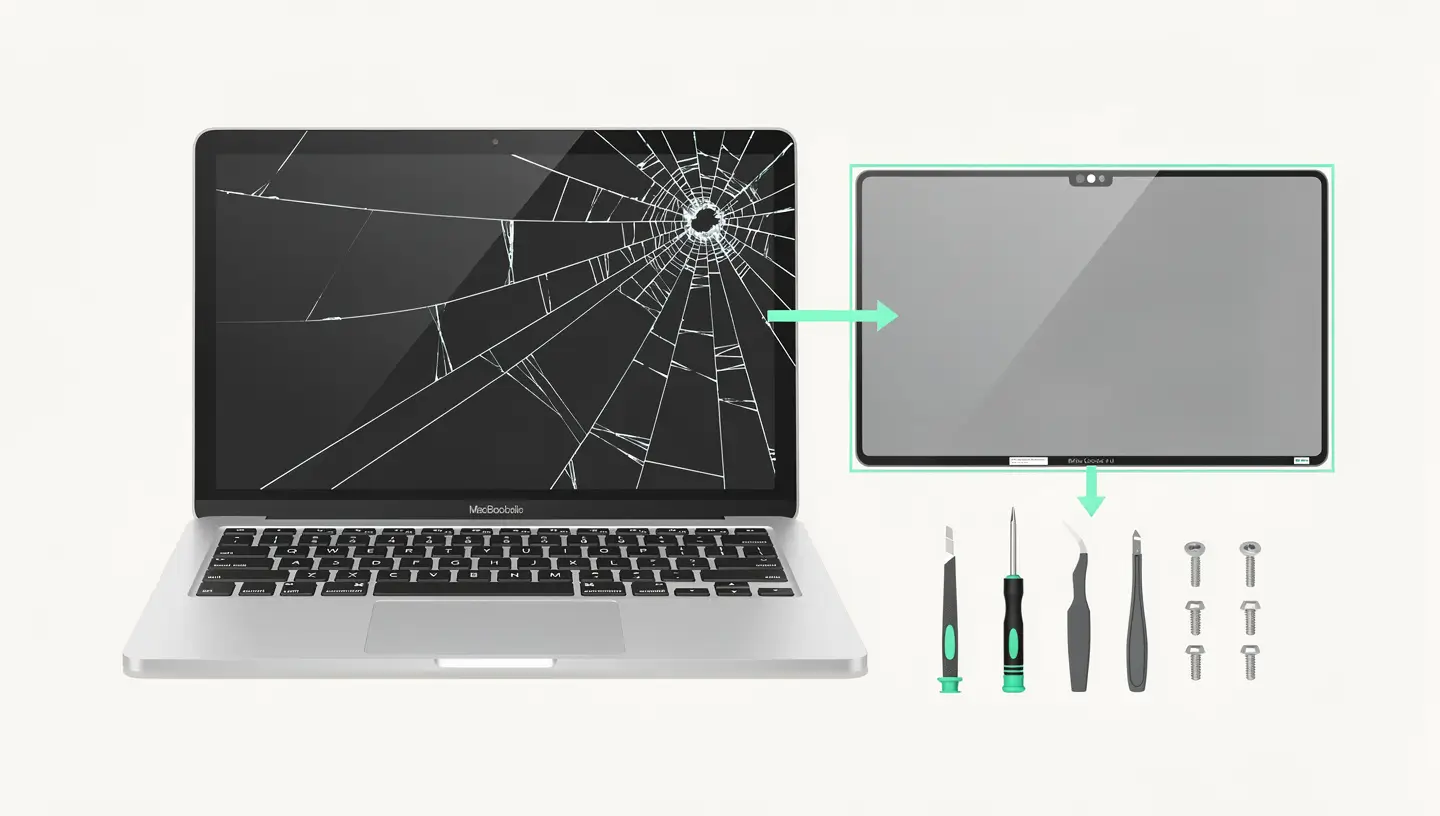


When Apple identifies a manufacturing defect affecting a significant number of devices, the company launches a service programme that takes one of the following forms:
These programmes are separate from the standard legal guarantee and apply even if your Mac is no longer covered by the Apple or AppleCare+ guarantee. That's why it's crucial to check your Mac's eligibility before paying for a repair out of your own pocket.
Apple maintains an official list of its active programmes, which is updated regularly. Here are the main programmes that have involved Macs, listed in order of relevance.
| Programme | Models concerned | Problem | Type |
|---|---|---|---|
| Mac mini - power supply problems | Certain Mac minis (check eligibility) | Mac mini won't turn on | Repair programme |
| MacBook Pro 15″ - battery reminder | MacBook Pro 15″ sold between Sept. 2015 and Feb. 2017 | Battery likely to overheat (safety risk) | Safety reminder |
| Butterfly keyboard programme | MacBook, MacBook Air, MacBook Pro 2015-2019 | Sticky, unresponsive or repetitive keys | Repair programme (completed for most models) |
| Anti-reflective coating (Staingate) | MacBook Pro Retina and MacBook 2013-2017 | Coating peels off and leaves stains | Repair programme (completed for certain models) |
For butterfly keyboard problems in particular, our article MacBook keyboard butterfly problem details the models affected and the solutions. If your Mac won't turn on and you think you may be affected by a service programme, take a look at our guide Mac that won't turn on.

Apple Menu → About this Mac. Make a note of the model name, year and serial number. For more precise identification, use our Mac identification tool.
Visit the official Apple service programs page and check whether your model is listed in one of the active programmes. Some programmes offer an online verification tool with your serial number.
If your Mac is eligible, you can drop it off at an Apple Retail Store (the nearest in Brussels is the Apple Retail Store on avenue de la Toison d'Or), send it by post via Apple Support online, or take it to an Apple Authorized Service Provider. In some cases, independent repairers can also handle service programmes via the IRP programme.
Launched in 2022 in the United States and gradually extended to Europe, the Self Service Repair allows individuals and small businesses to order official Apple spare parts and access repair manuals to carry out repairs themselves.
Self Service Repair is an important step forward for the right to repair, but it has significant limitations. Individual parts are expensive (often close to the official repair rate). Some repairs require software validation via the Apple System Configuration tool, which matches the new component to the Mac - a step that requires an Internet connection and can be problematic. The complexity of the procedures makes repairs risky without prior technical experience.
For the majority of users, a qualified technician remains the safest choice. Our article Apple Store vs independent repairer compares the options in detail.
The programme Independent Repair Provider is designed for independent repair shops that wish to offer out-of-warranty repairs for Apple products. Participating workshops have access to genuine Apple parts, official diagnostic tools, repair guides and Apple technical training.
This programme is distinct from the Apple Authorized Service Provider (AASP): the IRP does not require a close commercial relationship with Apple and does not impose the same constraints in terms of shop layout or volume of repairs. It enables small independent workshops to offer quality Apple repairs using genuine parts.
In Belgium, the programme is open to companies that meet the technical competence requirements. At Réparation MAC, we use professional quality parts and have the expertise acquired in over 15 years of Apple repairs since 2010.
With macOS Tahoe, Apple has replaced the old Apple Diagnostics with a new tool called Repair Assistant on Apple Silicon Macs. This new tool offers a more detailed and transparent approach to hardware diagnostics.
Unlike the old system, which launched a global diagnostic and displayed a cryptic code, Repair Assistant allows you to choose specific tests and displays the results of each test individually with clear indicators (green tick for a successful test, warning triangle in the event of a problem). It's a step towards greater transparency in Apple diagnostics.

In addition to Apple programmes, Belgian and European legislation protects you as a consumer.
In Belgium, any product purchased new benefits from a 2-year legal guarantee covering defects in conformity. This guarantee applies independently of the Apple commercial guarantee (1 year) or AppleCare+. If a defect appears within 2 years of purchase, the seller (not necessarily Apple) is obliged to repair, replace or refund the product.
The European Union is gradually strengthening the right to repair, with directives requiring manufacturers to make spare parts available for a minimum period after the product has been taken off the market, to give independent repairers access to repair manuals, to prohibit practices that unfairly impede repair (such as abusive software matching), and to display a reparability index on certain products. These regulations evolve and are regularly reinforced, forcing Apple to adapt its practices.
At Réparation MAC, all our work is covered by a 180-day guarantee, whether or not the Mac is under Apple warranty. We use professional-quality parts, and our 15 years' experience since 2010 ensures that your work will be reliable and long-lasting.
Visit the official Apple Service Programs page and check if your model is listed. Some programs offer an online verification tool with your serial number (Apple menu → About this Mac). You can also contact Apple Support directly or request verification during a free diagnosis with us.
Yes, if your device is eligible and the programme is still active. Safety reminders are always free and there is no time limit. Repair programmes and extended warranties are free for the duration of the programme, which is generally 3 to 5 years after the date of sale of the model concerned.
Often yes. When Apple launches a service programme, customers who have already paid for the same fault to be repaired can usually request a refund by contacting Apple Support with their repair invoice. This applies even if the repair was carried out by a third-party repairer, provided they can prove the nature of the fault.
Apple has extended Self Service Repair to many European countries. Exact availability and models covered may vary. Check the Self Service Repair page on the Apple website for current Belgian availability. Repair manuals are available online free of charge for all countries.
Apple is gradually extending the list of models covered. Initially limited to Apple Silicon MacBook Air and MacBook Pro, it now includes a growing number of desktop Mac models. See the official page for the latest list. Intel Macs are generally not covered by the programme.
Under European law, a repair carried out by a third party cannot invalidate the legal warranty, provided that the repair did not cause the defect that is the subject of the claim. In practice, Apple can refuse to cover a Mac if a third-party repair has damaged a component, but it cannot reject a claim for a defect unrelated to the repair carried out.
Parts pairing is a software process that links a replacement component to the Mac's serial number. Some repairs (screen, battery, Touch ID) require validation via the Apple System Configuration tool in order to function fully. Without this validation, certain functionalities may be limited (True Tone deactivated, unauthenticated part alert).
On an Apple Silicon Mac with macOS Tahoe or later: switch off the Mac, hold down the power button to access Recovery mode, then press Cmd + D. On an Intel Mac: restart by holding down the D key. Repair Assistant (Apple Silicon) lets you choose specific tests, while the old Apple Diagnostics (Intel) runs a global test.
Yes, if the defect is a lack of conformity (the product does not correspond to what a consumer could reasonably expect). Normal wear and tear, accidental damage and liquid damage are not covered. The legal guarantee is addressed to the seller (the shop where you bought), not directly to Apple.
We can check whether your Mac is eligible for an active service programme during our free diagnosis. If so, we'll point you in the right direction. For repairs outside the programme, we use professional quality parts and a 180-day guarantee - often quicker and cheaper than an Apple Retail Store.


Over 15 years of Apple expertise in Brussels. Free, no-obligation quote and 180-day guarantee on repairs.