
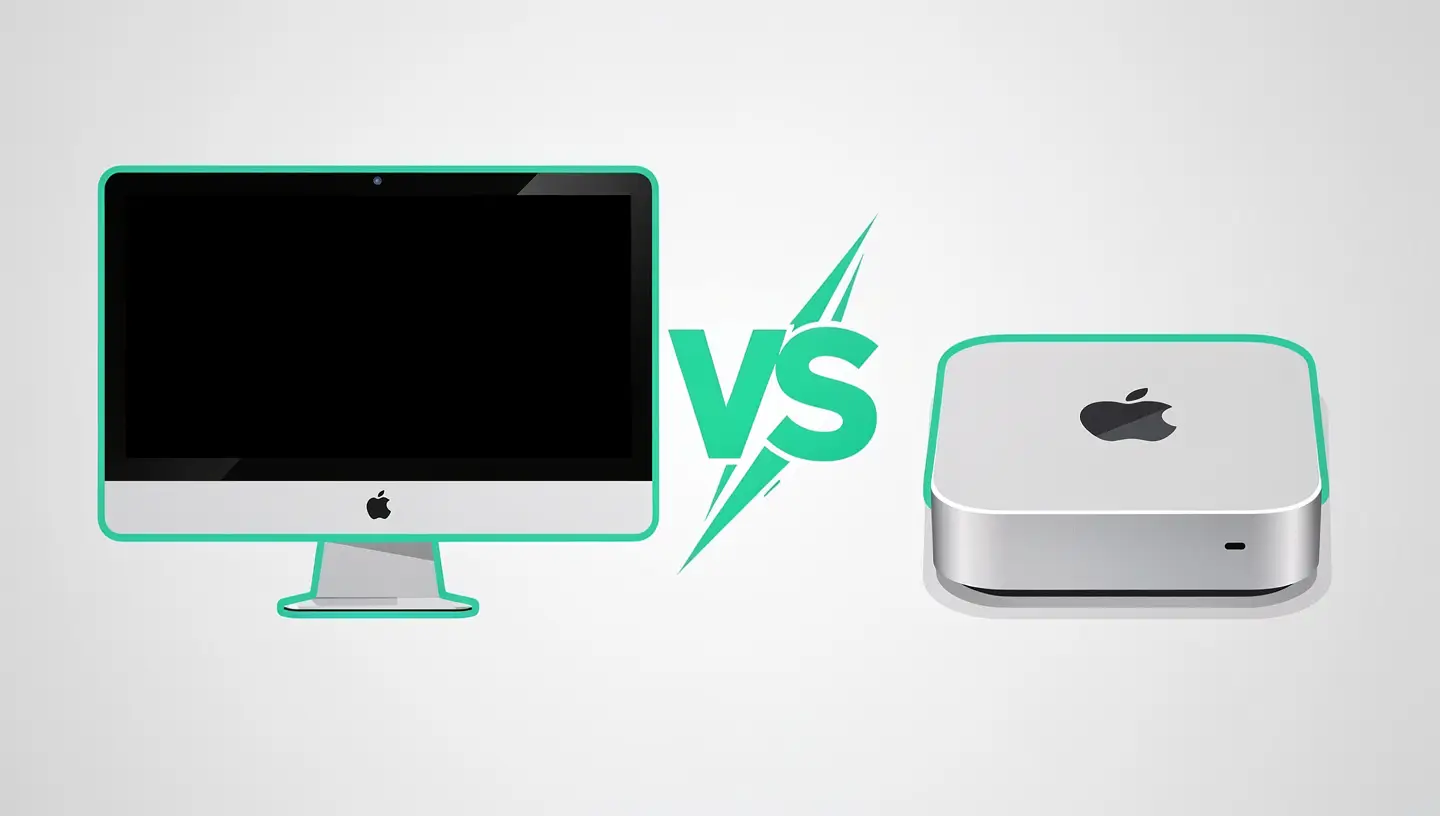
The iMac and Mac mini answer the same question - which desktop Mac should you buy? - with radically different approaches.
L’iMac M4 is an all-in-one device: 24-inch Retina 4.5K screen, Dolby Atmos speakers, 12 MP Center Stage webcam, microphone and power supply integrated into an 11.5 mm-thick aluminium chassis. As presented by the Apple Configurator, Just plug in a power cable, keyboard and mouse and you're ready to go. The sleek design, available in 7 colours, makes the iMac as much an object as a tool.
Le Mac mini M4 is a compact box (12.7 × 12.7 cm in its 2024 version) with no screen, no quality speakers and no webcam. You plug in your own screen, speakers and webcam. In return, it costs half as much, offers an M4 Pro option (not available on the iMac) and gives you total freedom to choose your screen.
| Features | iMac M4 | Mac mini M4 | Mac mini M4 Pro |
|---|---|---|---|
| Chip | M4 (10 CPU, 10 GPU) | M4 (10 CPU, 10 GPU) | M4 Pro (12 or 14 CPUs, 16 or 20 GPUs) |
| Memory | 24 or 32 GB | 16, 24 or 32 GB | 24 or 48 GB |
| Storage | 256 GB to 2 TB | 256 GB to 2 TB | 512 GB to 4 TB |
| Thunderbolt | 2× Thunderbolt 4 | 3× Thunderbolt 4 | 3× Thunderbolt 5 |
| External screens | 1 (in addition to integrated) | Up to 2 | Up to 3 |
| Starting price | ~1 649€ | ~699€ | ~1 049€ |
With the same chip (M4), the iMac and Mac mini offer exactly the same performance. The Mac mini M4 can even access the same chip as the iMac. M4 Pro, This makes it significantly more powerful than the iMac in high-end configurations. For professionals who need raw power, the Mac mini M4 Pro has no equivalent in the iMac range.
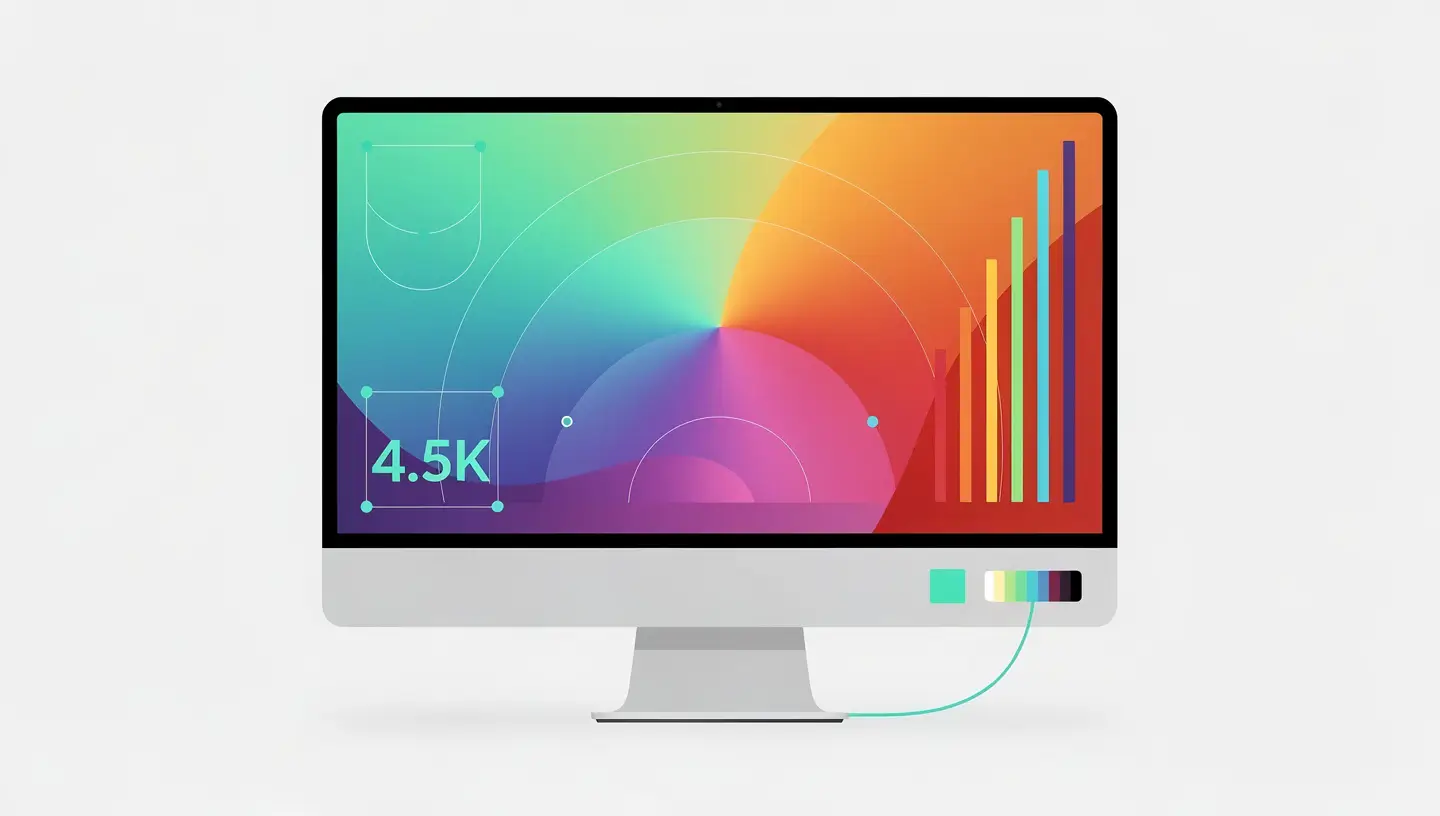
The iMac's 24-inch Retina 4.5K display (4480 × 2520 pixels) is its main selling point. The IPS panel offers extended P3 coverage, 500 nits of brightness, anti-reflective coating and the option of nano-texture for bright environments. For photo editing, graphic design or simply everyday visual comfort, this is one of the best screens on the market in this price category.
Buying an equivalent display separately for the Mac mini costs between €500 and €1,200 (Apple Studio Display at ~€1,749, LG UltraFine 5K or Dell UltraSharp 4K). When you add the price of the display to the Mac mini, the price difference with the iMac shrinks considerably - or even reverses if you're aiming for a top-of-the-range display.
However, the Mac mini offers an advantage that the iMac can't match: the screen selection. You can opt for a 27-inch, 32-inch, ultra-wide, affordable 4K screen or even a multi-screen setup. The iMac locks you into its 24-inch screen - beautiful, yes, but fixed.
The Mac mini has the edge here. With 3 Thunderbolt ports (compared with 2 on the iMac), 2 USB-A ports (absent from the iMac), an HDMI port and a basic Ethernet socket (optional on the entry-level iMac), the Mac mini offers greater flexibility for connecting peripherals without the need for a hub.
The Mac mini M4 Pro goes even further with Thunderbolt 5 (80 Gbps), making it compatible with high-end professional docks and the most demanding external screen configurations.
The iMac makes up for this in part with its 12MP Center Stage webcam (auto-cropping) and six-speaker Dolby Atmos speakers - both of which Mac mini users will have to buy separately if they need them.
Here are the most relevant configurations compared in terms of total budget:
| Configuration | Estimated price | What you get |
|---|---|---|
| Mac mini M4 + affordable 27″ 4K display | ~1 000-1 100€ | 16 GB RAM, 256 GB SSD, good screen, modular configuration |
| Basic iMac M4 | ~1 649€ | 24 GB RAM, 256 GB SSD, exceptional 4.5K screen, webcam, speakers |
| Mac mini M4 Pro + high-end display | ~2 000-2 800€ | 24-48 GB RAM, Pro performance, Thunderbolt 5, choice of screen |
| iMac M4 max | ~2 499€+ | 32 GB RAM, 2 TB SSD, nano-texture screen, all integrated |
The Mac mini is clearly the champion of value for money if you already own a display or if an affordable 4K display suits you. The iMac is justified when you value integration, aesthetics and screen quality without wanting to manage the assembly of separate components.
You want a streamlined office: a single power cable, no tower, no video cable, no hub. The iMac is the most minimalist desktop Mac.
You don't have a screen: if you're starting from scratch (no existing screen), the iMac with its integrated 4.5K screen offers excellent value for money compared with a Mac mini + screen of equivalent quality.
You work in a shared or visible space: open office, lounge, professional reception. The iMac in coloured aluminium is a design object that enhances the space.
You do photo retouching or graphic design: the factory-calibrated P3 screen is ready for creative work without further calibration.
Your budget is limited: At €699, the Mac mini M4 is the cheapest Mac in the catalogue. Add a decent display at €250-400 and you've got a complete setup for a much lower budget than the iMac.
You need power: The M4 Pro is only available in the Mac mini (and MacBook Pro). For intensive development, professional video editing or AI models, the Mac mini M4 Pro is unbeatable for its price.
You already have a good screen: if you have a 4K or 5K monitor, buying an iMac would mean paying for a screen you don't need.
You want a multi-screen setup: the Mac mini M4 Pro supports up to 3 simultaneous screens. The iMac supports only one external display in addition to its built-in screen.
You use it as a server or headless : The Mac mini excels as a home server, CI/CD machine, media centre or NAS thanks to its low power consumption and compact size. Our article on the’Mac optimisation for video editing also covers optimal office configurations.
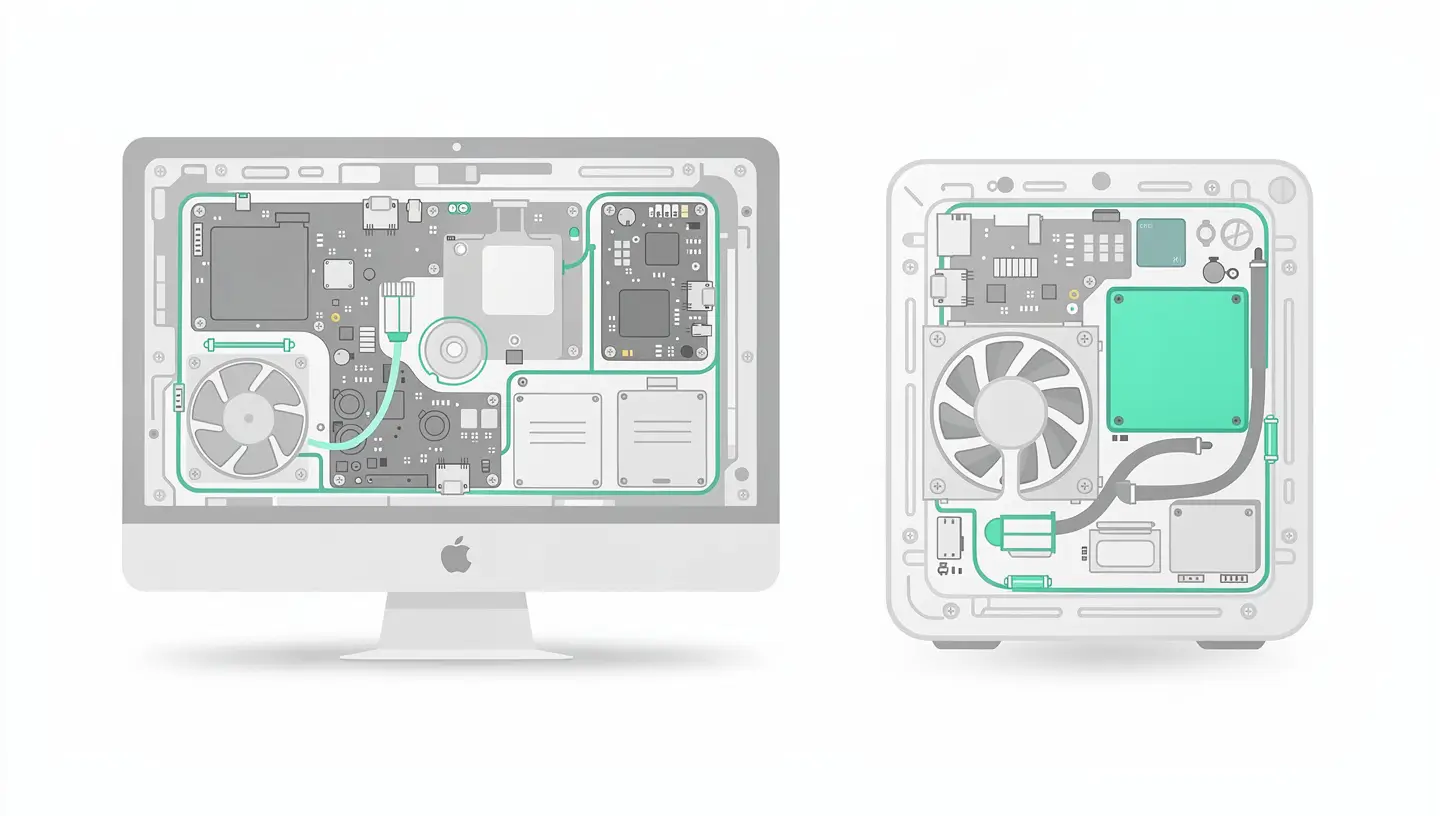
On both machines, the RAM and SSD are soldered and cannot be upgraded. Choose your definitive configuration when you buy.
The iMac is more difficult to repair than the Mac mini: the glued screen makes it difficult to access the internal components. Replacing an internal component (fan, power supply) requires specialist disassembly. The Mac mini, which is smaller and architecturally simpler, is more accessible for repairs.
At MAC repair, With a 180-day guarantee and professional-quality parts, we work on both machines. Whether it's for a free diagnosis, a preventive maintenance or a more complex repair, our 15 years' experience since 2010 covers all iMac and Mac mini models.
No. Unlike previous iMacs that offered Target Display Mode, the iMac M4 cannot be used as an external display. This is a frustrating limitation for those who want to re-use the display after the Mac has reached the end of its life. If you want a durable, independent display, the Mac mini + separate display is more durable.
The Mac mini M4 is virtually silent in everyday use. Its fan only comes on during prolonged intensive use and remains discreet. The Mac mini M4 Pro may be slightly more audible under maximum load, but it remains considerably quieter than any comparable desktop PC.
For office use: a 27-inch 4K screen (Dell S2722QC, LG 27UL850 between €300 and €500). For creative work: a P3 or Adobe RGB screen (ASUS ProArt, BenQ PD between €500-900). At the top end of the market: the Apple Studio Display (~€1,749) or the LG UltraFine 5K. Adapt your screen budget to your use - a good screen lasts longer than the Mac itself.
The 24-inch screen is comfortable for most tasks. The 4.5K resolution offers plenty of workspace. For multicam video editing, multi-panel development or complex spreadsheets, a 27-inch or larger screen is more comfortable. You can connect an external monitor to the iMac to extend the workspace.
No. On both machines, the RAM and SSD are soldered to the motherboard. That's why it's essential to choose the right configuration from the outset. Plan your needs for the next 5 years.
Yes, the Mac mini can work without a screen connected, accessible via screen sharing, SSH or Apple Remote Desktop. This is ideal for a home server, a media server (Plex/Jellyfin) or a remote compilation machine.
The M4's GPU makes it possible to play light to moderate titles. The 4.5K display is superb for gaming, but the refresh rate is limited to 60Hz - a negative for gamers used to 120Hz. For more serious gaming use, the Mac mini M4 Pro with a high-frequency gaming display is a better choice.
L’Migration assistant transfers all your data, applications and settings from your old Mac (by cable, WiFi or from a Time Machine backup). The process is simple and complete - your new Mac will be configured exactly like your old one.
The Mac mini is the best choice for a student: low entry price, affordable screen, excellent performance for studying. The money saved can be invested in a good screen or external storage. A MacBook Air is still more versatile for a student who needs to be mobile.
Both are very economical. The Mac mini M4 consumes around 5-10W at rest and 30-50W under load. The iMac M4 consumes around 40-70W (including the display). By way of comparison, an equivalent desktop PC with display consumes 150-300W. The difference will be felt on your electricity bill in the long term.


Over 15 years of Apple expertise in Brussels. Free, no-obligation quote and 180-day guarantee on repairs.