
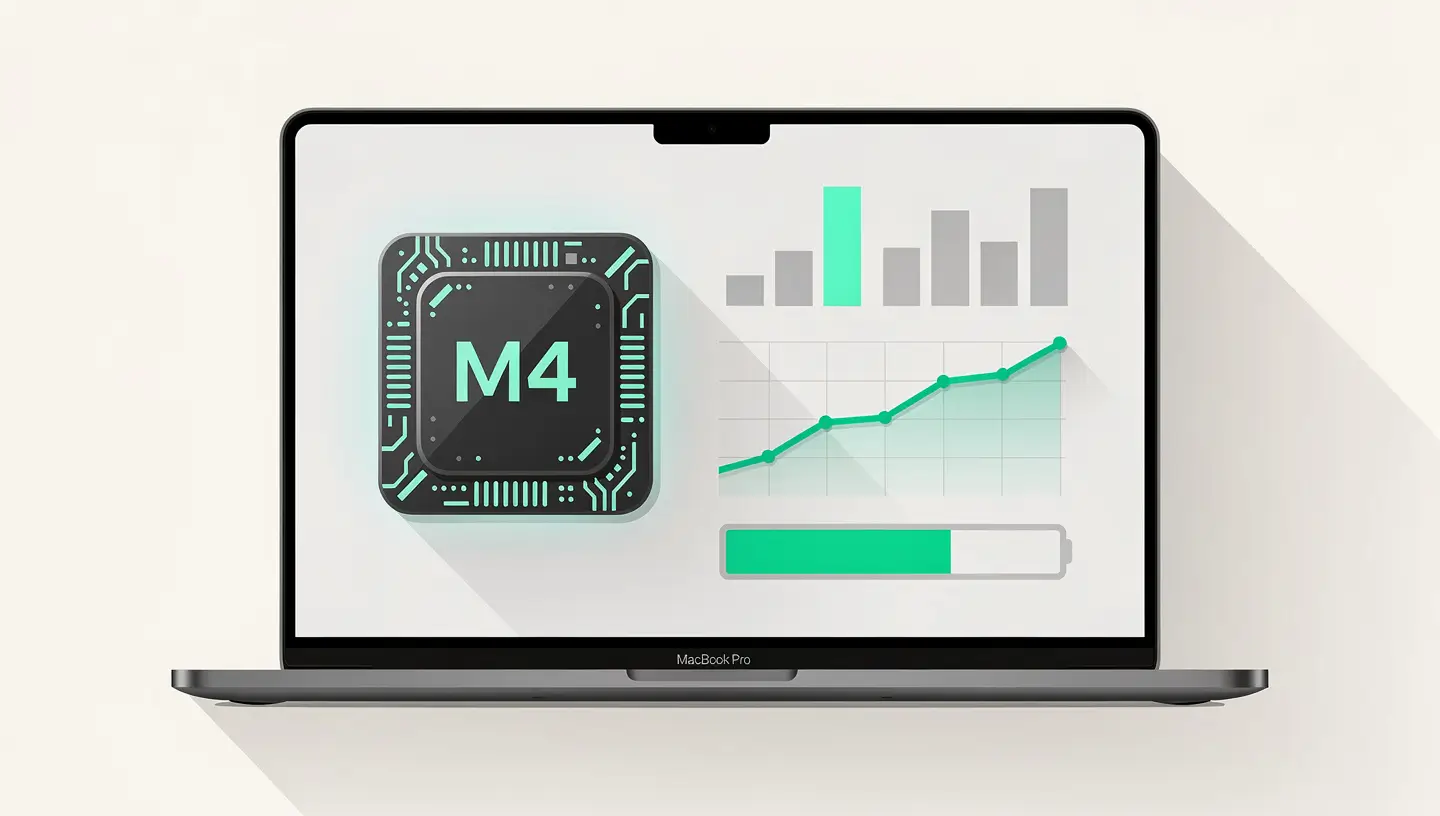
The M4 chip is engraved in the second-generation 3 nanometre process (TSMC's N3E process), an evolution of the N3B process used for the M3. As detailed in the official MacBook Pro page, This architecture results in an energy efficiency gain of 20 to 25% for the same performance, or a performance gain of 25 to 30% for the same power consumption.
The most significant change for the end user is not the processor itself, but the minimum amount of memory. Apple has finally abandoned the 8GB and 16GB configurations on the MacBook Pro: all M4 models start at 24 GB of unified memory. It's a welcome change that puts an end to the debate about the sufficiency of 8GB - a subject that has been much talked about since the first MacBook M1.
Other notable new features include hardware support for GPU-accelerated ray tracing (useful for 3D rendering and certain games), a more powerful Neural Engine for local artificial intelligence tasks (Apple Intelligence), and Thunderbolt 5 support on the M4 Pro and M4 Max models.
| Features | M4 | M4 Pro | M4 Max |
|---|---|---|---|
| CPU cores | 10 (4P + 6E) | 12 or 14 (variable) | 14 or 16 |
| GPU cores | 10 | 16 or 20 | 32 or 40 |
| Unified memory | 24 or 32 GB | 24 or 48 GB | 36, 48 or 128 GB |
| Memory bandwidth | 120 GB/s | 273 GB/s | 546 GB/s |
| Thunderbolt | Thunderbolt 4 | Thunderbolt 5 | Thunderbolt 5 |
| External monitors max | 2 (with lid closed) | 2 simultaneous | 3 or 4 simultaneous |
| Sizes available | 14-inch only | 14 and 16 inches | 14 and 16 inches |
| Starting price | ~1 899€ | ~2 399€ | ~3 999€ |
The choice between the three chips depends on your use. The standard M4 is sufficient for development, graphic design, photography and occasional video editing. The M4 Pro is for professionals who work daily on heavy projects (4K multicam editing, development with multiple Docker containers, large Xcode projects). The M4 Max is reserved for the most demanding workflows: 8K video editing, professional colour grading, scientific simulations and local AI models.
The raw figures give an idea of the leap in performance, but it's the day-to-day experience that counts. Here's what the M4 actually changes compared to previous generations.
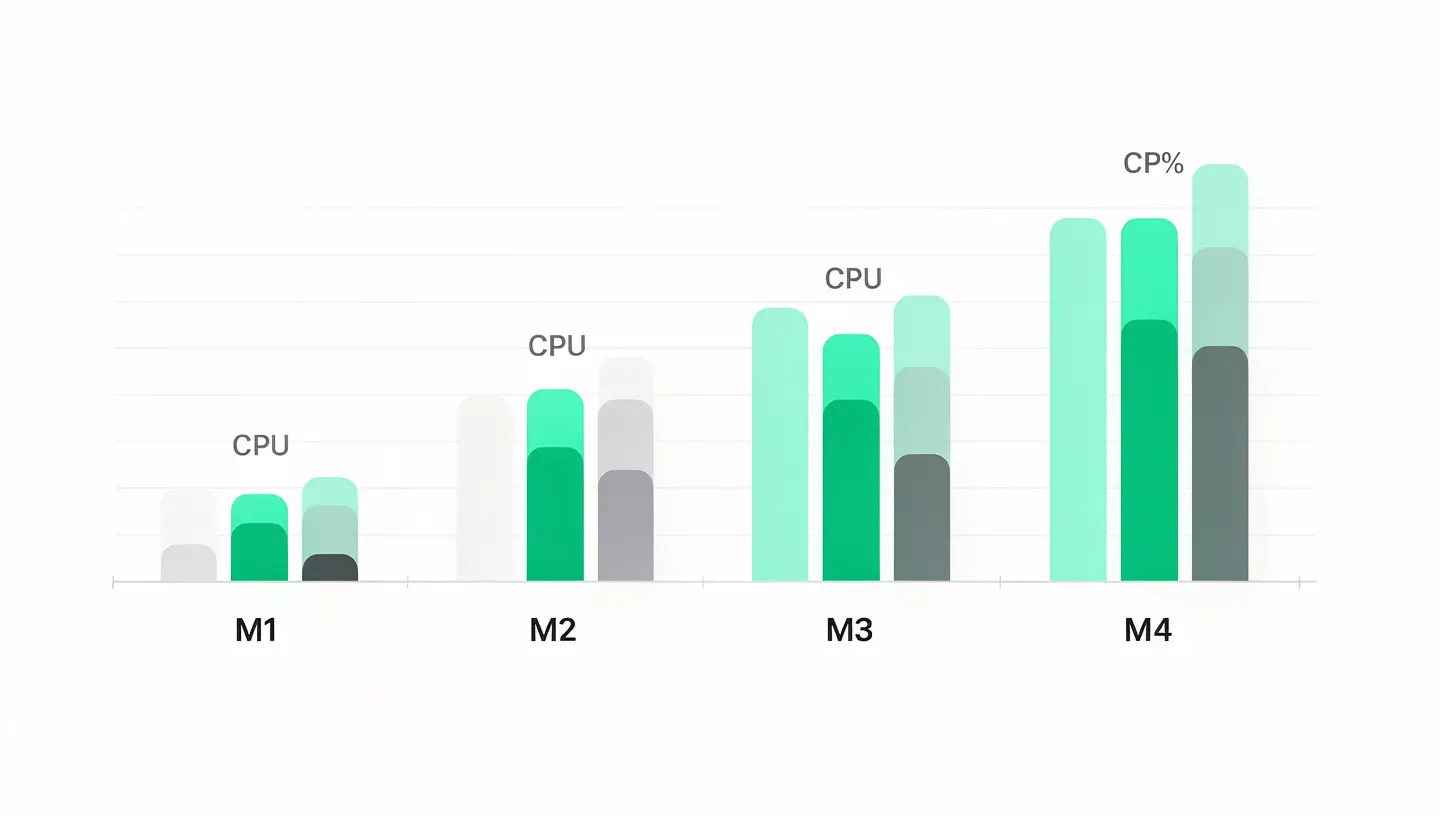
| Task | M1 Pro | M3 Pro | M4 Pro |
|---|---|---|---|
| 4K 10 min video export (Final Cut Pro) | ~4 min 30 s | ~3 min | ~2 min 15 s |
| Compiling a large Xcode project | ~8 min | ~5 min 30 s | ~4 min |
| Lightroom export (100 RAW) | ~3 min 20 s | ~2 min 30 s | ~1 min 50 s |
| Battery life (web browsing) | ~14 h | ~17 h | ~20 h |
The most spectacular improvement is in battery life. Thanks to the efficiency of the 3nm process and power management optimisations, the 16-inch MacBook Pro M4 Pro achieves runtimes that no professional notebook has achieved before. Users regularly report a full day of intensive work without charging.
For local artificial intelligence tasks (Apple Intelligence, local LLM models via Ollama or LM Studio), the minimum 24GB of unified memory makes a major difference. Models with 7 to 13 billion parameters run comfortably, which was unthinkable with the 8 GB configurations of previous generations.
The screen Liquid Retina XDR remains one of the best laptop screens on the market. Mini-LED technology delivers exceptional contrast with peak brightness of 1600 nits for HDR content and 1000 nits in full-screen SDR. The optional nano-texture mode reduces glare in bright environments without sacrificing image quality - a welcome addition for photographers and videographers working outdoors.
The ProMotion adaptive refresh rate (up to 120 Hz) makes scrolling, animations and navigation remarkably fluid. Once you're used to 120 Hz, switching back to a 60 Hz screen feels jerky.
In terms of design, the MacBook Pro M4 retains the chassis introduced with the M1 Pro/Max models in 2021, but with one notable change: a new colour. Sidereal Black (fingerprint-resistant anodised finish) in addition to the classic Silver. Thickness and weight remain identical to the previous generation - the improvements are internal.
The MacBook Pro M4's connectivity is generous and will satisfy the frustration of those who are still using Older Macs out of nostalgia for connectivity.
All models include three Thunderbolt ports (TB4 on M4, TB5 on M4 Pro/Max), an HDMI 2.1 port, an SDXC card reader, a 3.5 mm headphone socket (with high-impedance support) and the MagSafe 3 charger. USB-A has definitely disappeared, but the whole package covers 95% professional needs without an adapter.
The move to a minimum of 24GB of unified memory is Apple's most impactful decision of this generation. Unified memory (shared between CPU and GPU) means that the 24GB benefits both CPU and graphics tasks without fixed allocation. For most business users, 24GB is more than enough. The 36, 48 and 128 GB options are aimed at specific workflows (heavy virtualisation, massive data sets, AI models).
| Profile | Recommended model | Why |
|---|---|---|
| Web/mobile developer | M4 14″ (24 GB) | Sufficient for Xcode, VS Code, lightweight Docker and simulators. The 14″ screen is comfortable for coding. |
| Professional photographer | M4 Pro 14″ or 16″ (24-48 GB) | Lightroom and Capture One work perfectly. The built-in SD drive is a plus. The 16″ offers more comfort for photo sorting. |
| Video editor | M4 Pro 16″ (48 GB) minimum | 4K multicam editing requires GPU and memory. The M4 Max is recommended for 6K/8K or professional colour grading. |
| IA/ML engineer | M4 Max 16″ (48-128 GB) | The 546 GB/s memory bandwidth and 128 GB capacity mean that large AI models can be loaded locally. |
| Student / office automation | MacBook Air M3 or M4 (more suitable) | MacBook Pro is oversized for office use. MacBook Air offers better value for money for this use. |
If you're deciding between a MacBook Air and a MacBook Pro, our detailed comparison will help you decide. The MacBook Air is suitable for 80% users - the Pro is only justified for intensive and prolonged tasks.
The answer depends on your current generation and your daily frustrations.
From an M1 Pro/Max (2021) : Upgrading is justified if you need more memory (the M1s were limited to 32 or 64GB), Thunderbolt 5, or if the extra battery life changes your daily life. The raw performance of the M4 Pro is around 50% better than the M1 Pro in multi-core tasks.
From M2 Pro/Max (2023) : The gain is more modest, around 25-30%. The upgrade is only justified if you have a specific need that the M2 doesn't cover (24 GB minimum vs 16 GB, Thunderbolt 5, Apple Intelligence optimised).
From an M3 Pro/Max (2023-2024) : Unless you need Thunderbolt 5 or a specific memory configuration, moving from M3 to M4 is hard to justify financially. The performance gain is around 15-20%.
From an Intel Mac : The upgrade is transformational. Performance, battery life, silence and responsiveness are in another dimension. If you're still using an Intel MacBook Pro, upgrading to the M4 is the best IT investment you can make. Read our guide to the’Migration assistant to transfer your data.
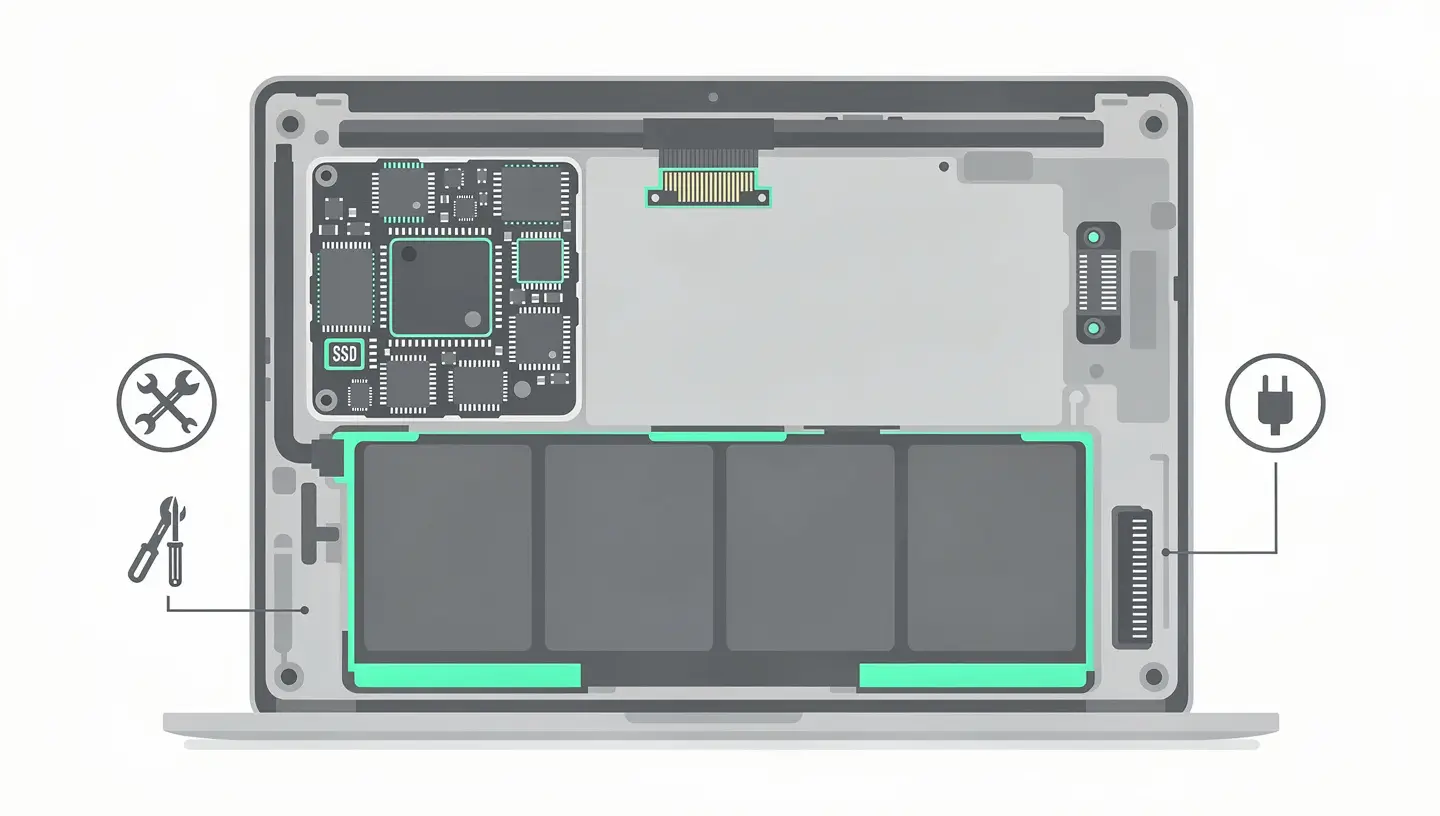
In terms of repairability, the MacBook Pro M4 follows the trend of previous generations: the memory and SSD are soldered to the motherboard, making post-purchase upgrades impossible. On the other hand, Apple has made it easier to replace the battery with an adhesive tab mechanism (instead of the permanent glue of previous models) and has made the screen easier to replace.
The most frequently replaced components remain accessible to independent repairers: battery, screen, keyboard (top case) and ports. At MAC repair, With a 180-day guarantee and professional quality parts, we work on all MacBook Pro M4 models. Visit diagnosis is free of charge if your MacBook Pro M4 has a problem.
In terms of durability, a well-maintained MacBook Pro M4 should remain fully functional for 7 to 10 years. The minimum 24GB of memory and the fast SSD ensure that it won't be rendered obsolete by a lack of resources like the older 8GB models. It's a long-term investment.
In terms of performance/range/screen ratio, the MacBook Pro M4 is hard to beat. Competing laptops (Dell XPS, Lenovo ThinkPad X1, HP ZBook) offer comparable CPU performance but with inferior battery life and a less integrated software ecosystem. Apple's premium price is justified by durability, high resale value and the quality of the overall experience.
For the majority of professionals (development, design, photography, standard video editing), 24 GB of unified memory is more than enough. Unified memory is more efficient than traditional RAM because it avoids copies between CPU and GPU. Opt for 48GB if you're working with virtual machines, 4K/6K multicam editing or large local AI models.
No. The memory and SSD are soldered to the motherboard and cannot be replaced or upgraded. This has been the case with all MacBooks since 2016. Choose your configuration carefully when you buy, anticipating your future needs.
Much less than the Intel generations. In everyday use, the MacBook Pro M4 remains quiet and cool. The fans are only activated during prolonged loads (video export, compilation, 3D rendering) and remain discreet. The standard M4 model is even quieter than the Pro and Max models thanks to its reduced power consumption.
Yes, Apple Intelligence is fully supported on all M4 models. AI features (text summarisation, writing tools, image creation, enhanced Siri) take advantage of the M4 chip's 16-core Neural Engine. A minimum of 24GB of memory ensures that these features run without slowing down other tasks.
Thunderbolt 5 (available on M4 Pro and M4 Max) doubles bandwidth to 80 Gbps (120 Gbps in unbalanced mode), compared with 40 Gbps for Thunderbolt 4. This means faster file transfers, support for 8K screens and greater compatibility with high-end docks and docking stations. The standard M4 remains in Thunderbolt 4, which is more than sufficient for most uses.
The GPU performance of the M4 Pro and M4 Max means you can comfortably play many titles in native resolution. Support for hardware ray tracing enhances compatible games. However, the catalogue of macOS games remains more limited than that of Windows. Solutions such as CrossOver and Whisky make it possible to run certain Windows games, and Apple's Game Porting Toolkit makes porting easier.
Under normal use (office, browsing, light development), the fans remain inactive and the MacBook Pro M4 is completely silent. Even under moderate load (photo editing, compilation), the noise is barely perceptible. Only sustained and prolonged loads (4K video export, 3D rendering) activate the fans at an audible but contained level.
After more than a year on the market, the MacBook Pro M4 is proving to be very reliable. The problems reported are minor: a few cases of speakers emitting unwanted noise (corrected by a macOS update) and occasional compatibility issues with certain third-party Thunderbolt docks. Nothing like the systemic problems of the butterfly keyboard generations.
Finally available, the MacBook Pro M5 impresses with its 2nm etching. It's the ultimate choice for boosting your productivity in 2026.


Over 15 years of Apple expertise in Brussels. Free, no-obligation quote and 180-day guarantee on repairs.