
The mid-2015 MacBook Pro (model A1398 in 15-inch, A1502 in 13-inch) occupies a special place in Mac history. For many users and professionals, it's the last «real» MacBook Pro - the one that offered a reliable scissor keyboard, full connectivity and the ability to replace the SSD without soldering to the motherboard.
When Apple launched the MacBook Pro 2016, the radical choices it made - Touch Bar, butterfly keyboard, removal of all ports in favour of exclusive USB-C - created an exodus to the second-hand market. Thousands of users kept or bought back a 2015 model, and this phenomenon continues to this day. Visit butterfly keyboard fiasco (2016-2019) has only reinforced this trend.
But in 2026, after more than 10 years of service for the first examples, the question is seriously raised: is it reasonable to continue using this machine, or is it time to turn the page?
| Features | MacBook Pro 13″ (A1502) | MacBook Pro 15″ (A1398) |
|---|---|---|
| Processor | Intel Core i5 dual-core 2.7-2.9 GHz (Broadwell) | Intel Core i7 quad-core 2.2-2.8 GHz (Haswell/Crystal Well) |
| RAM | 8 GB DDR3 1866 MHz (soldered) | 16 GB DDR3L 1600 MHz (soldered) |
| Storage | 128/256/512 GB SSD (replaceable) | 256/512 GB/1 TB SSD (replaceable) |
| Screen | Retina 2560×1600, IPS | Retina 2880×1800, IPS |
| GPU | Intel Iris Graphics 6100 | Intel Iris Pro + AMD Radeon R9 M370X (optional) |
| Connection | 2× Thunderbolt 2, 2× USB 3.0, HDMI, SD, MagSafe 2 | 2× Thunderbolt 2, 2× USB 3.0, HDMI, SD, MagSafe 2 |
| macOS max | macOS 12 Monterey | macOS 12 Monterey |
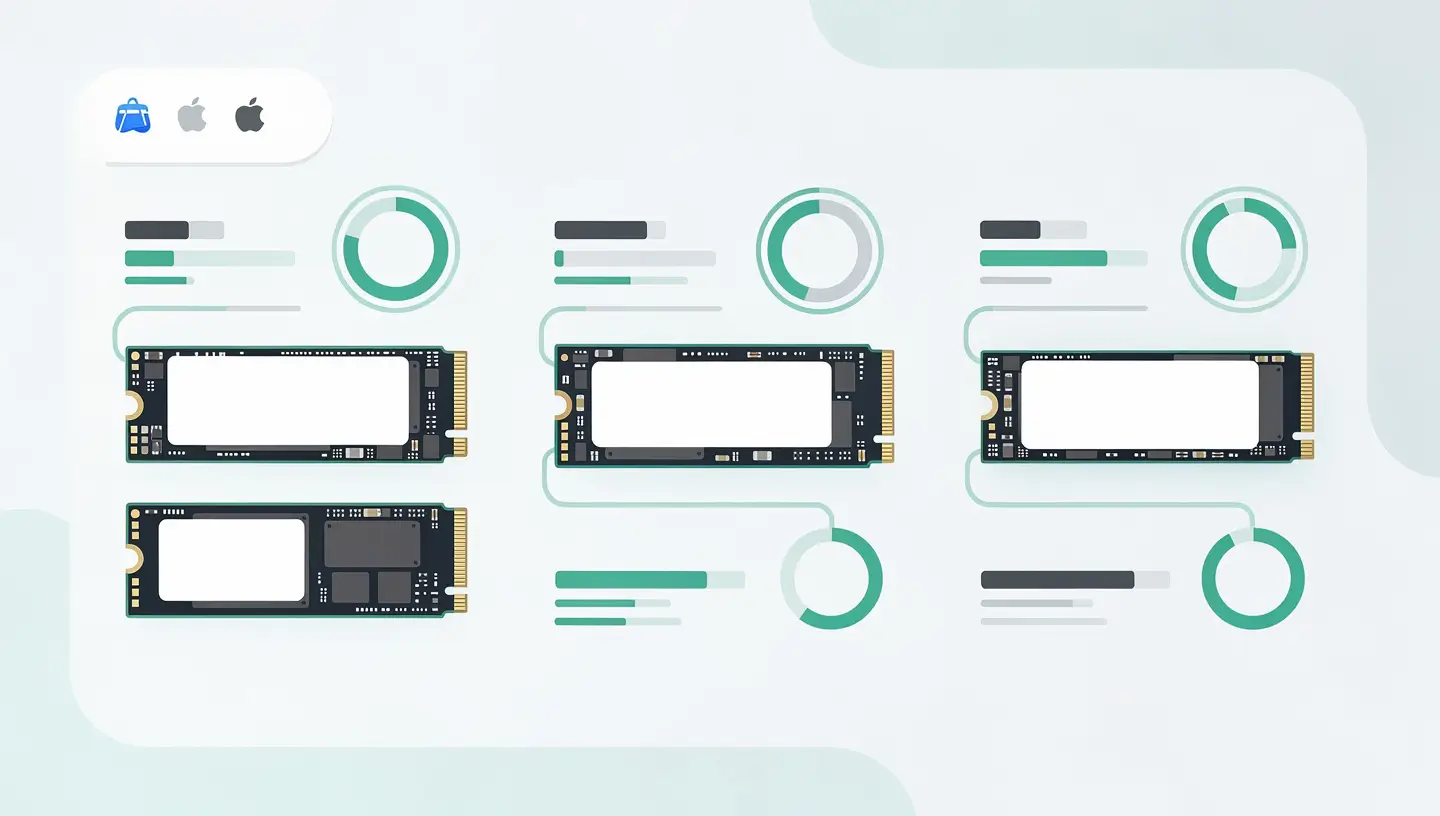
The crucial point to remember: the RAM is welded connector to the motherboard on both models and cannot be upgraded after purchase. The SSD, on the other hand, uses a proprietary Apple connector that accepts third-party NVMe adapters - the most impactful upgrade possible.
Despite its age, the MacBook Pro 2015 is still capable of comfortably handling several categories of tasks, especially after an SSD upgrade.
Office automation and web browsing Word processing, spreadsheets, presentations, email and web browsing with a few tabs open. With 8 GB of RAM, avoid exceeding 15 tabs in Safari or Chrome. With 16 GB (15-inch model), the margin is more comfortable.
Multimedia and streaming Netflix, YouTube (up to 1440p), Spotify, Apple Music - everything works without a hitch. Hardware H.264 video decoding is supported, but not hardware H.265 (HEVC), which can get warm when playing 4K video.
Lightweight development VS Code, Xcode (older versions), Terminal, Git - a web developer can still work on small projects. Compilations will be slower than with a current Mac, but are still feasible.
Connection It's the clincher. The MacBook Pro 2015 natively offers what users of recent MacBook Pros have to get via dongles: USB-A, HDMI, SD card reader, MagSafe. For amateur photographers and videographers, this is a real practical advantage.
Let's be frank: the MacBook Pro 2015 is showing its limitations in a number of areas that will become problematic in 2026.

The MacBook Pro 2015 is stuck at macOS 12 Monterey, released in 2021. Apple has stopped releasing security updates for Monterey, which means that vulnerabilities discovered since then are no longer corrected. For use involving sensitive data (online banking, business emails), this is a growing risk. According to Apple update policy, As a result, only the last two major versions of macOS receive regular security patches.
More and more applications require macOS Ventura (13) or Sonoma (14) as a minimum version. In 2026, some recent versions of web browsers, creative tools and productivity applications will no longer install on Monterey. This phenomenon is set to accelerate.
In terms of raw performance, the gap is huge. An entry-level MacBook Air M1 (available second-hand at very reasonable prices) outperforms the 2015 MacBook Pro 15″ in virtually every benchmark - CPU, GPU, energy efficiency. The M1 also offers two to three times the battery life. Our MacBook Air vs Pro comparison details these differences.
After 10 years, the original battery will probably have exceeded the recommended 1,000 charge cycles and its capacity will be significantly reduced. Autonomy may fall to 2-3 hours instead of the original 9-10 hours. A battery replacement is often necessary to continue using your MacBook on the move. See our complete MacBook battery guide to assess the condition of yours.
The MacBook Pro 2015 has WiFi 802.11ac (WiFi 5) and Bluetooth 4.0. It's functional, but the WiFi 6/6E and Bluetooth 5.3 of today's Macs offer much higher speeds and stability, especially in dense environments.
If you want to keep your MacBook Pro 2015 for a few more years, two upgrades will make all the difference.
| Upgrade | Impact | Estimated budget |
|---|---|---|
| NVMe SSD (via adapter) | Read/write speed multiplied by 2 to 4 compared with the original SSD. Faster start-up, more responsive applications, accelerated file transfers. | 60-150 (adapter + SSD) |
| Battery replacement | 8-10 hours of autonomy instead of 2-3 hours. Also eliminates the risk of a swollen battery. | Varies according to model |
| New thermal paste | Reduces temperatures by 5 to 15°C, reduces fan noise and prevents processor throttling. | Included in a professional interview |
L’SSD upgrade is by far the most cost-effective investment. A 500GB or 1TB NVMe SSD with an M.2 adapter to Apple's proprietary connector literally transforms everyday performance. The MacBook Pro 2015 is one of the last models where this is possible without soldering - take advantage of it.
Being stuck on macOS Monterey is the main obstacle to using the MacBook Pro 2015 in 2026. Several options exist to get around this limitation, each with its compromises.
This open source project lets you install recent versions of macOS (Ventura, Sonoma, even Sequoia) on Macs that are not officially supported. The installation works and performance is fair to good, but some features may not be fully operational (partial GPU acceleration, unstable AirDrop). Security updates require you to go through OCLP each time, which requires a minimum of technical skill.
Installing Ubuntu, Fedora or Linux Mint on the MacBook Pro 2015 gives it a complete second life with a modern, secure and high-performance system. Hardware support is excellent on this model (WiFi, Bluetooth, trackpad, retina - everything works). It's the best option for those who don't need macOS-exclusive applications. A dual boot is also an option if you want to keep macOS in parallel.
The simplest option. macOS Monterey remains functional for the majority of everyday tasks. Install a recent web browser (Firefox and Chrome continue to support Monterey for the time being) and a good security software to compensate for the lack of system updates.
In 2026, the MacBook Pro 2015 can be found on the second-hand market for between €200 and €500, depending on configuration and condition. Is it a good investment?

For a very tight budget (student, secondary machine, basic office use), the 15-inch model with 16 GB RAM and an upgraded SSD remains a viable option. Check the number of battery cycles (less than 500 is ideal, over 800 you should consider a replacement) and the condition of the screen (lines, spots, excessive reflections due to the degrading anti-reflective coating - known as «staingate»).
For the same budget, And consider a second-hand MacBook Air M1 (2020), which now costs between £400 and £600. It offers superior performance, up-to-date macOS, a new or slightly worn-out battery, and software support for at least another 4-5 years. Unless the connectivity of the 2015 is essential, the M1 is objectively the best choice in 2026.
If you're thinking of selling your old Mac before or after you buy it, take a look at our article on how to sell your old Mac to get the best price. We also offer a Mac buyback in Belgium.
Here are the signs that it's time to upgrade to a newer Mac:
| Warning signal | Explanation |
|---|---|
| Your browser is no longer updated | When Firefox and Chrome stop supporting Monterey, security flaws become impossible to correct. |
| Your business applications are no longer installed | If the tools you depend on every day require macOS Ventura or later, the workaround is no longer viable. |
| The battery is swollen | Security risk. Assess whether the cost of replacing the battery is justified in relation to the purchase of a recent Mac. |
| The repairs are piling up | Battery + SSD + thermal paste + possibly screen or keyboard - when the total exceeds €300-400, a recent second-hand Mac makes more sense. |
| You need modern performance | 4K video editing, recent iOS development, machine learning, games - the 2015 MacBook Pro just doesn't cut it anymore. |
If you decide to keep your MacBook Pro 2015, a preventive maintenance regular maintenance (internal cleaning, battery check, thermal paste replacement) will extend its life in the best possible conditions. And if you opt for a replacement, our’migration assistance makes it easy to transfer to a new Mac.
Not officially. Apple has limited support to macOS 12 Monterey. However, OpenCore Legacy Patcher (OCLP) allows you to install more recent versions of macOS unofficially, with some compromises on certain features. It's a viable solution for computer-savvy users.
No. The RAM is soldered to the motherboard on all Retina MacBook Pros since 2012. The amount of RAM is as configured at the time of purchase: 8GB for the basic 13-inch model, 16GB for the 15-inch. This is a definitive limitation that cannot be circumvented.
The MacBook Pro 2015 uses a proprietary Apple SSD connector. You have two options: an original Apple SSD (more expensive, from a donor Mac) or a standard NVMe M.2 SSD with an adapter (better value). For detailed advice, see our guide to’upgrade SSD Mac.
For front-end web development (HTML, CSS, JavaScript), yes - provided you have the 16GB RAM model and a fast SSD. For heavy back-end development, Docker, or iOS development with recent Xcode, performance will be insufficient. Swift compilations and iOS simulations are particularly slow.
Prices vary according to model and condition. A 13-inch with 8GB of RAM will fetch between €200 and €300. A 15-inch with 16GB and a dedicated GPU will fetch between €350 and €500 in good condition. A new battery, a recent SSD and good cosmetic condition will push up the price. Always check the number of battery cycles and the condition of the screen before you buy.
The overall reliability of the MacBook Pro 2015 is excellent - one of the reasons for its longevity. Known weak points are the battery (normal wear and tear after 1,000 cycles), the screen's anti-reflective coating (staingate) and the SSD flex cables on the 13-inch model. The scissor keyboard and mechanical trackpad are very durable.
For the majority of users, the MacBook Air M1 is the best choice: superior performance, up-to-date macOS, better battery life and guaranteed software support for several years. The MacBook Pro 2015 is only justified if you absolutely need its native connectivity (USB-A, HDMI, SD) or if your budget is really limited (under £300).
Apple's free staingate replacement programme has long since expired for 2015 models. Two solutions remain: complete removal of the coating (with a specific product, leaving a shiny but clean screen) or replacement of the LCD panel. A professional repairer can carry out both operations.
Technically yes, but with limitations. H.264 4K decoding works with a moderate CPU load. On the other hand, HEVC (H.265) 4K videos are decoded by software (no hardware support), which heats up the CPU and can cause jerks. For YouTube streaming, limit the resolution to 1440p for smooth playback.
Yes, Boot Camp remains fully functional on the MacBook Pro 2015. You can install Windows 10 (or Windows 11 with a few adjustments) in dual boot alongside macOS. In fact, this is one of the advantages of this Intel model over Apple Silicon Macs, on which Boot Camp no longer exists. See our article on the dual boot Mac and Windows.


Over 15 years of Apple expertise in Brussels. Free, no-obligation quote and 180-day guarantee on repairs.