Apple currently offers three ranges of notebooks: the MacBook Neo (entry-level with A18 Pro chip), the MacBook Air (mid-range with M4 or M5 chip) and the MacBook Pro (top-of-the-range with M5, M5 Pro or M5 Max chip). This comparison focuses on the most common choice: Air or Pro? In 15 years of repairs at MAC Repair in Brussels, this is the question our customers ask us most often before making a purchase.
This is the first difference you'll feel in your day-to-day life, especially if you're carrying your Mac in a rucksack.
| Features | MacBook Air 13″ | MacBook Air 15″ | MacBook Pro 14″ | MacBook Pro 16″ |
|---|---|---|---|---|
| Weight | 1.24 kg | 1.51 kg | 1.55 kg | 2.14 kg |
| Thickness | 1.13 cm | 1.15 cm | 1.55 cm | 1.66 cm |
| Fan | None (liabilities) | None (liabilities) | Yes (active) | Yes (active) |
| Colours | 4 (Midnight, Starlight, Sidereal Grey, Silver) | 4 (idem) | 2 (Sidereal Black, Silver) | 2 (idem) |
The MacBook Air 13″ is the king choice for mobility: 300 grams lighter than the Pro 14″ and almost half a centimetre thinner. Its lack of a fan means quiet 100 % operation, but also a slowdown under intense prolonged load (known as thermal throttling).
This is probably the most visible (literally) difference between the two ranges, and the one that most justifies the price differential.
| Screen feature | MacBook Air | MacBook Pro |
|---|---|---|
| Technology | IPS LCD (Liquid Retina) | Mini-LED (Liquid Retina XDR) |
| Refresh rate | 60 Hz | 120 Hz adaptive (ProMotion) |
| Maximum brightness | 500 nits | 1600 nits (HDR) |
| Contrast | Standard | Deep black (zone backlighting) |
| HDR | No | Yes (Dolby Vision, HDR10) |
| Size | 13.6″ or 15.3″ | 14.2″ or 16.2″ |
The MacBook Pro screen is objectively superior in every way. The 120Hz makes scrolling and animations significantly smoother. Mini-LED delivers near-perfect blacks and three times the brightness, ideal for outdoor work or HDR content. For a photographer, videographer or graphic designer, this difference is significant. For office and web use, the MacBook Air screen remains excellent.
With the arrival of the M5 chips in 2025-2026, the gap in raw performance between Air and Pro has narrowed considerably for everyday tasks.
| Chip | Available in | CPU cores | GPU cores | RAM max | Typical use |
|---|---|---|---|---|---|
| M4 | MacBook Air (2025) | 10 | 10 | 32 GB | Office, web, photo, light dev |
| M5 | MacBook Air and Pro (2026) | 10 | 10 | 32 GB | Same as M4 with 15-20 % gain |
| M5 Pro | MacBook Pro only | 12-14 | 18-20 | 48 GB | 4K video editing, development, light 3D |
| M5 Max | MacBook Pro only | 14-16 | 32-40 | 128 GB | 8K editing, heavy 3D, ML, science |
The key point: for 95 % everyday tasks (web browsing with 30 tabs, Office suite, Photoshop on standard files, compiling code, video conferencing), the M4/M5 chip in the MacBook Air offers almost identical performance to the same chip in the MacBook Pro. The difference is in sustained loads: the Pro's active cooling system allows the chip to maintain its maximum performance for hours, whereas the Air reduces its frequency after 10-15 minutes of intensive charging to avoid overheating.
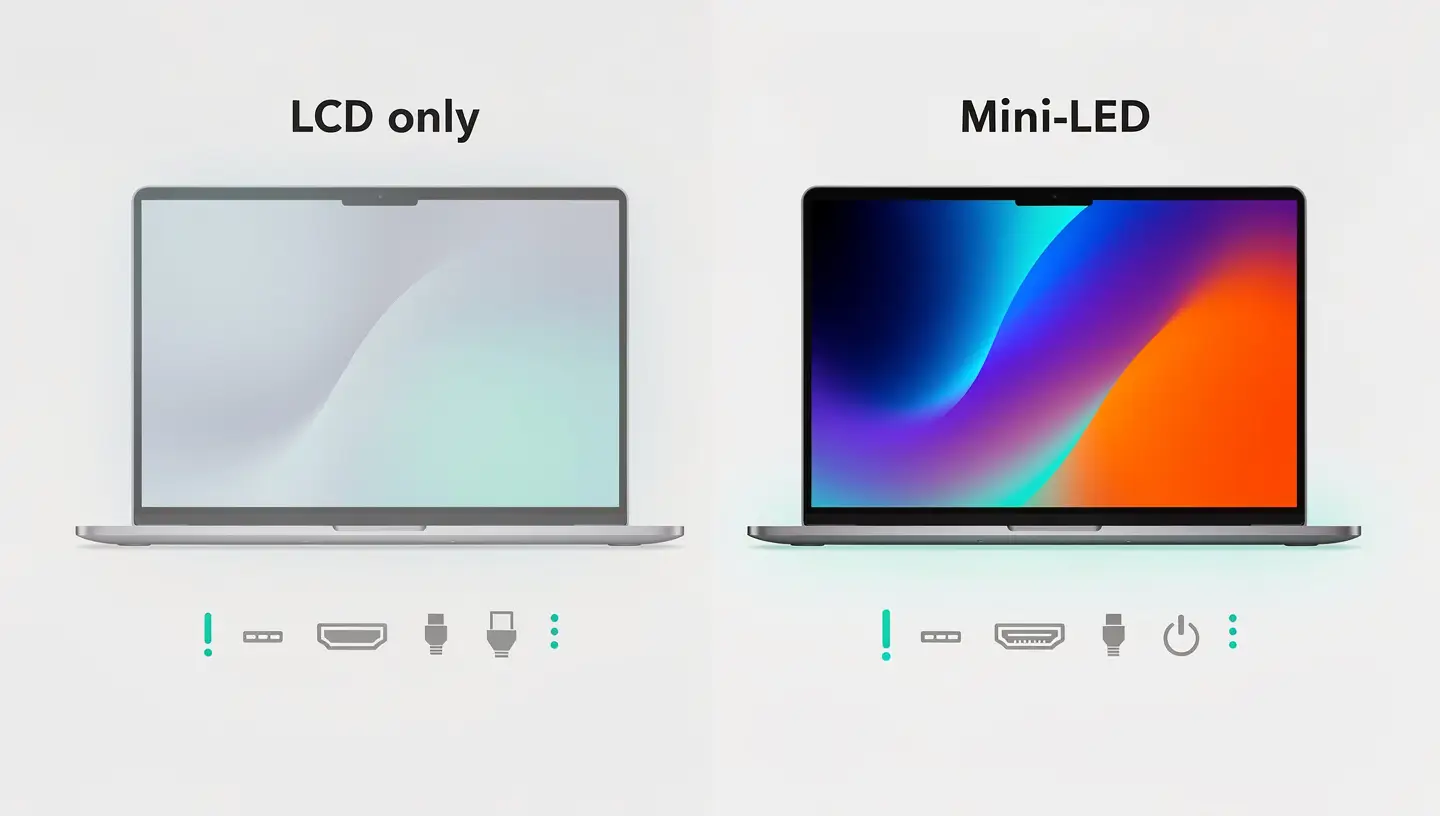
Apple claims generous battery life for both ranges, but the actual figures vary according to usage.
| Model | Claimed autonomy (video) | Actual range (mixed use) |
|---|---|---|
| MacBook Air 13″ M5 | 6 p.m. | 10-14 hours |
| MacBook Air 15″ M5 | 6 p.m. | 11 a.m. to 3 p.m. |
| MacBook Pro 14″ M5 | 24 hours | 2 - 6 p.m. |
| MacBook Pro 16″ M5 Pro | 24 hours | 15-20 hours |
The MacBook Pro offers much longer battery life thanks to its larger battery (made possible by its thicker chassis). If you often work far from an outlet, this is a real advantage of the Pro. However, the MacBook Air's 10-14 hours are more than enough for a full day's work.
| Port | MacBook Air | MacBook Pro 14″/16″ |
|---|---|---|
| Thunderbolt 4 / USB-C | 2 ports | 3 ports |
| MagSafe 3 | Yes | Yes |
| HDMI | No | Yes (HDMI 2.1) |
| SD card reader | No | Yes (SDXC) |
| Audio jack | Yes (3.5 mm) | Yes (3.5 mm, high impedance) |
| External screens supported | 1 (2 with lid closed) | Up to 3 (depending on chip) |
The MacBook Pro's integrated HDMI and SD card reader are real advantages for photographers and presenters who regularly connect an external screen or import photos from a device. For the MacBook Air, a USB-C adapter costing €30-50 makes up for this absence, but it's just one more accessory to carry around.
| Configuration | Apple Store price (2026) | Our opinion |
|---|---|---|
| Air 13″ M5 16 GB / 256 GB | From €1,199 | Sufficient for office use, but just 256 GB |
| Air 13″ M5 16 GB / 512 GBOur recommendation | From €1,429 | The best value for money in the range |
| Air 15″ M5 16 GB / 512 GB | From €1,729 | Big screen without the Pro price tag |
| Pro 14″ M5 16 GB / 512 GB | From €1,899 | Pro input: Mini-LED screen and ports |
| Pro 14″ M5 Pro 24 GB / 512 GB | From €2,399 | For creative professionals |
| Pro 16″ M5 Pro 24 GB / 512 GB | From €2,899 | Big screen pro, video editing |
| User profile | Recommended model | Why |
|---|---|---|
| Student | MacBook Air 13″ M4/M5 | Lightweight, silent, autonomous, educational price (-10 %) |
| Office and web | MacBook Air 13″ M5 | More than enough power, better value for money |
| Photographer | MacBook Pro 14″ M5 | Mini-LED screen for colour fidelity, SD reader |
| Video editor | MacBook Pro 16″ M5 Pro | Large screen, 24GB+ RAM, sustained performance |
| Developer | MacBook Air 15″ or Pro 14″ M5 | Air sufficient for most, Pro for large projects |
| Musician / audio producer | MacBook Pro 14″ M5 Pro | CPU power for plugins, high impedance jack |
| Nomad / traveller | MacBook Air 13″ M5 | The lightest, quietest in meetings, excellent battery life |
| 3D / engineering | MacBook Pro 16″ M5 Max | Powerful GPU, up to 128 GB of unified RAM |
This is an aspect often overlooked in comparisons, but crucial when you're investing between €1,200 and €3,000. At Réparation MAC, we repair both ranges on a daily basis, and here's what we find.
| Repairability criteria | MacBook Air | MacBook Pro |
|---|---|---|
| RAM | Soldered (non-upgradeable) | Soldered (non-upgradeable) |
| SSD | Welded (non-upgradeable) | Welded (non-upgradeable) |
| Battery | Glued, replaceable in the workshop | Glued, replaceable in the workshop |
| Screen | Possible replacement | Possible replacement (more expensive, Mini-LED) |
| Keyboard | Scissor mechanism (reliable) | Scissor mechanism (reliable) |
| Average lifespan | 5-8 years | 6-10 years |
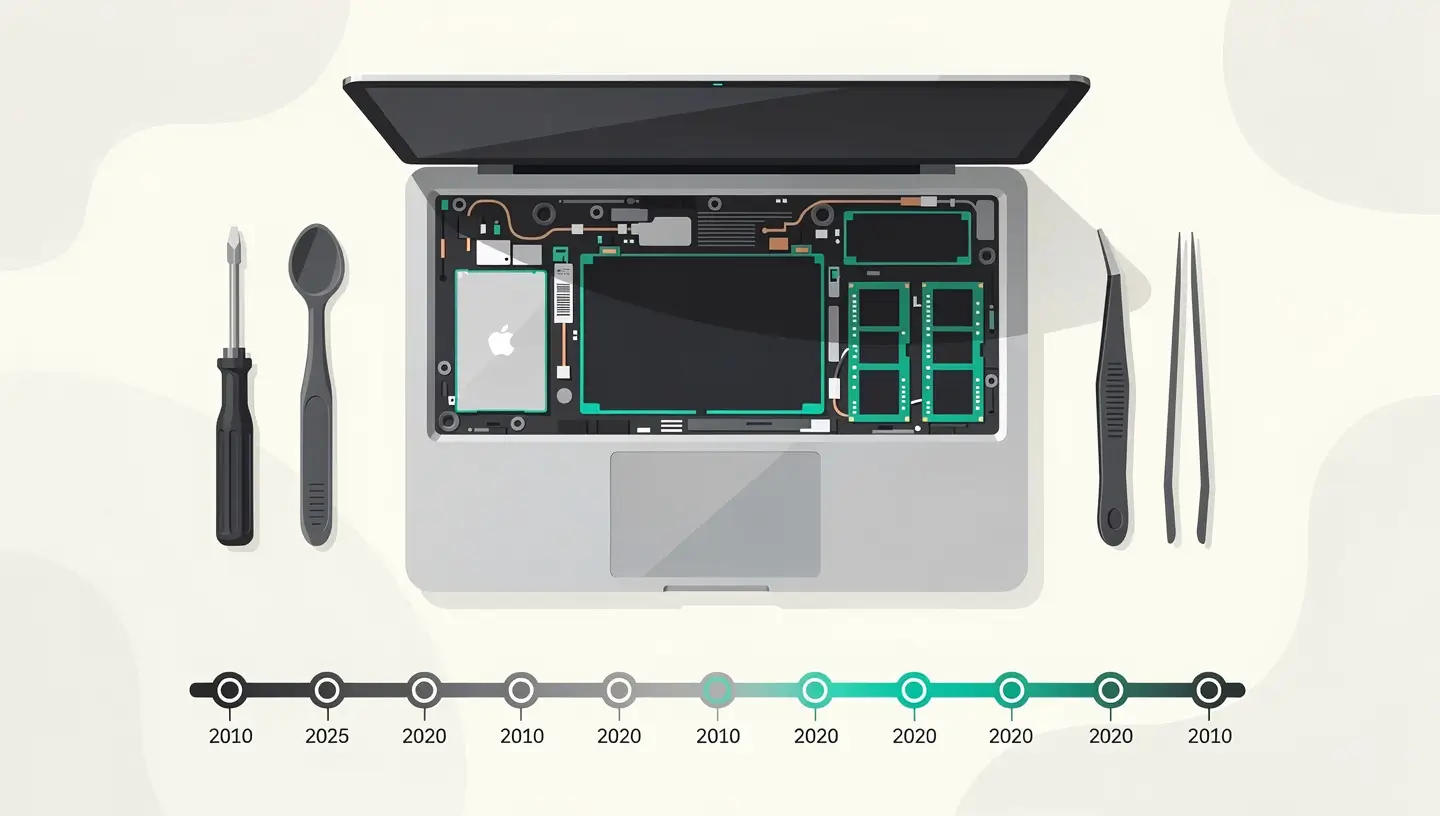
Both ranges use soldered components (RAM, SSD), which makes upgrades impossible after purchase. That's why it's crucial to choose the right configuration from the outset, especially RAM and storage. If your MacBook is showing signs of weakness, a free diagnosis in our workshop can determine whether a repair is more cost-effective than a replacement. To compare the detailed specs of each model, visit the official Apple comparator.
Yes, for the vast majority of jobs. MacBook Air handles office automation, the web, video conferencing, collaborative tools, light to medium development, photo editing and even occasional 1080p video editing perfectly. Only professionals working daily in 4K/8K, 3D or intensive music production really need a Pro.
With the same M5 chip, performance is virtually identical for short tasks (photo export, quick compilation, web browsing). The difference appears on prolonged loads: the Pro's active cooling system maintains maximum performance continuously, while the Air reduces its frequency after 10-15 minutes of intense load to manage the heat.
The MacBook Air 13″ is the ideal choice for a student: it's the lightest (1.24 kg), totally silent (no fan in class or in the library), offers 10-14 hours of autonomy and benefits from an education discount of around 10 % on the Apple Store. The 16GB / 512GB model is the recommended configuration if you don't want to run out of space over 4-5 years of study.
In 2026, all MacBook Air and Pro models will start with 16GB of RAM, Apple having abandoned the 8GB configuration. That's a comfortable minimum for the next few years. If you do video editing, 3D or development with virtual machines, opt for 24GB (Pro) or 32GB if available. As the RAM is soldered in, it is impossible to increase it after purchase.
No, not in everyday use. The MacBook Pro's fans are inaudible during office use, web browsing and videoconferencing. They are only activated during intensive tasks (video export, 3D rendering, heavy compilation) and remain discreet. If your MacBook Pro is constantly making noise, even when idle, it's a sign of a problem (dust build-up, blocked process) that needs to be investigated. diagnostic.
Yes, the MacBook Air M4/M5 supports an external display via USB-C/Thunderbolt (you need a USB-C to HDMI cable or an adapter). With the lid open, only one external display is supported. With the lid closed and an external keyboard/mouse, two displays can be connected. MacBook Pro supports up to 3 displays depending on the chip (M5 Pro/Max).
The MacBook Air M4/M5 handles Photoshop and Lightroom perfectly for standard photo editing. But the MacBook Pro's Mini-LED display offers far superior colour fidelity and contrast, which is important for professional photographers. If colour accuracy is critical to your work, the Pro is worth the investment. Otherwise, the Air is more than enough.
Both ranges offer excellent longevity: 5-8 years for an Air and 6-10 years for a Pro. Lifespan depends above all on the configuration chosen at the time of purchase (RAM and storage sufficient for future needs) and maintenance. A battery replacement after 3-4 years significantly extends the lifespan of both models.
These are two different philosophies at the same price (around €1,700-1,900). The MacBook Air 15″ offers a large LCD screen, silent operation and a contained weight (1.51 kg). The MacBook Pro 14″ offers a smaller screen but Mini-LED 120 Hz, extensive connectivity (HDMI, SD) and sustained performance. Choose the Air 15″ if you prefer screen size and silence, the Pro 14″ if you want the best display and ports.
At Réparation MAC in Berchem-Sainte-Agathe, we repair all models of MacBook Air and MacBook Pro since 2010: replacement of battery, screen, keyboard, motherboard, data recovery. Free diagnosis within 24 hours, professional-quality parts and 180-day guarantee on all repairs.
Over 15 years of Apple expertise in Brussels. Free, no-obligation quote and 180-day guarantee on repairs.