

Apple does not give an official lifespan for its Macs, but experience in the field gives reliable indications. A desktop Mac (iMac, Mac mini, Mac Pro) lasts an average of 7 to 10 years before a major breakdown or software obsolescence renders it unusable. A MacBook, subject to the vagaries of transport and the battery, typically lasts 6 to 9 years - with a battery replacement around the fifth year.
Service life can be measured in two ways. Hardware: how long do the physical components remain functional. Software: how long can the Mac run a macOS that is still supported by Apple and compatible with current applications. In practice, it is often software obsolescence that «kills» a Mac before it reaches the end of its hardware life - a Mac that is perfectly functional but unable to run a recent macOS becomes a security risk.
Apple Silicon Macs have an advantage in this respect: their common architecture with the iPhone and iPad suggests that they will have software support for at least 7 to 8 years, if not more. A Mac M1 purchased in 2020 should receive macOS updates until at least 2027-2028.
The battery is the component that ages the fastest on a MacBook. Apple considers that a battery has reached the end of its life after around 1,000 full charge cycles (one cycle = 100 % of capacity used, not necessarily in a single charge). With moderate daily use, this represents 3 to 5 years. But simple habits can extend this considerably.
In System Settings → Battery → Battery status, activate Optimised battery charging. macOS learns your charging habits and delays the switch from 80 % to 100 % until you need full autonomy. The 20-80 % range is where a lithium-ion battery ages the least.
For a full diagnosis of the state of your battery and solutions if it shows signs of weakness, consult our guide MacBook battery discharges quickly and our article MacBook battery: complete guide.

Each macOS update brings security patches, performance optimisations and bug fixes. Delaying a security update exposes your Mac to known vulnerabilities. Enable automatic updates in System Settings → General → Software Update and never postpone critical security updates.
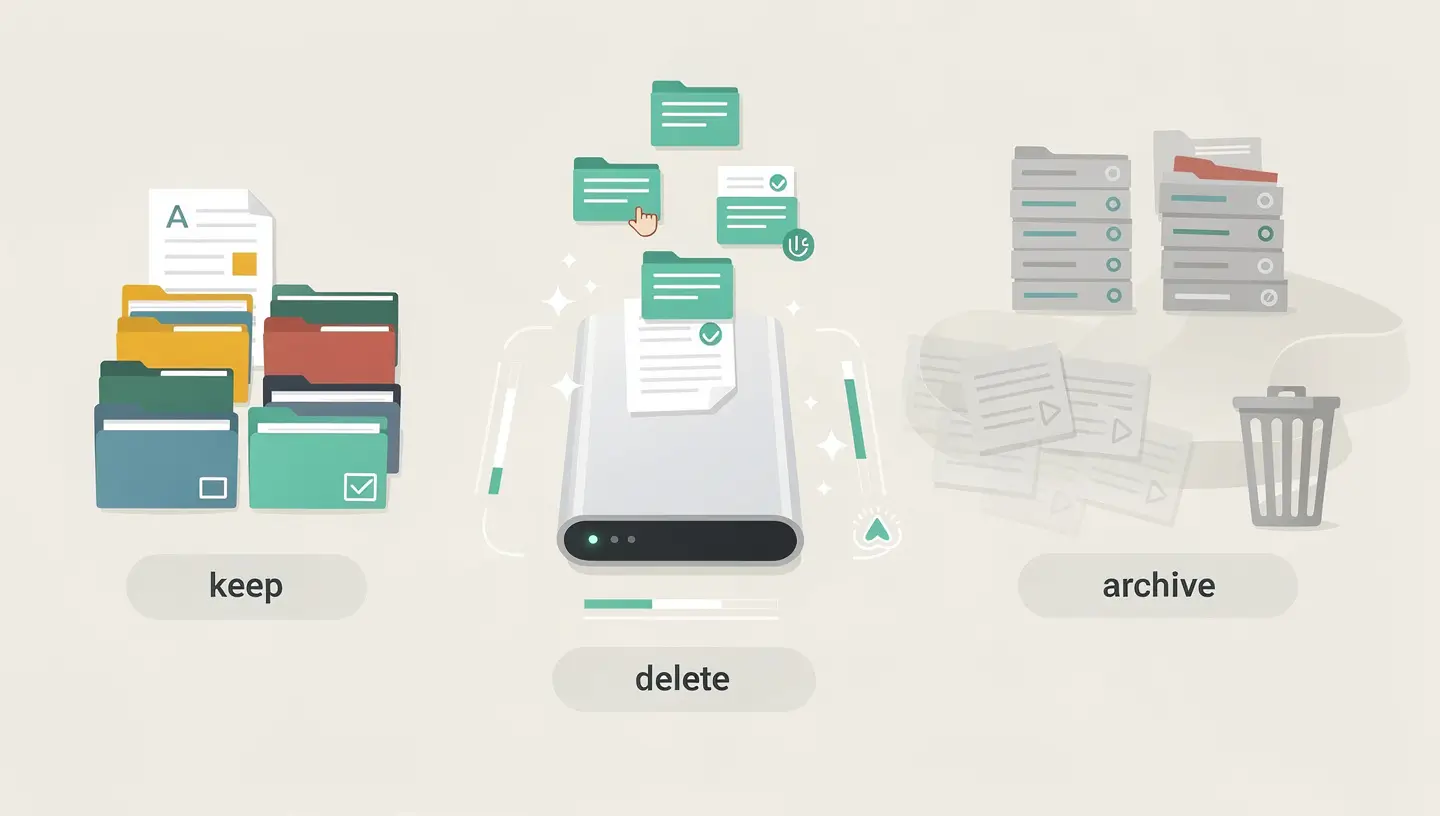
A nearly full disk is the number one cause of slowdown on the Mac. macOS uses free space for virtual memory (swap), temporary files and caches. Keep at least 15 to 20 % of your disk free. If your Mac is slowing down, first check the available space (Apple menu → About this Mac → Storage). Consult our guides cleaning your Mac and save space on your Mac for cleaning methods.
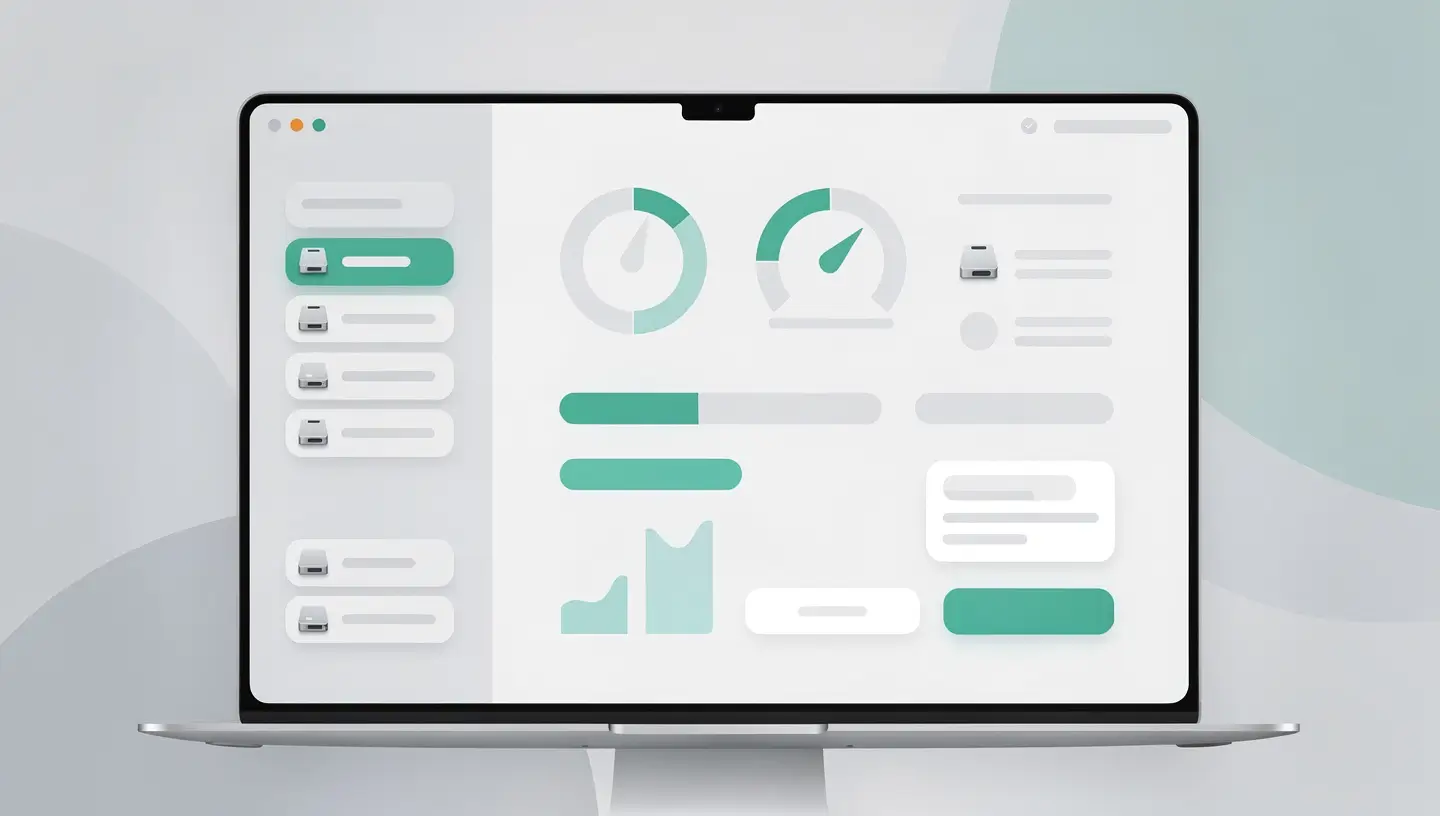
Too many applications that launch on startup slow down the Mac and consume resources all the time. Go to System Settings → General → Open and remove applications that don't need to start automatically. The Activity Monitor (Applications → Utilities) shows you in real time which processes are consuming the most CPU and memory.
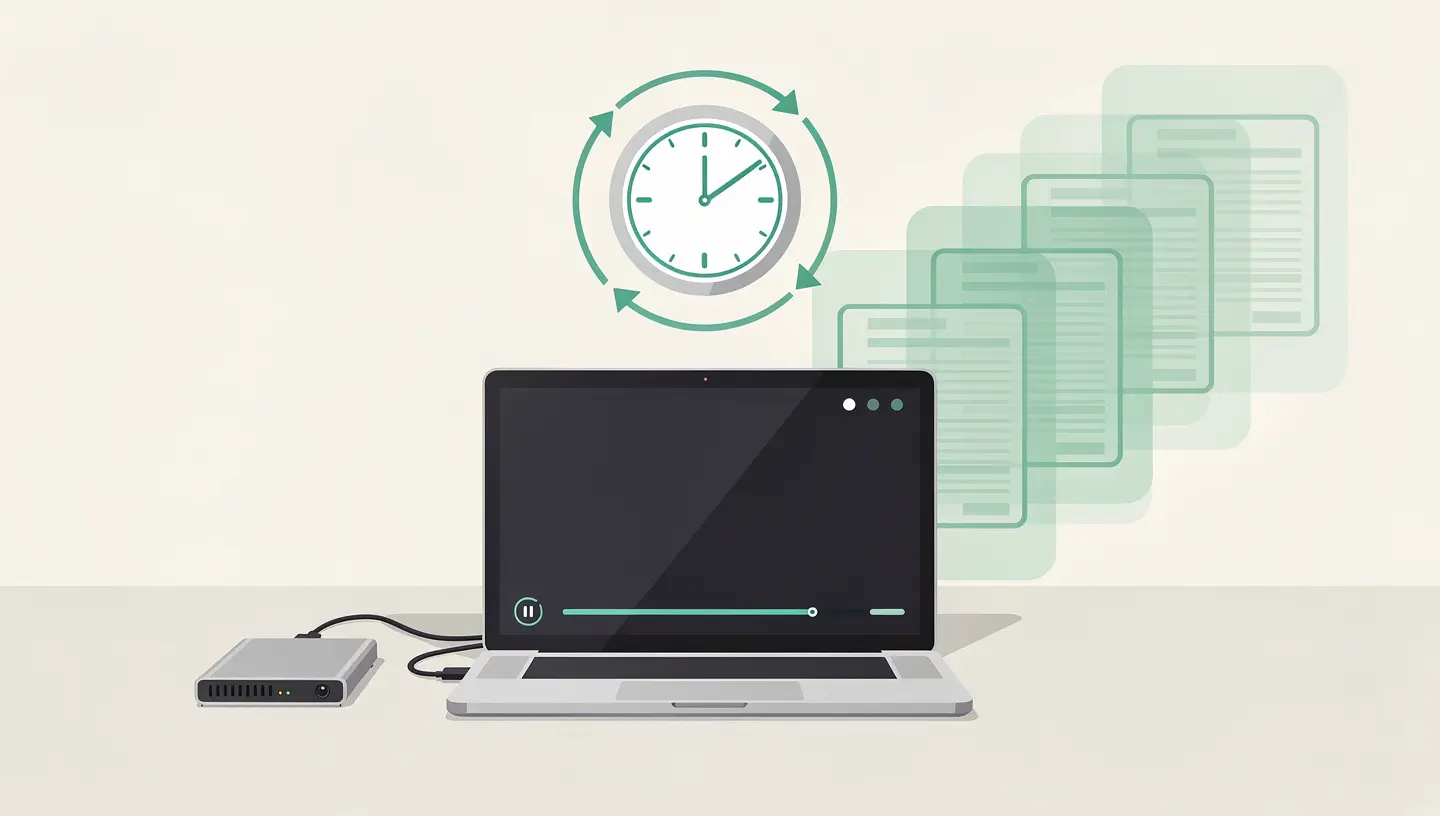
If your Mac has been in use for years and its performance has deteriorated despite cleaning, a clean reinstall of macOS can give it a second lease of life. Back up with Time Machine, wipe the disk and reinstall macOS from Recovery mode, then restore your data. See our guide reset Mac for the full procedure.
Physical damage - drops, water damage, broken hinges - is the number one cause of premature replacement of a MacBook. An investment of just a few dozen euros in protective accessories can avoid a repair costing several hundred euros.
| Accessory | Protection against | Indicative cost | Importance |
|---|---|---|---|
| Carrying case | Shocks and scratches during transport | 15 - 40 € | Indispensable |
| Rigid shell | Scratches and minor everyday knocks | 20 - 50 € | Recommended |
| Keyboard cover | Dust, crumbs, marks on the screen (MacBook closed) | 10 - 20 € | Useful |
| Support/booster seat | Overheating (better ventilation), posture problems | 20 - 60 € | Recommended for office use |
On models that allow it, a targeted hardware upgrade can transform an «obsolete» Mac into a perfectly functional machine for several more years.
Replacing a mechanical hard disk drive (HDD) with an SSD is the best possible upgrade for an old Mac. Boot time is reduced from 2 minutes to 15 seconds, applications launch instantly and overall responsiveness is transformed. This is particularly relevant for 2012-2019 iMacs and pre-2013 MacBook Pros. Full guide : upgrade SSD Mac.
Upgrading from 4 or 8 GB to 16 GB of RAM means you can keep several applications open simultaneously without slowing down. Compatible with iMac 27″ 2012-2020, Mac mini 2012, MacBook Pro pre-2013 and Mac Pro. Full guide: RAM upgrade Mac.
A new battery will give your MacBook full autonomy for a further 3 to 5 years, at a much lower cost than a new Mac. At Réparation MAC, we use professional quality batteries with a 180-day guarantee.

There are certain signs that a Mac is approaching the end of its useful life - and that a repair is no longer the wisest choice.
When replacement becomes unavoidable, our Mac buyback take back your old Mac at a fair price, and our guide sell your old Mac explains how to maximise its resale value. For an ecological approach, see also our article recycle your Mac in Belgium.
Just 30 minutes' maintenance a year is all it takes to keep your Mac in good health. Here are the things to check every year.
| Check | How to | Frequency |
|---|---|---|
| macOS update | System settings → Software update | As soon as available |
| Free disk space | About this Mac → Storage (target 15-20 free %) | Monthly |
| Battery status | System settings → Battery → Battery status | Annual |
| Time Machine backup | Check that the backup is recent and complete | Monthly |
| Start-up applications | System Settings → General → Opening | Annual |
| Cleaning the Downloads and Recycle Bin | Finder → ~/Downloads + Empty Trash | Monthly |
| Disk status (S.M.A.R.T.) | Disk utility → Select disk → S.O.S. | Annual |
| Physical cleaning | Microfibre cloth for screen and keyboard | Weekly |
For more in-depth maintenance - internal cleaning, thermal checks, full diagnostics - our’Mac preventive maintenance covers all these aspects with a 180-day guarantee. Apple also supplies its own tips for maximising battery life.
A MacBook lasts on average 6 to 9 years, a desktop Mac 7 to 10 years. Apple Silicon Macs, thanks to their thermal efficiency and extensive software support, could last even longer. The limiting factor is often software obsolescence (end of macOS updates) rather than hardware failure.
No, thanks to macOS' intelligent battery management. Optimised charging limits the charge to 80 % when the Mac detects that it's been plugged in for a long time. You can also manually enable the 80 % limit in the battery settings on newer MacBooks. Leaving the MacBook plugged in is preferable to frequent charge-discharge cycles.
The main signals: macOS is no longer supported, persistent slowness despite optimisations, multiple hardware failures, frequent kernel panics, or repair costs exceeding the residual value of the Mac. A free diagnosis can help you assess the situation.
A 5-year-old Mac is generally mid-life and worth repairing, especially if it's an Apple Silicon or a recent Intel with a good specification. A battery replacement (€80-200) or SSD upgrade (€100-250) is much cheaper than a new Mac (€1,200 minimum). The question is different for an 8-10 year old Mac that no longer receives updates.
Not significantly. macOS handles sleep modes very well and modern SSDs don't have moving parts that wear out. Putting the MacBook to sleep with the lid closed is perfectly fine for everyday use. A weekly reboot is recommended to clear memory and reset system processes, but daily shutdowns are not necessary.
Each new version of macOS brings with it additional features that can make greater demands on resources. However, Apple also optimises performance with each update. In general, a Mac with sufficient RAM (8GB minimum, 16GB recommended) and an SSD does not suffer any noticeable slowdown with updates. If your Mac slows down after an update, the problem is often a lack of RAM or disk space.
Use a slightly damp microfibre cloth (water only, never any cleaning product on the screen) for the screen and chassis. For the keyboard, turn the MacBook over 75° and use compressed air from a spray can. Never spray liquid directly onto the Mac. For internal cleaning (dust on the fans), contact a technician.
Yes, excessive and prolonged heat accelerates the ageing of all components, particularly the battery and the motherboard capacitors. Ensure good ventilation, avoid very hot environments and clean the fans periodically. If your Mac overheats abnormally, consult our article Mac overheating.
Apple does not offer a formal preventive maintenance service in its Apple Retail Stores. Support focuses on diagnosing and repairing existing problems. For proactive maintenance - internal cleaning, thermal checking, software optimisation, preventive diagnostics - an independent repairer is the best option.
This has been our speciality since 2010. With over 15 years' experience, we carry out SSD and RAM upgrades, battery replacements, internal clean-ups, macOS reinstallations and full diagnostics. Every job is covered by a 180-day guarantee. Take appointment for a full assessment of your Mac.


Over 15 years of Apple expertise in Brussels. Free, no-obligation quote and 180-day guarantee on repairs.